
Office Network Cabling Contractor in Malaysia
Network Cabling &
WiFi Installation
Your office network — designed, cabled, and connected by one team. We handle LAN cabling, structured wiring, router setup, and WiFi access point installation in a single job. Fast turnaround, transparent pricing, zero subcontractors.
24/7 Support · MY: +60384081397 · SG: +6586605216
100+
Languages
10,000+
Clients Served
21+
Years Experience
PM-led
Project-Managed
Trusted by corporations, SMEs, and government agencies
Perkhidmatan pemasangan kabel rangkaian, WiFi dan access point untuk pejabat di seluruh Malaysia.
Complete Office Network Setup
One Team, One Bill — From Cabling to Connectivity
Eliminate the hassle of coordinating multiple vendors. We handle everything in a single engagement.
Most offices deal with three separate vendors — one for cabling, one for hardware, and one for configuration. That means three quotes, three timelines, and endless finger-pointing when something doesn't work. We eliminate that complexity entirely. From the first cable pull to the last access point going live, one team handles everything.
Our network cabling Malaysia service covers the complete spectrum of office connectivity needs. Whether you're moving into a new office, upgrading an aging infrastructure, or expanding to additional floors, we design and implement solutions that just work. We install and configure all major networking brands including Ubiquiti UniFi, TP-Link Omada, Peplink, MikroTik, Cisco, Aruba, Ruijie, D-Link, Netgear, Zyxel, Tenda, and Mercusys. Whether you already have equipment or need us to supply it, our certified technicians ensure proper installation and optimal configuration.
What sets our office network setup service apart is our commitment to transparency and accountability. When you work with us, you receive a single quote that covers everything: cables, faceplates, patch panels, routers, switches, access points, configuration, testing, and documentation. No surprise add-ons. No "that wasn't included" conversations. One price, one team, one point of contact from start to finish.
What We Deliver
Complete Network Infrastructure in One Job
Every component needed for a fully operational office network
Our Services
Professional Network Cabling Services
From copper to fiber, WiFi to server rooms — comprehensive infrastructure solutions for Malaysian businesses
Structured Cabling
TIA/EIA-568 compliant structured cabling systems for offices, data centers, and commercial buildings. Certified testing and full documentation.
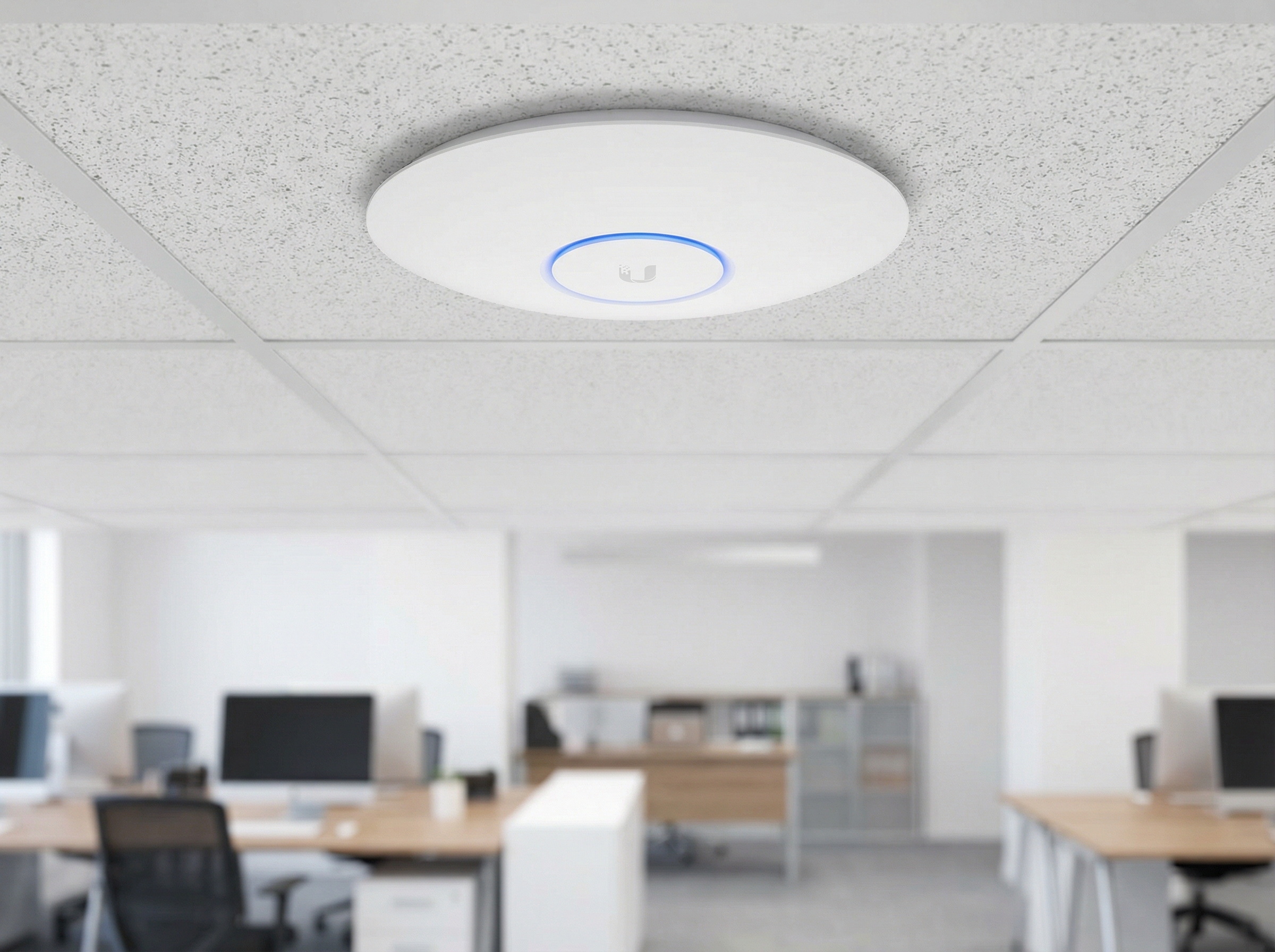
WiFi Access Point Installation
Enterprise-grade WiFi deployment with site surveys, heat mapping, and optimal AP placement for complete coverage and seamless roaming.
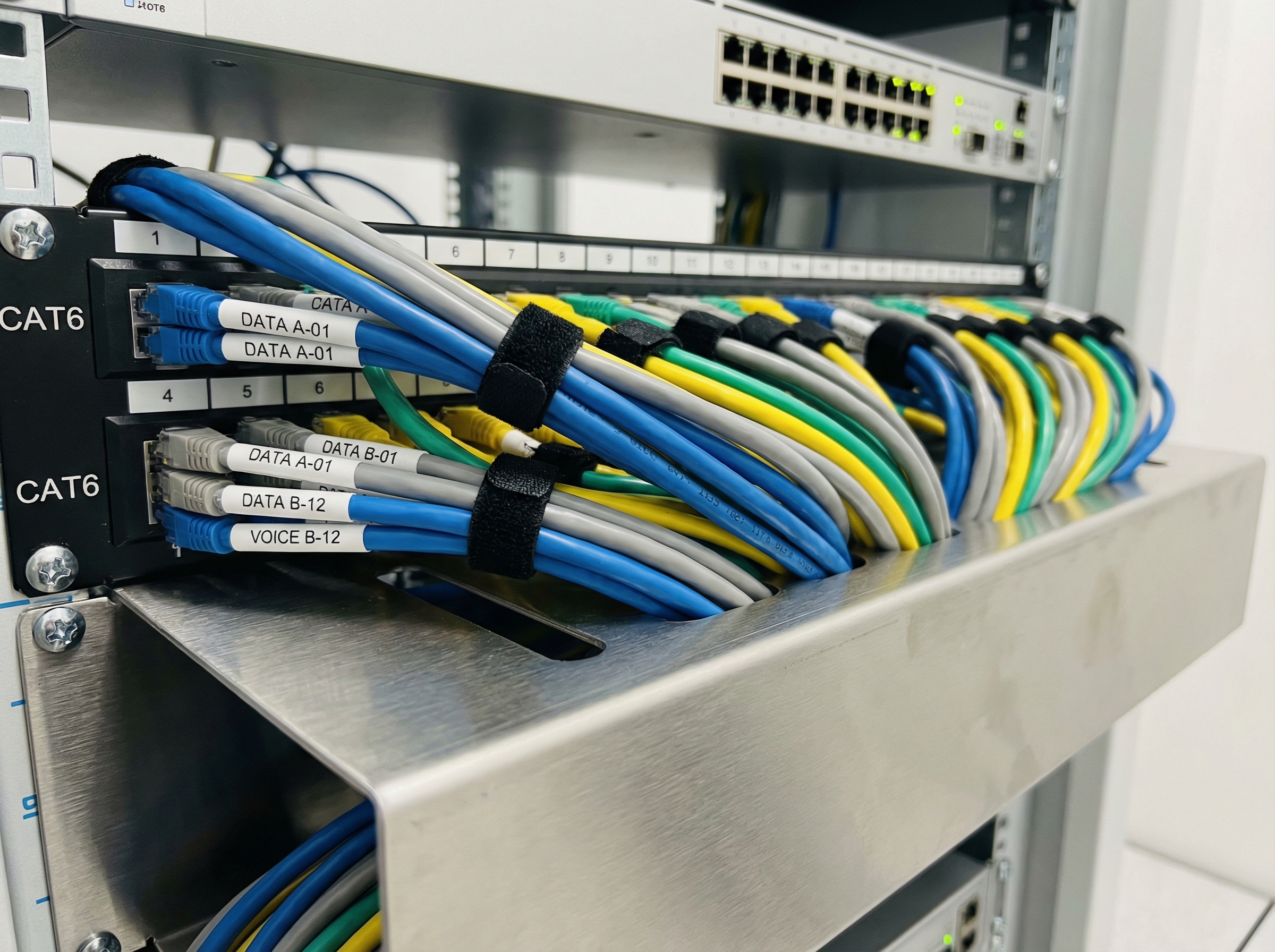
LAN Cable Installation
Cat5e, Cat6, and Cat6A copper cabling for workstations, meeting rooms, CCTV, VoIP phones, and PoE devices with professional trunking.
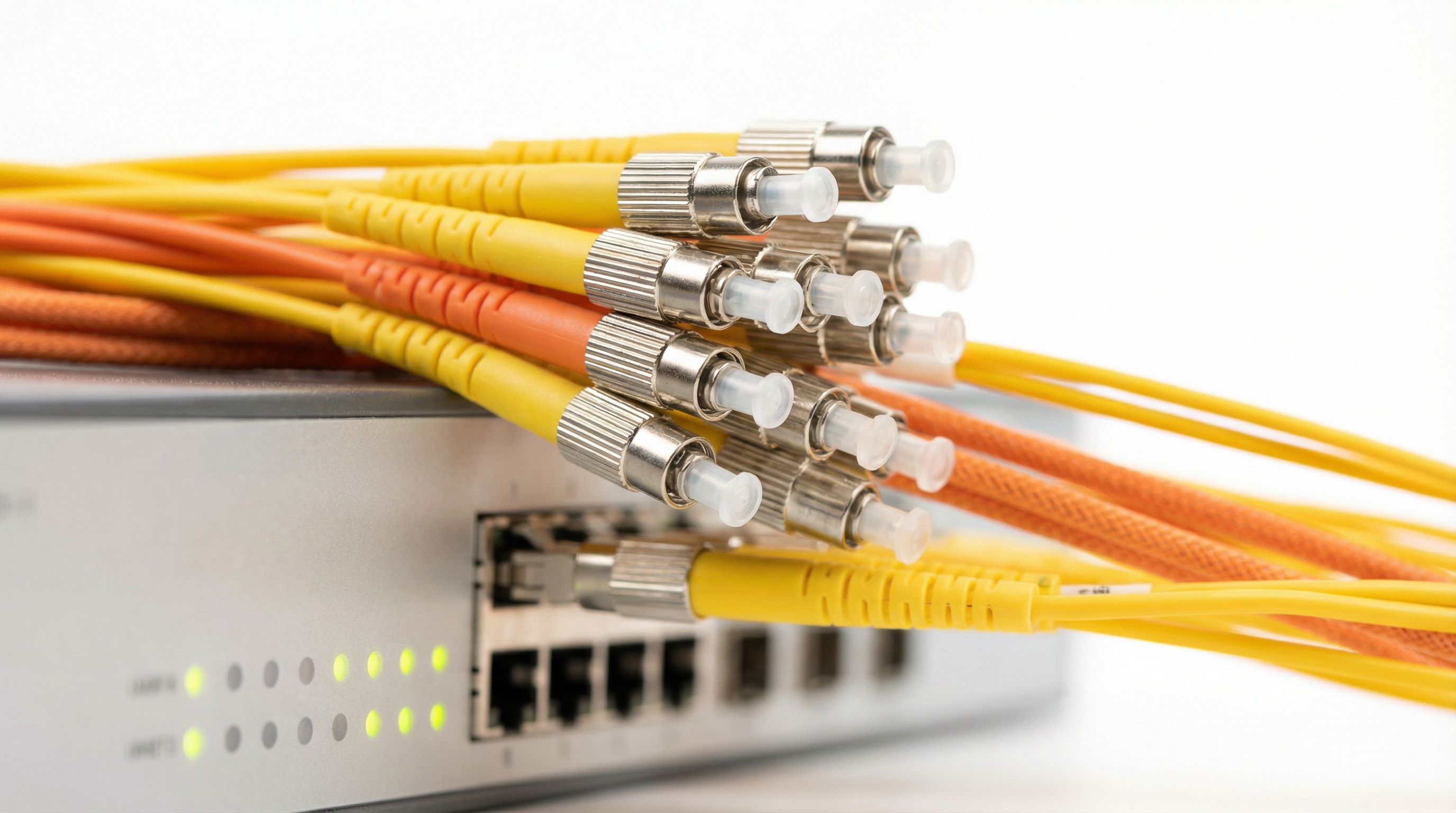
Fiber Optic Cabling
Single-mode and multi-mode fiber installation for backbone links, building-to-building connections, and high-bandwidth applications.
Structured Cabling
Standards-Compliant Infrastructure for Modern Offices
TIA/EIA-568 and BICSI best practices for reliable, maintainable network infrastructure
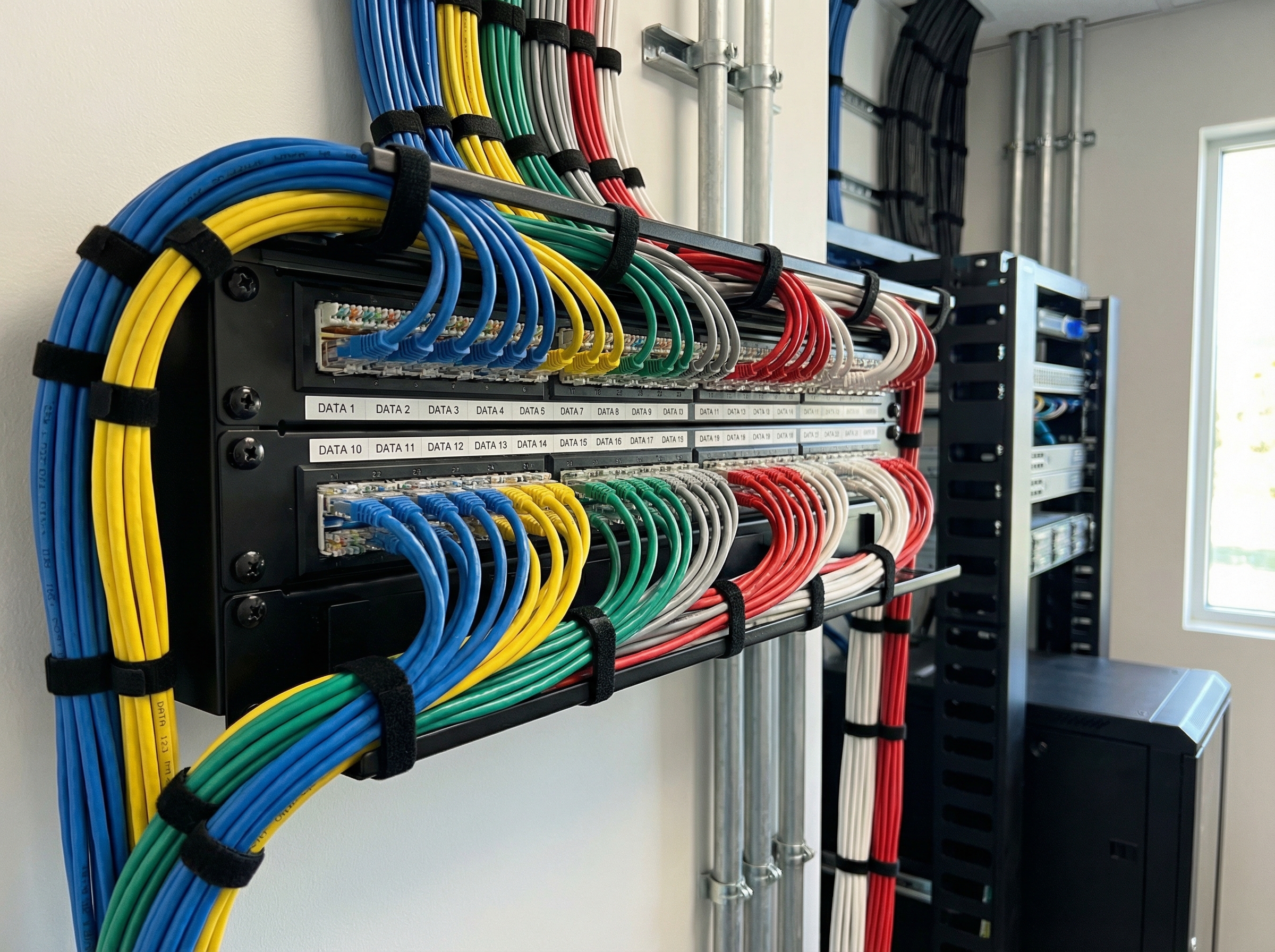
For businesses that need certified, standards-compliant infrastructure, we design and install structured cabling systems following TIA/EIA-568 and BICSI best practices. Every cable run is tested, labeled, and documented so your IT team or future vendors can maintain and expand the network without guesswork.
Structured cabling is more than just running cables from point A to point B. It is a hierarchical system that separates horizontal cabling (from telecommunications rooms to workstations) from backbone cabling (connecting telecommunications rooms to each other and to the main equipment room). This modular approach makes troubleshooting faster, moves and changes simpler, and future upgrades more cost-effective.
Our structured cabling installations include proper cable management, bend radius compliance, separation from power cables to prevent interference, and fire-stopping where cables penetrate fire-rated walls. We use quality components from reputable manufacturers and provide full test reports for every cable run.
Data & LAN Cable Installation
Cat5e, Cat6, and Cat6A copper cabling for office workstations, meeting rooms, CCTV, VoIP phones, and PoE devices. We handle trunking, conduit, and ceiling runs with clean, professional routing.
- Wall and floor port installation
- Cable tray and trunking work
- Ceiling and under-floor runs
- Certified testing and labeling
Fiber Optic Installation
Single-mode and multi-mode fiber for inter-floor backbone, building-to-building links, and high-bandwidth server room connections. OTDR-tested with certified reports.
- Fusion splicing and termination
- Indoor and outdoor fiber
- LC, SC, ST connector types
- OTDR testing and certification
Server Room & Rack Setup
Rack mounting, patch panel termination, cable management, and power distribution. We build it clean so maintenance is fast and future expansion is painless.
- Server rack installation
- Patch panel organization
- Cable management systems
- UPS and power distribution
Cable Types
Choosing the Right Cable for Your Network
From Cat5e to fiber — understanding the options for your infrastructure investment
Selecting the appropriate cable type is crucial for balancing performance requirements with budget constraints. While it may be tempting to use the cheapest option, investing in the right cable from the start prevents costly re-cabling when your needs grow. Here is what you need to know about each cable type we install.
Cat5e Cabling
Up to 1 Gbps
100 meters
Cat5e (Category 5 enhanced) is the minimum standard for modern networks, supporting gigabit speeds at a cost-effective price point. Suitable for most office applications where 1 Gbps is sufficient.
Cat6 Cabling
Up to 10 Gbps (55m)
100 meters (1 Gbps), 55m (10 Gbps)
Cat6 provides higher bandwidth and better performance than Cat5e, with reduced crosstalk and support for 10 Gigabit Ethernet over shorter distances. The sweet spot for most modern office deployments.
Cat6A Cabling
Up to 10 Gbps
100 meters
Cat6A (Augmented) delivers full 10 Gigabit speeds at 100 meters with improved alien crosstalk performance. Ideal for future-proofing and environments where maximum performance is required.
Fiber Optic
10 Gbps to 100 Gbps+
Up to 80km (single-mode)
Fiber optic cabling provides the highest bandwidth and immunity to electromagnetic interference. Essential for inter-floor backbone, connecting multiple buildings, and any run exceeding 100 meters.
For most modern office deployments, we recommend Cat6 cabling as the minimum standard. It provides headroom for current gigabit needs while supporting 10 Gigabit Ethernet for future high-bandwidth applications over typical office distances. Cat6A is the better choice for data centers, video production environments, and any location where 10 Gbps at full 100-meter distances is required.
Fiber optic cabling should be considered for backbone links (connecting telecommunications rooms), building-to-building connections, and any run exceeding 100 meters. Fiber is also immune to electromagnetic interference, making it ideal for industrial environments or runs parallel to electrical infrastructure. While the initial cost is higher than copper, fiber provides virtually unlimited bandwidth headroom and is the only practical choice for long-distance high-speed connectivity.
Office WiFi Solutions
Enterprise-Grade Wireless Networks
Professional WiFi access point installation for offices, retail, and commercial spaces
A consumer router doesn't cut it for an office. We design and deploy enterprise-grade WiFi using commercial access points from Ubiquiti UniFi, TP-Link Omada, MikroTik, Aruba, and Cisco with proper coverage planning so every desk, meeting room, and common area gets strong, stable signal. Whether you choose the sleek design of Ubiquiti UniFi, the value-packed TP-Link Omada, or the advanced routing capabilities of MikroTik, we ensure professional installation and optimal configuration.
Our WiFi access point installation process begins with a thorough site survey. We analyze your floor plan, construction materials (which affect signal propagation), expected user density, and types of devices that will connect. We then create a heat map showing predicted coverage and identify optimal access point locations before any equipment is installed.
Professional WiFi is about more than just coverage — it is about capacity and management. Modern offices have dozens of devices per person (laptops, phones, tablets, watches) all competing for airtime. Our enterprise solutions provide band steering (pushing capable devices to less congested 5GHz frequencies), airtime fairness, and seamless roaming so users stay connected as they move through the office.
WiFi Access Point Installation
Site survey → heat mapping → AP placement → cabling → configuration → testing. We don't just mount boxes on ceilings — we design for coverage, capacity, and roaming. Enterprise equipment from Ubiquiti, Aruba, TP-Link Omada, and Ruijie.
WiFi for Coworking, Retail & F&B
Guest networks, bandwidth management, captive portals, and VLAN segmentation for businesses that need separate staff and customer WiFi. Professional appearance with branded splash pages and usage policies.
For coworking spaces and serviced offices, we implement multi-tenant WiFi architectures that provide each tenant with their own isolated network while sharing the underlying infrastructure. This reduces costs while maintaining security and allowing each tenant to manage their own devices and policies.
Retail and F&B environments have unique WiFi requirements — customer-facing networks for guest access, secure networks for POS systems, and often connectivity for digital signage or CCTV. We implement VLAN-based segmentation to keep payment systems isolated from guest traffic, with Quality of Service (QoS) rules that prioritize transaction processing.
Industries Served
Who We Work With
Network infrastructure solutions tailored to your industry requirements
SMEs & Startups
Moving into a new office? We get you cabled and connected before your team moves in. Fast turnaround for spaces from 500 to 5,000 square feet with scalable solutions that grow with your business.
Corporate Offices
Structured cabling for multi-floor setups, meeting room AV integration, server room builds, and certified documentation for IT compliance and audit requirements.
Retail & F&B
POS system cabling, customer WiFi networks, CCTV integration, and digital signage connectivity. Clean installations that don't disrupt your shopfront aesthetics.
Co-working Spaces
High-density WiFi with per-zone VLAN segmentation, guest network isolation, and scalable cabling infrastructure that expands as your occupancy grows.
Warehouses & Factories
Industrial-grade cabling and outdoor-rated access points for harsh environments. Ruggedized solutions for manufacturing floors, storage facilities, and logistics hubs.
Data Centers
High-density fiber and copper cabling, cable management systems, patch panel organization, and labeling standards for mission-critical infrastructure.
Our Process
How It Works
Four simple steps from consultation to connected office
We have refined our process over hundreds of installations to minimize disruption and deliver consistent, high-quality results every time.
Free Site Survey
We visit your premises to assess your layout, understand your connectivity requirements, and identify optimal cable routes and equipment locations. You receive expert advice and recommendations tailored to your space.
Transparent Quotation
You receive a detailed, itemized quote covering all materials, labor, equipment, and testing. No hidden costs, no surprise add-ons. We explain every line item so you know exactly what you're paying for.
Professional Installation
Our in-house technicians execute the installation with minimal disruption to your operations. We work efficiently, keep work areas tidy, and coordinate with your team to avoid business interruptions.
Testing & Documentation
Every cable run is tested for continuity, termination, and performance. We provide as-built documentation, cable labeling, and test reports. We walk you through the setup and ensure everything works before handover.
Brand Guide
Which Network Brand Should You Choose?
Our recommendations based on office size, budget, and technical requirements
Choosing between Ubiquiti vs TP-Link, MikroTik vs Peplink, or D-Link vs Mercusys depends on your specific needs. Here is our practical guide to help you decide—or contact us for a free consultation where we assess your requirements and recommend the best fit.
Ubiquiti UniFi vs TP-Link Omada
Both offer similar features: centralized management, mesh WiFi, VLANs, and PoE. The choice often comes down to budget and aesthetics.
Choose Ubiquiti if:
- • You want the best user experience
- • Budget allows for premium pricing
- • You value sleek, modern hardware design
- • You want the most polished mobile app
Choose TP-Link if:
- • You want similar features at lower cost
- • Budget is a primary concern
- • You need more port density per dollar
- • You want local warranty support in Malaysia
When to Choose Peplink
Peplink is in a different league when it comes to reliability. If your business depends on internet connectivity, Peplink is worth the investment.
Peplink is essential for:
- • Call centers and VoIP-dependent businesses
- • Cloud-based operations (ERP, CRM, accounting)
- • E-commerce and payment processing
- • Multi-location businesses needing SD-WAN
- • Events and conferences requiring guaranteed uptime
Key Peplink features:
- • Multi-WAN load balancing across ISPs
- • Automatic failover in milliseconds
- • SpeedFusion VPN bonding
- • 4G/5G backup with cellular routers
When MikroTik Makes Sense
MikroTik offers unmatched value but requires technical expertise. It is the choice of ISPs, WISPs, and technically proficient organizations.
MikroTik is ideal for:
- • ISPs and WISPs in Malaysia
- • Businesses with in-house technical staff
- • Complex routing requirements (BGP, OSPF)
- • Budget-conscious but feature-hungry deployments
- • Custom firewall and QoS configurations
Consider alternatives if:
- • You do not have technical staff
- • You prefer GUI over command line
- • You want plug-and-play simplicity
- • You need vendor support for troubleshooting
D-Link vs Mercusys: Budget Choices
For small offices with basic needs, these brands offer cost-effective solutions. Understand their limitations before choosing.
D-Link DGS Series:
- • True business-grade build quality
- • VLAN and basic management features
- • Suitable for 10-30 user offices
- • Local warranty support in Malaysia
- • Good stepping stone to enterprise gear
Mercusys (Budget):
- • Lowest cost option for basic needs
- • Suitable for 5-10 users maximum
- • Consumer-grade reliability
- • Good for temporary or starter offices
- • Plan to upgrade within 1-2 years
Still unsure which brand is right for your office? Our free site survey includes a detailed equipment recommendation based on your specific requirements, user count, and budget.
Get Free Equipment RecommendationCoverage Area
Serving All of Malaysia
Based in the Klang Valley, deploying nationwide for larger projects
While our headquarters are in Subang Jaya, we serve offices across the entire Klang Valley including Kuala Lumpur, Petaling Jaya, Shah Alam, Subang Jaya, Cyberjaya, Putrajaya, and the wider Selangor area. For larger projects, we deploy nationwide including Penang, Johor Bahru, Melaka, Ipoh, and Kuching.
Our network cabling contractor Malaysia team includes technicians based in major cities throughout the country, allowing us to respond quickly to projects outside the Klang Valley without the travel costs associated with contractors who only operate from Kuala Lumpur.
Why Choose Us
The One-Team Advantage
What makes our network cabling service different
No Subcontractors
All work is performed by our in-house trained technicians. You deal with one team, one quote, one point of accountability from start to finish.
Transparent Pricing
Our quotes are detailed and itemized. No hidden costs, no surprise add-ons on installation day. What we quote is what you pay.
Fast Turnaround
Most standard office installations complete in 1–3 days. We work efficiently to minimize disruption to your business operations.
Certified Testing
Every cable is tested for continuity, proper termination, and performance. We provide test reports and documentation for your records.
Quality Materials
We use cables and components from reputable manufacturers that meet or exceed industry standards. No cheap imports that fail prematurely.
Post-Installation Support
We don't disappear after handover. Our work is warrantied, and we offer ongoing support contracts for businesses that want peace of mind.
Brands We Install
Network Equipment Brands We Supply & Configure
Authorized supplier and installer of major networking brands in Malaysia
As a leading network equipment supplier Malaysia, we supply, install, and configure equipment from all major manufacturers. Whether you need Ubiquiti UniFi for modern offices, TP-Link Omada for cost-effective enterprise WiFi, Peplink for multi-WAN failover, MikroTik for advanced routing, or D-Link and Mercusys for budget-conscious deployments—we have the expertise to recommend and implement the right solution for your needs.
All equipment comes with genuine manufacturer warranty and our installation guarantee. We do not sell gray-market or counterfeit products. Our technical team is trained and experienced across all major brands, ensuring your network is configured correctly from day one.
Ubiquiti UniFi
Enterprise WiFi & Networking
The gold standard for SMB networking. Beautiful hardware, intuitive UniFi Controller, and seamless integration between routers, switches, and access points. Perfect for offices wanting professional WiFi without enterprise complexity.
TP-Link Omada
Business WiFi & Networking
Feature parity with UniFi at a lower price point. Omada SDN platform offers centralized management, mesh WiFi, and enterprise features. Excellent value for offices wanting professional networking without the premium price tag.
Peplink
Multi-WAN & SD-WAN
The industry leader for reliable internet connectivity. Combine multiple ISPs (TM, Time, Maxis, Celcom) with automatic failover. SpeedFusion bonding keeps you online even during ISP outages. Essential for call centers and cloud-dependent businesses.
MikroTik
Advanced Routers & Switches
Incredible power and flexibility at unbeatable prices. RouterOS offers features found in routers costing 10x more. Requires technical expertise but rewards with granular control. Popular among WISPs and tech-savvy businesses in Malaysia.
D-Link
Business Networking
Reliable business-grade networking at accessible prices. D-Link DGS series switches and DIR series routers offer solid performance for smaller offices. Good middle ground between consumer and enterprise equipment.
Mercusys
Budget Networking
TP-Link's budget brand offering surprisingly capable equipment at entry-level prices. Suitable for offices with 5-10 users and basic requirements. Good for startups testing the waters before upgrading to business-grade gear.
Equipment
Professional Network Equipment Installation
From supply to configuration—we handle the complete deployment
We provide end-to-end service for all network equipment: procurement, installation, configuration, and ongoing support. Whether you have already purchased equipment and need professional installation, or want us to recommend and supply the right hardware for your needs, we have you covered.
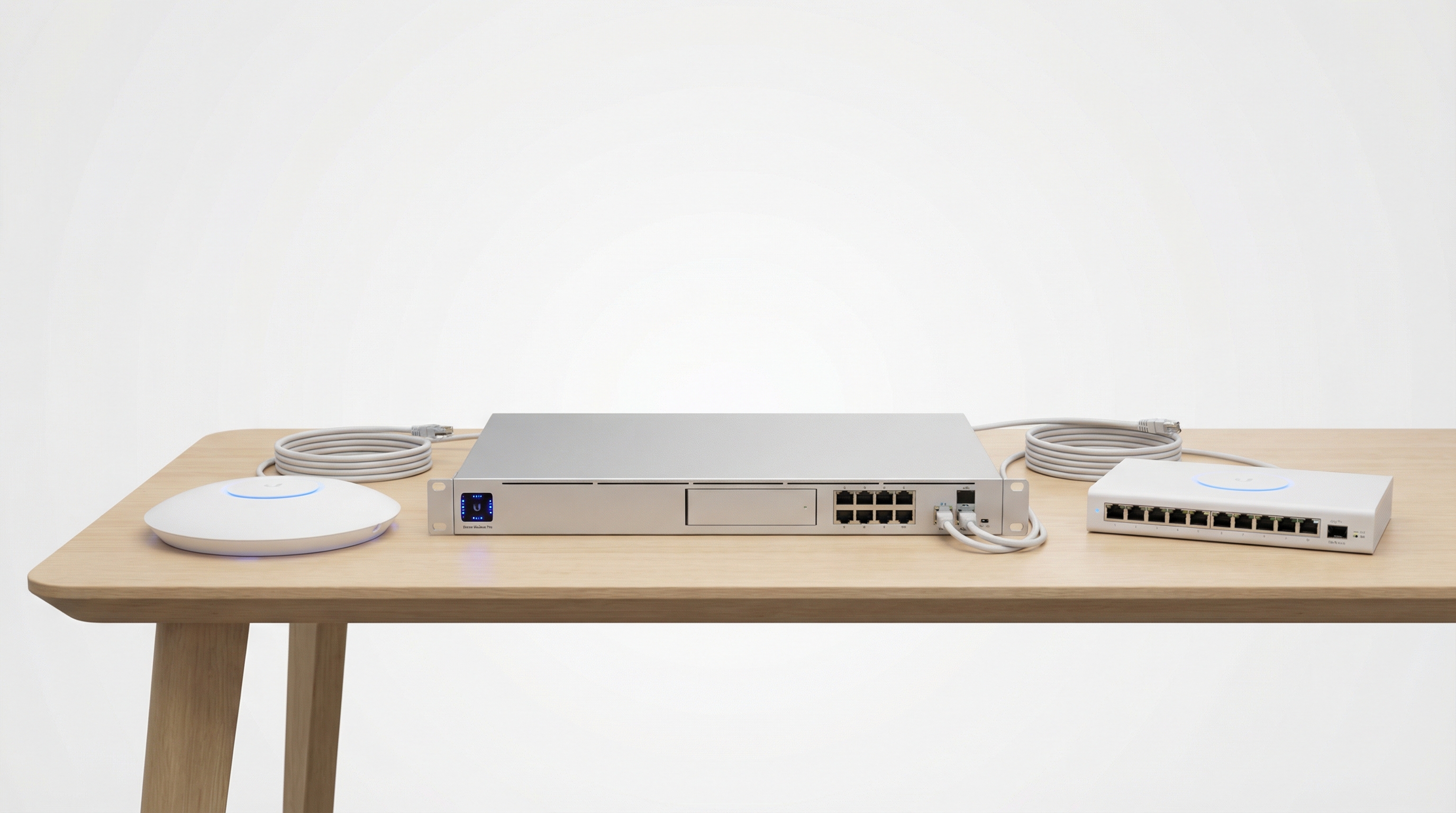
Ubiquiti UniFi
UDM Pro, Access Points, Switches
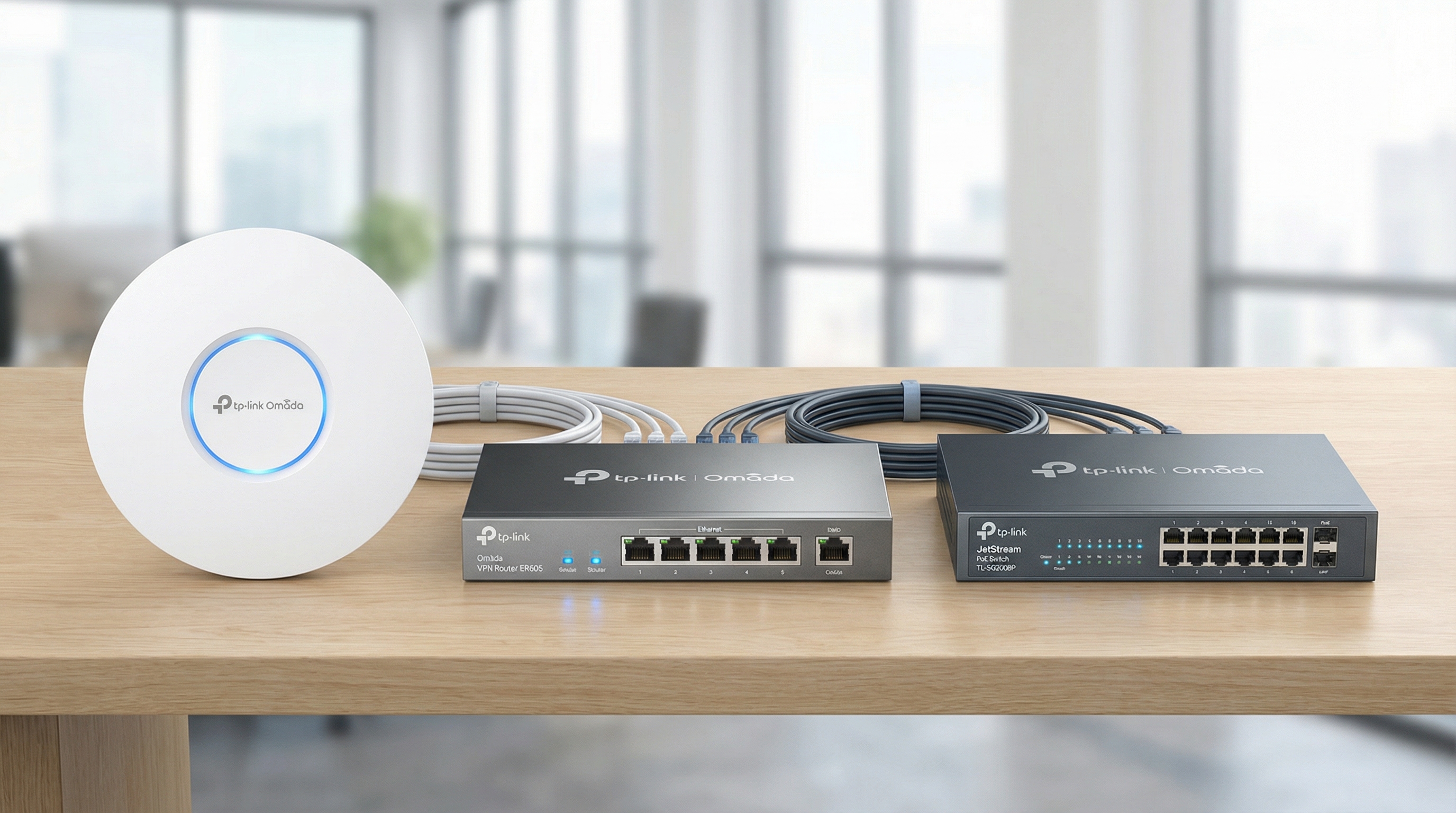
TP-Link Omada
ER8411, EAP673, PoE Switches
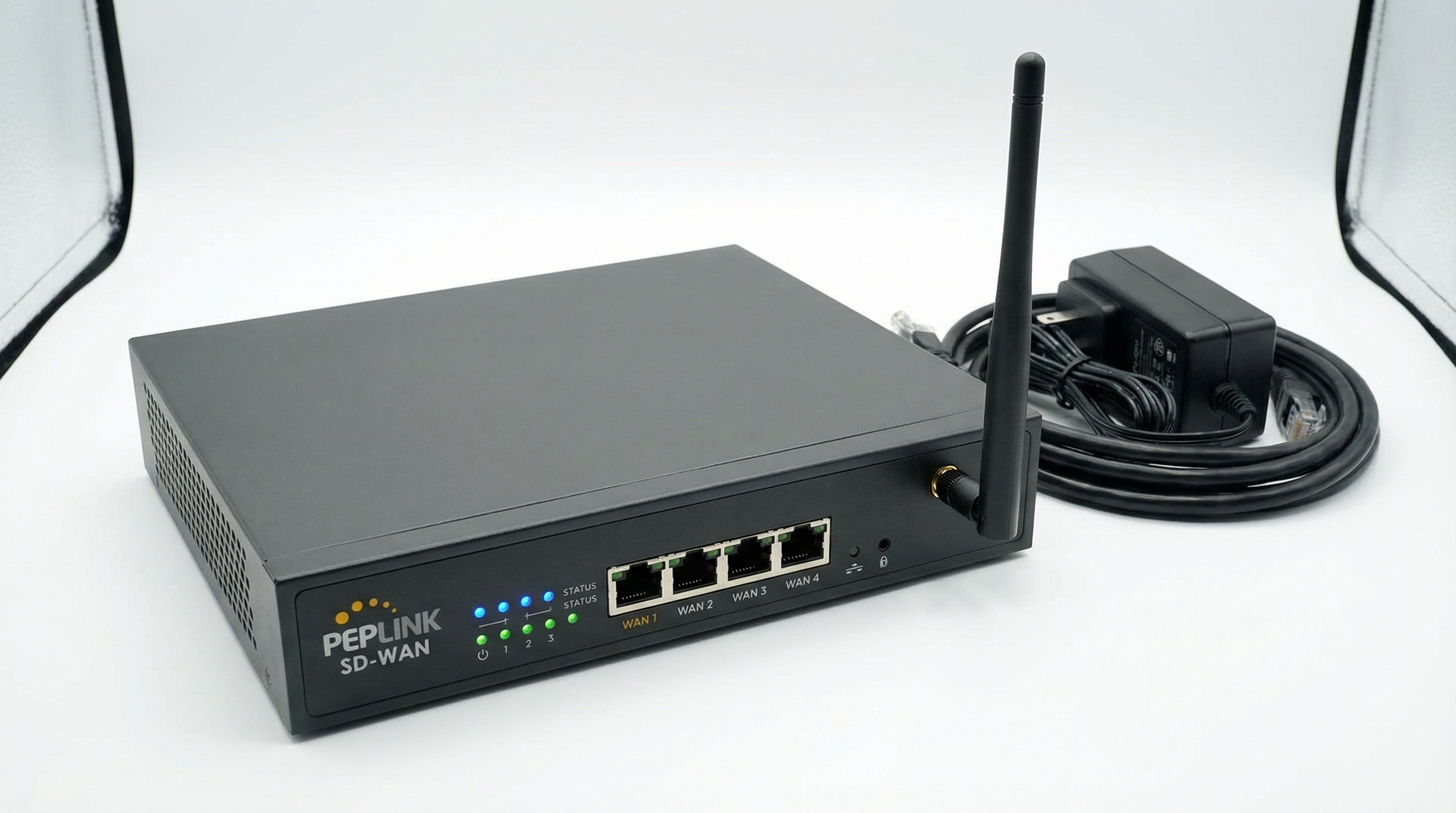
Peplink
Multi-WAN, SpeedFusion, 4G/5G
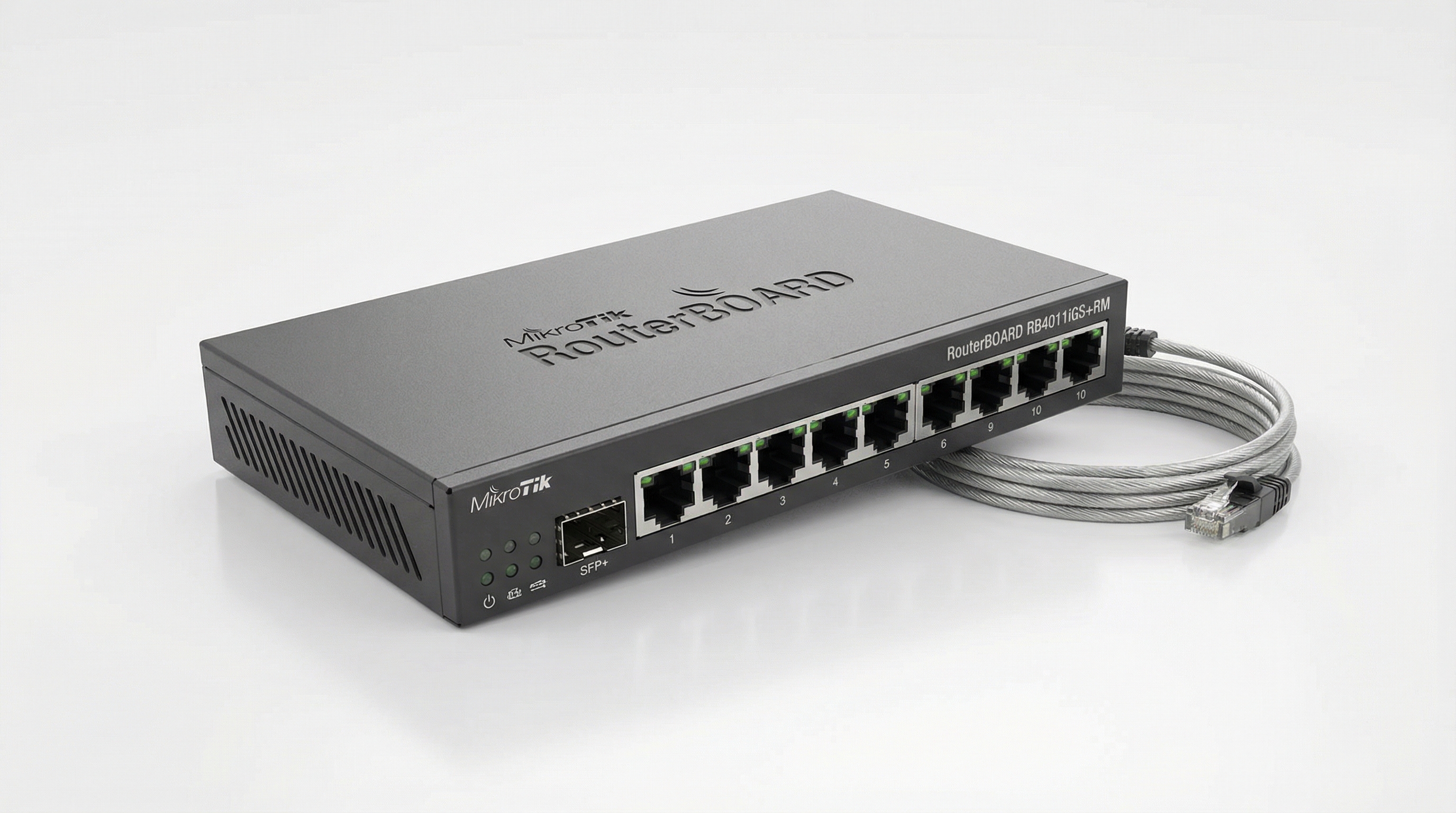
MikroTik
CCR2004, RB4011, RouterOS
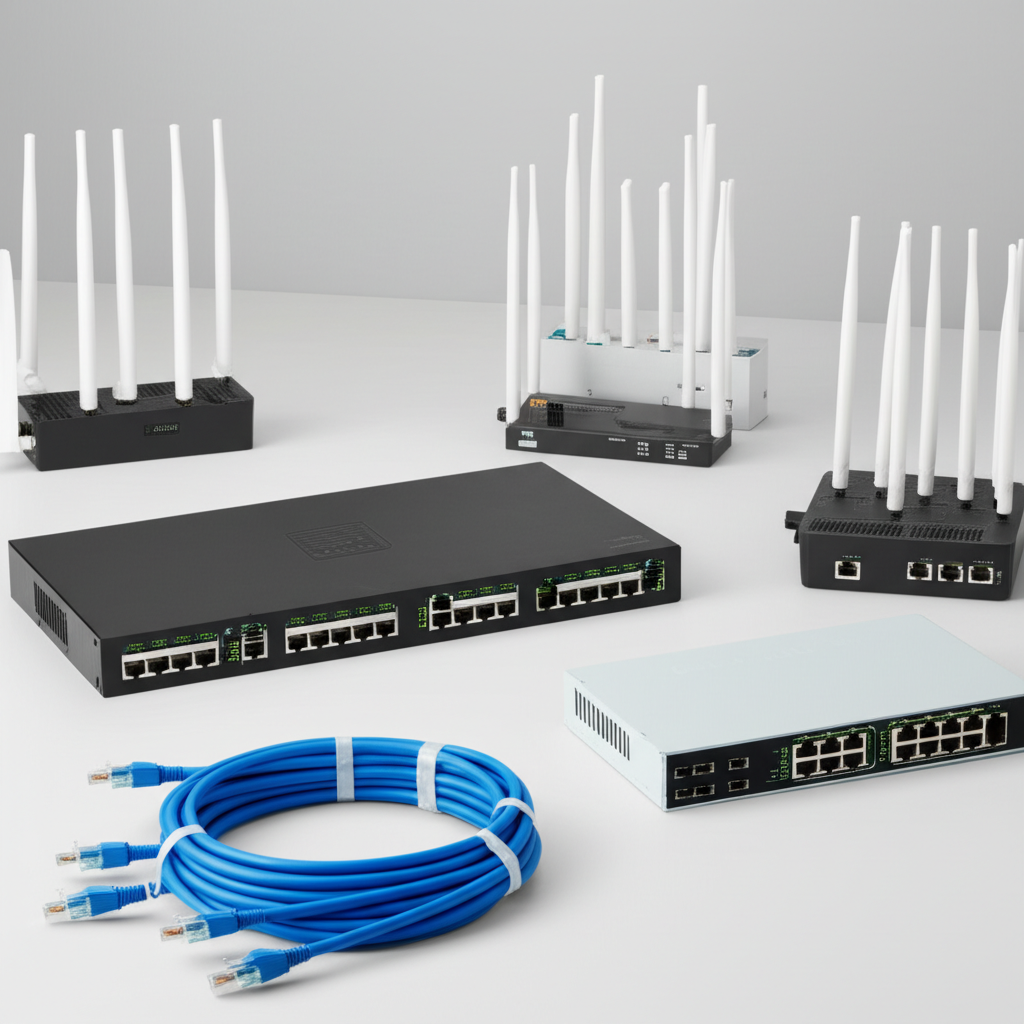
WiFi Equipment
Access points & controllers
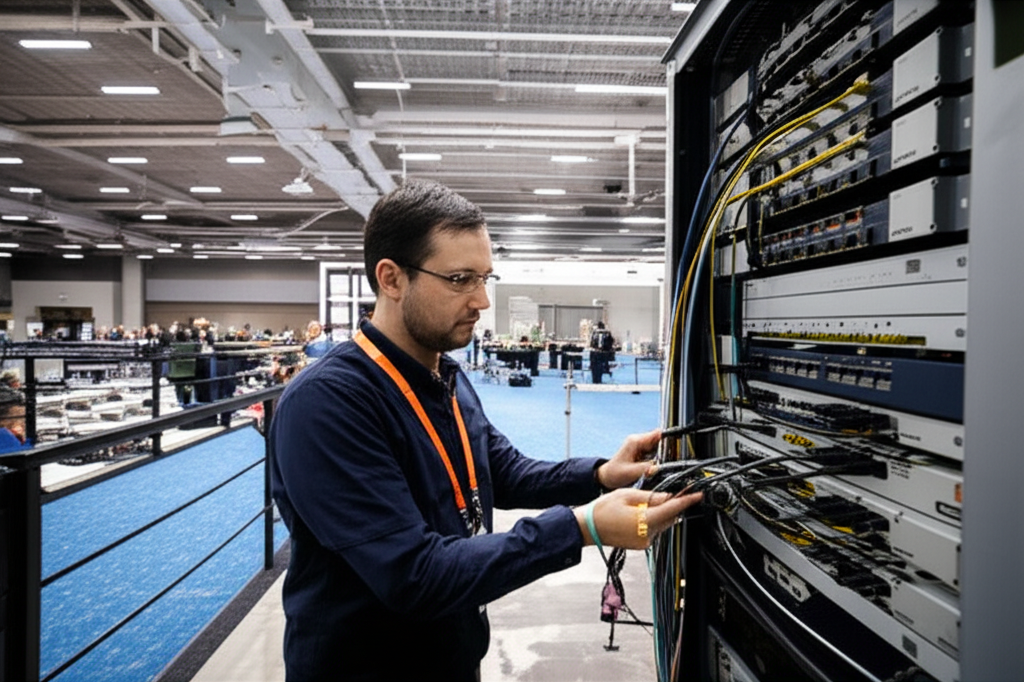
Conference Setup
High-density event WiFi
UniFi
Ubiquiti
Omada
TP-Link
Balance
Peplink
RouterOS
MikroTik
DGS Series
D-Link
MW Series
Mercusys
Gallery
Network Cabling & WiFi Installation
Professional installations for offices across Malaysia - view our work
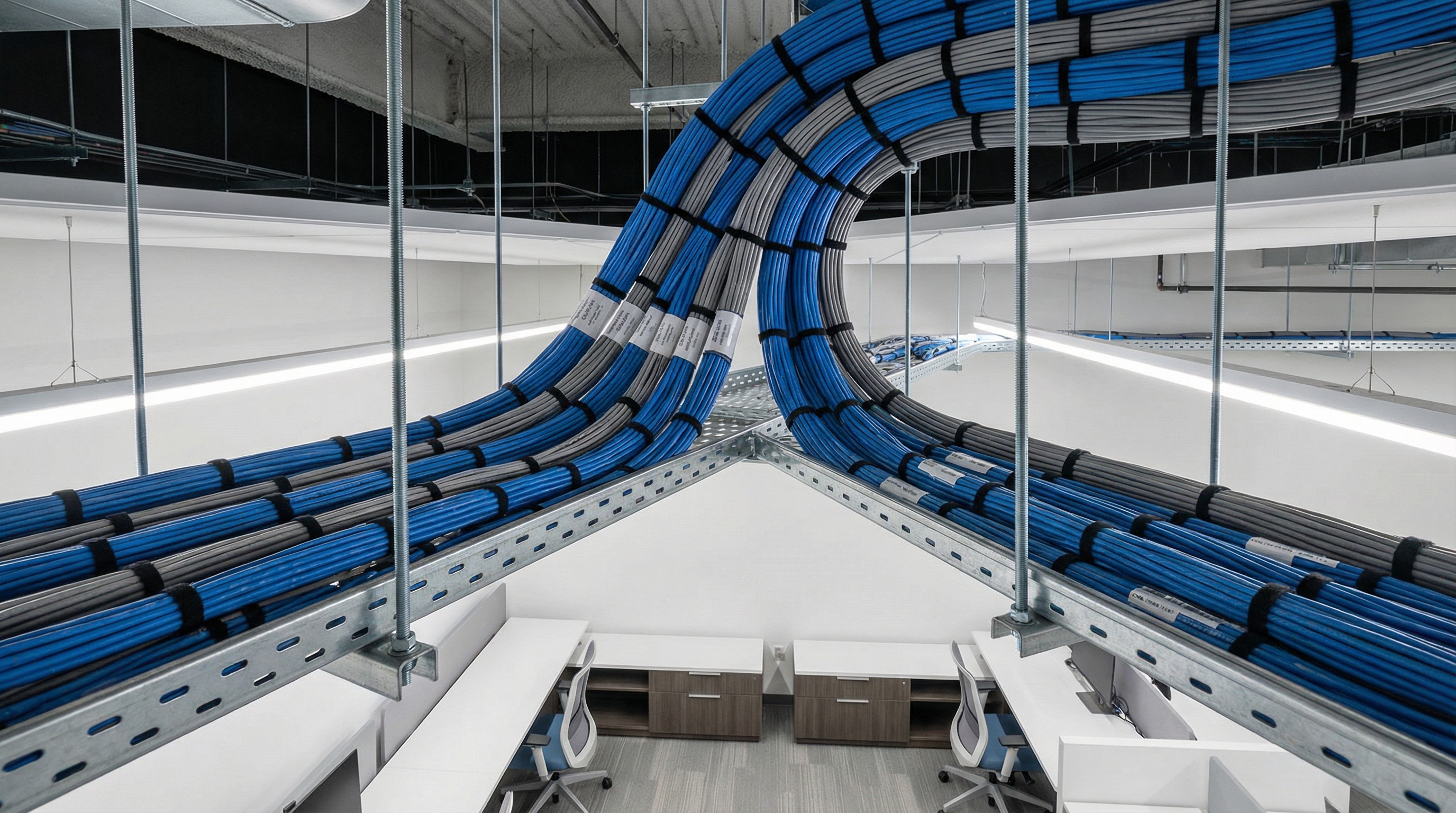
Structured Cabling
Office network infrastructure
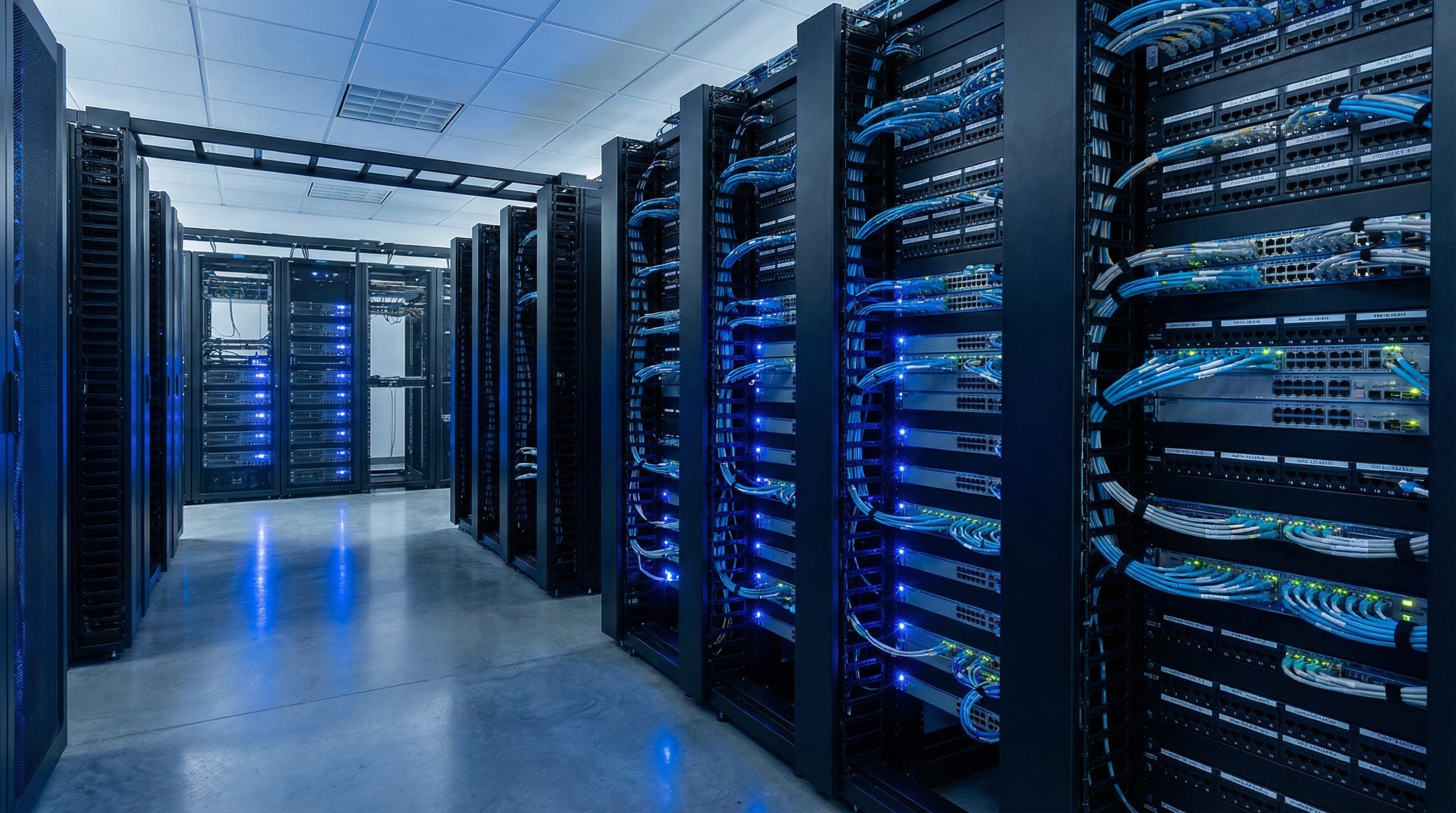
Server Room Setup
Rack and patch panel installation
WiFi Deployment
Access point installation
Fiber Optic
High-speed backbone cabling
Cat6 Cabling
Ethernet installation
Patch Panels
Organized termination
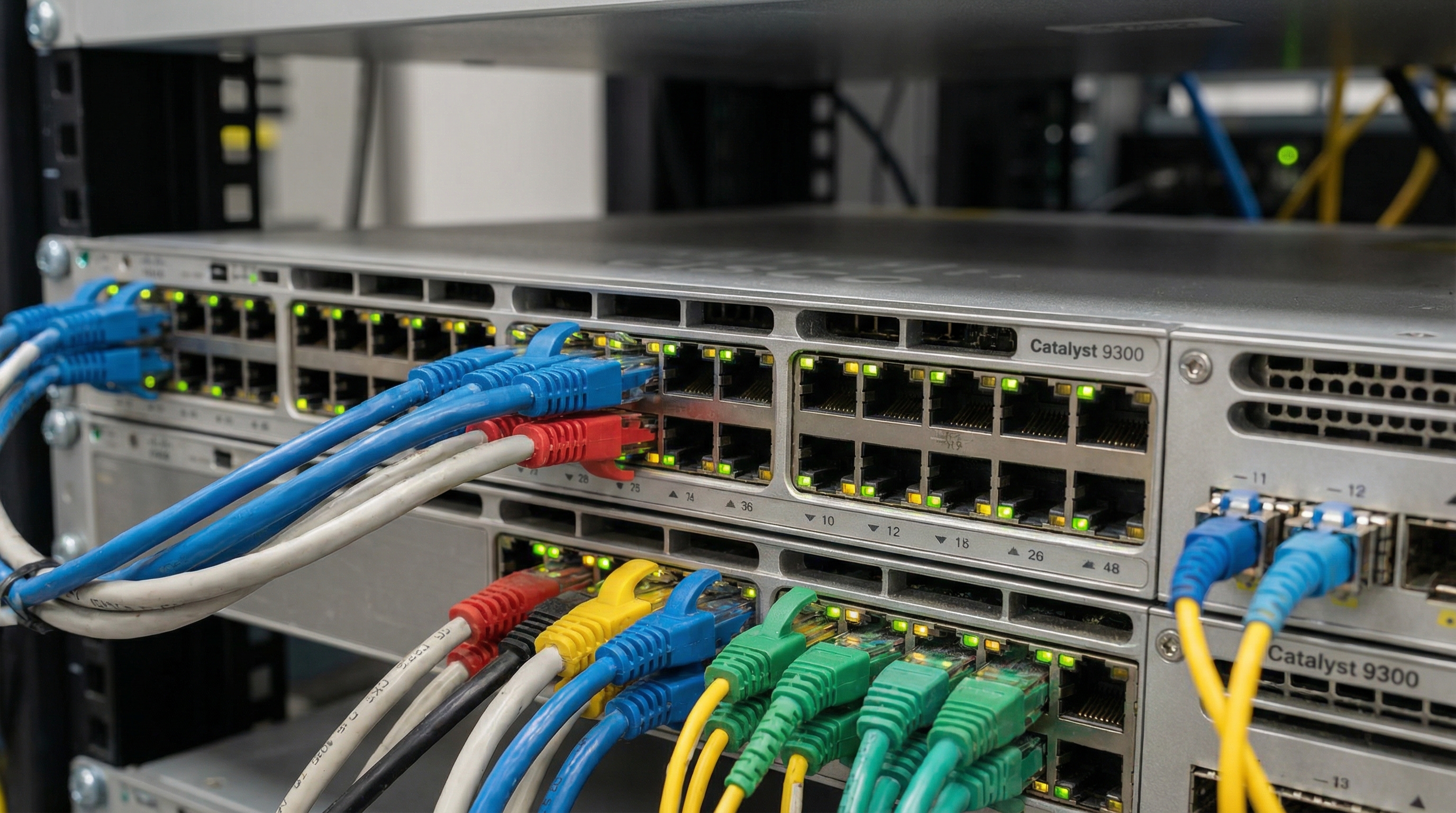
Switches
PoE networking
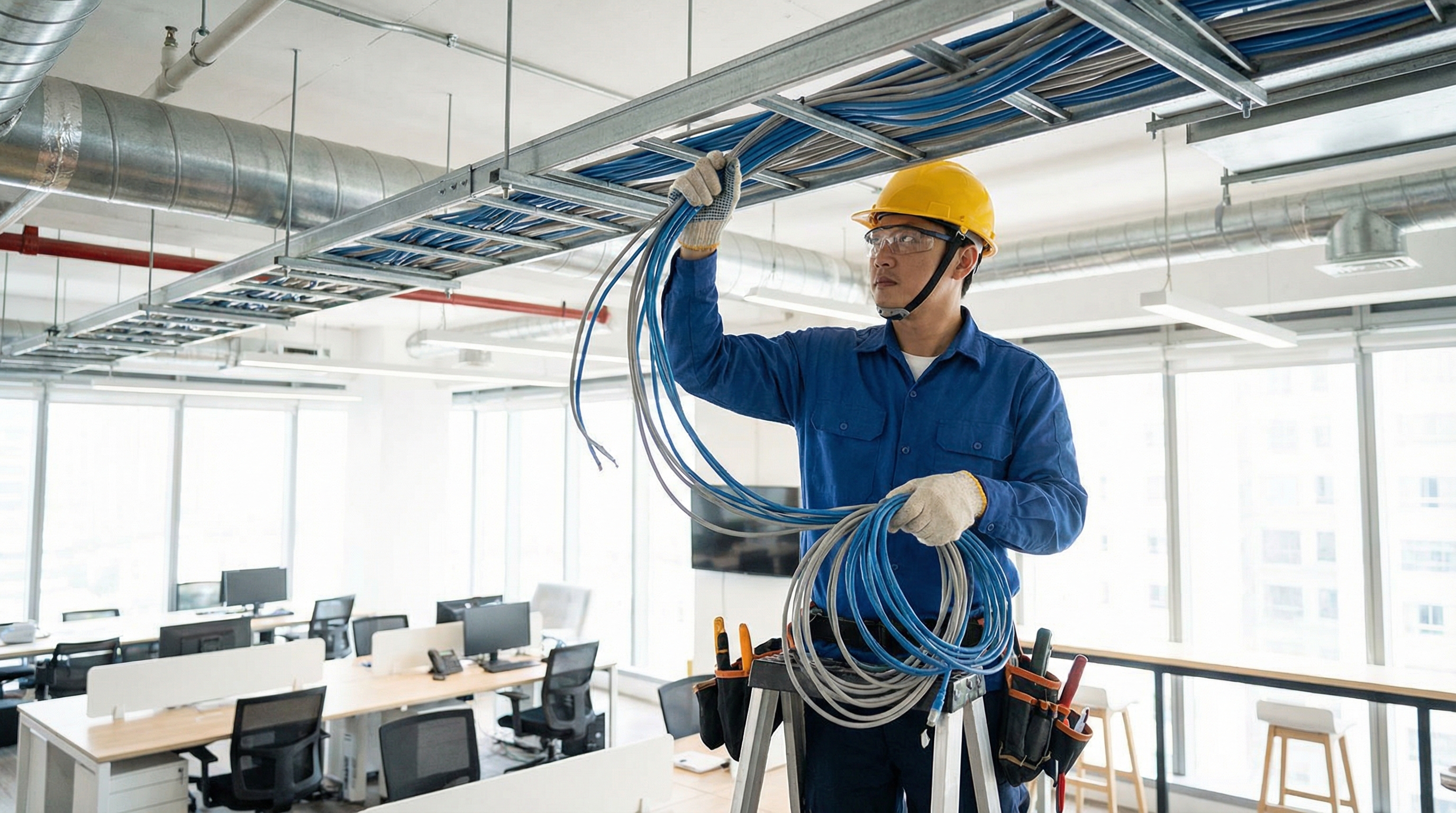
Installation
Professional team
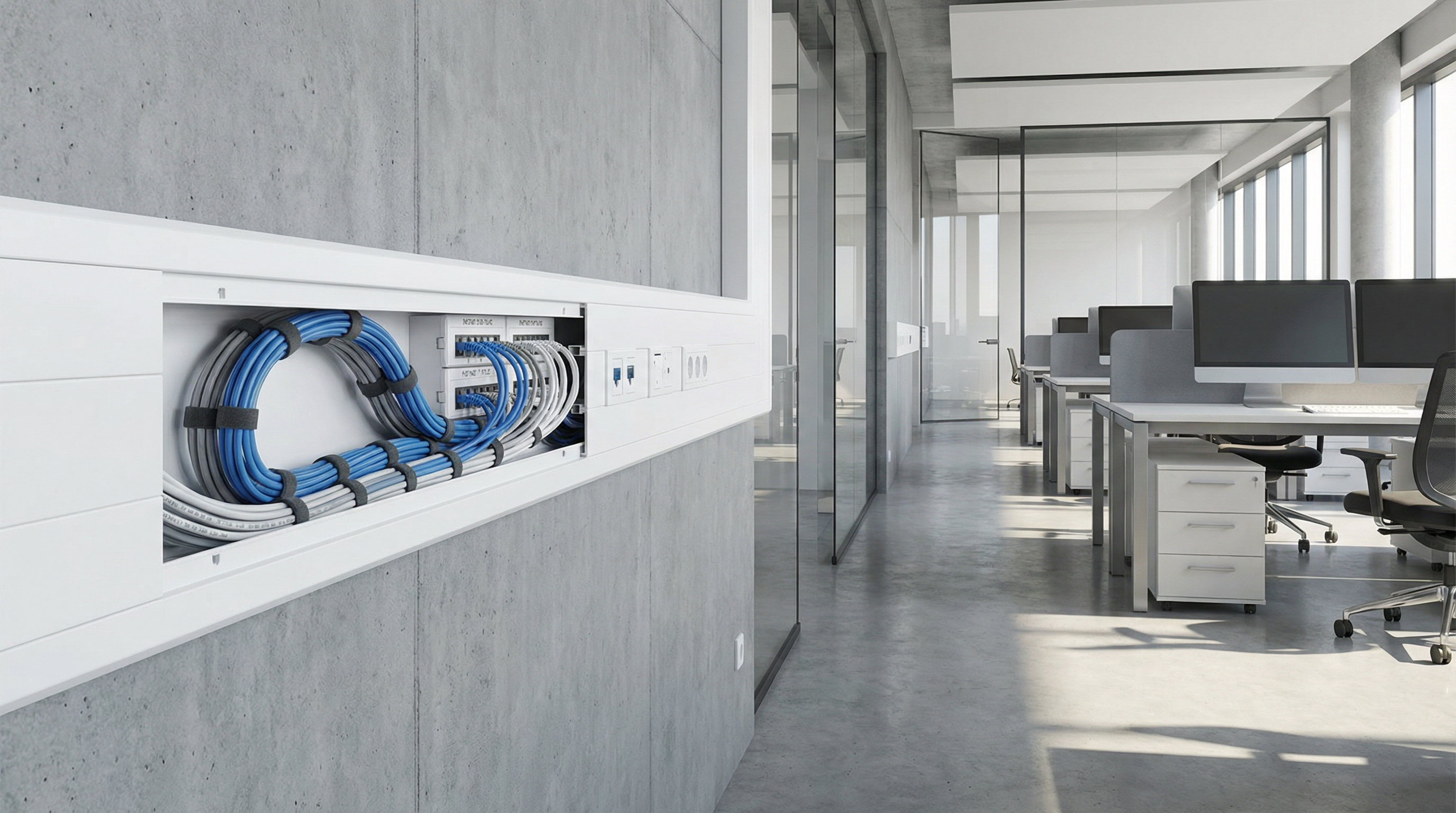
Trunking
Cable management
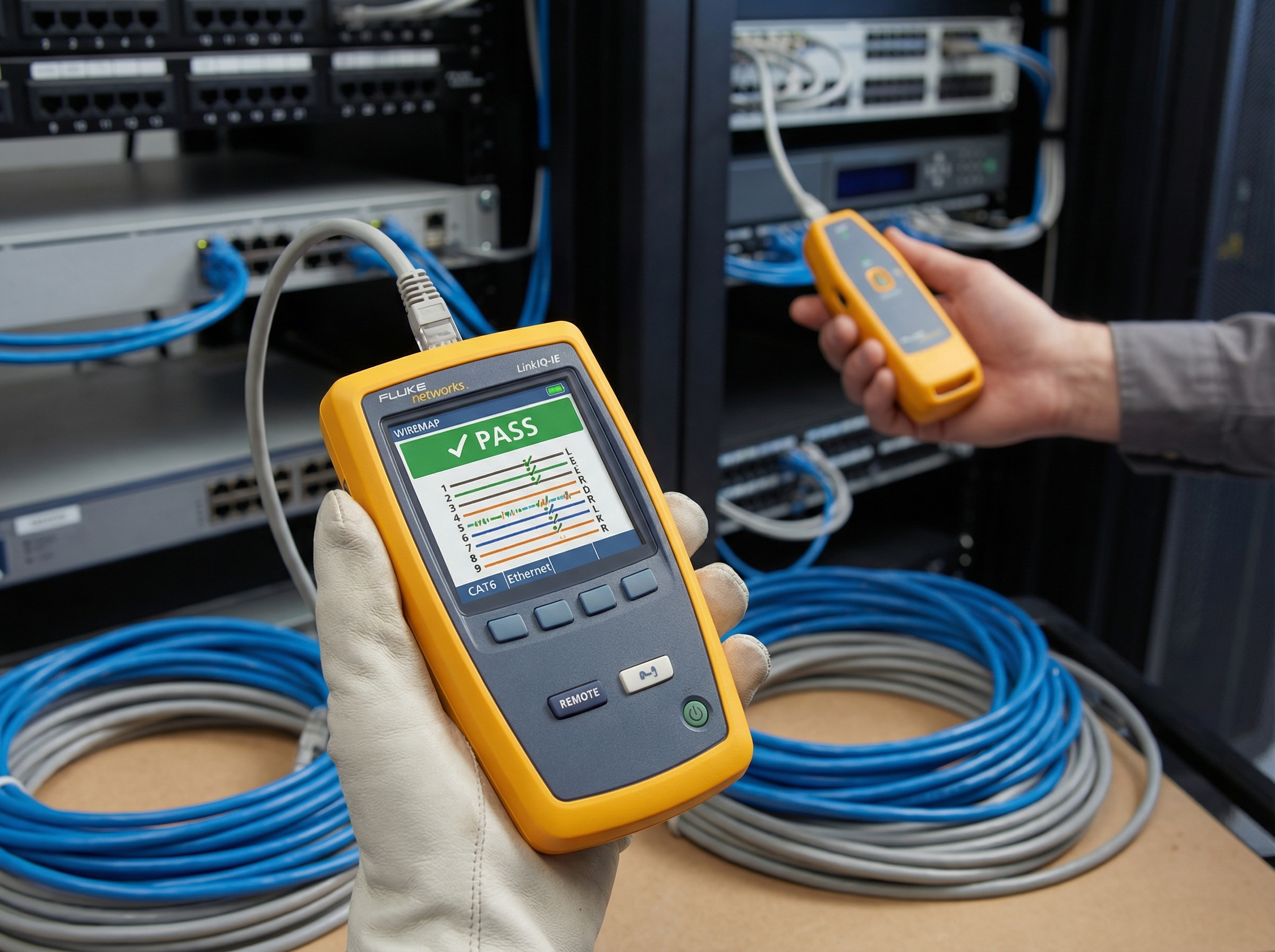
Testing
Certified results

Office WiFi
Complete coverage
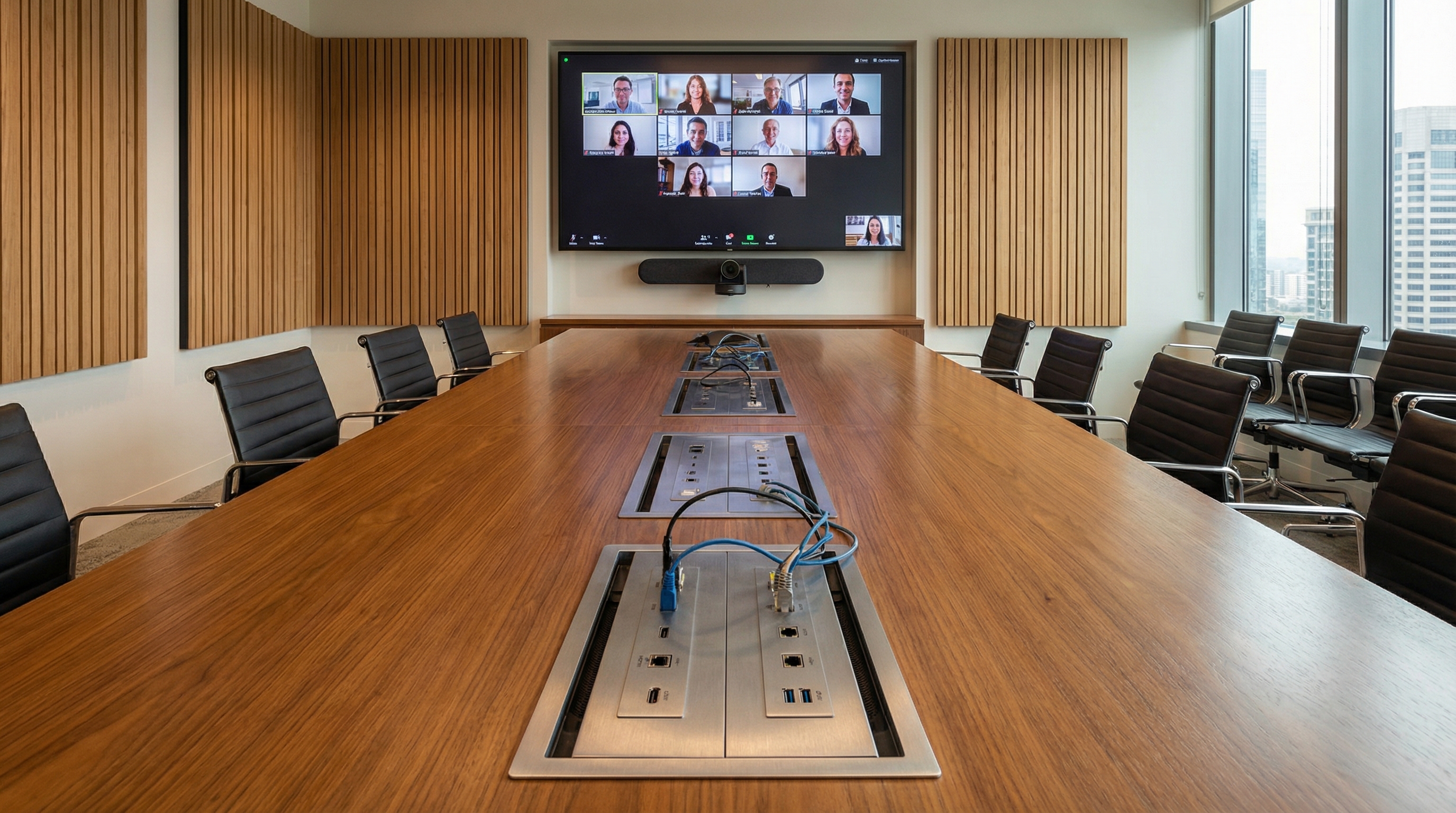
Meeting Rooms
AV connectivity
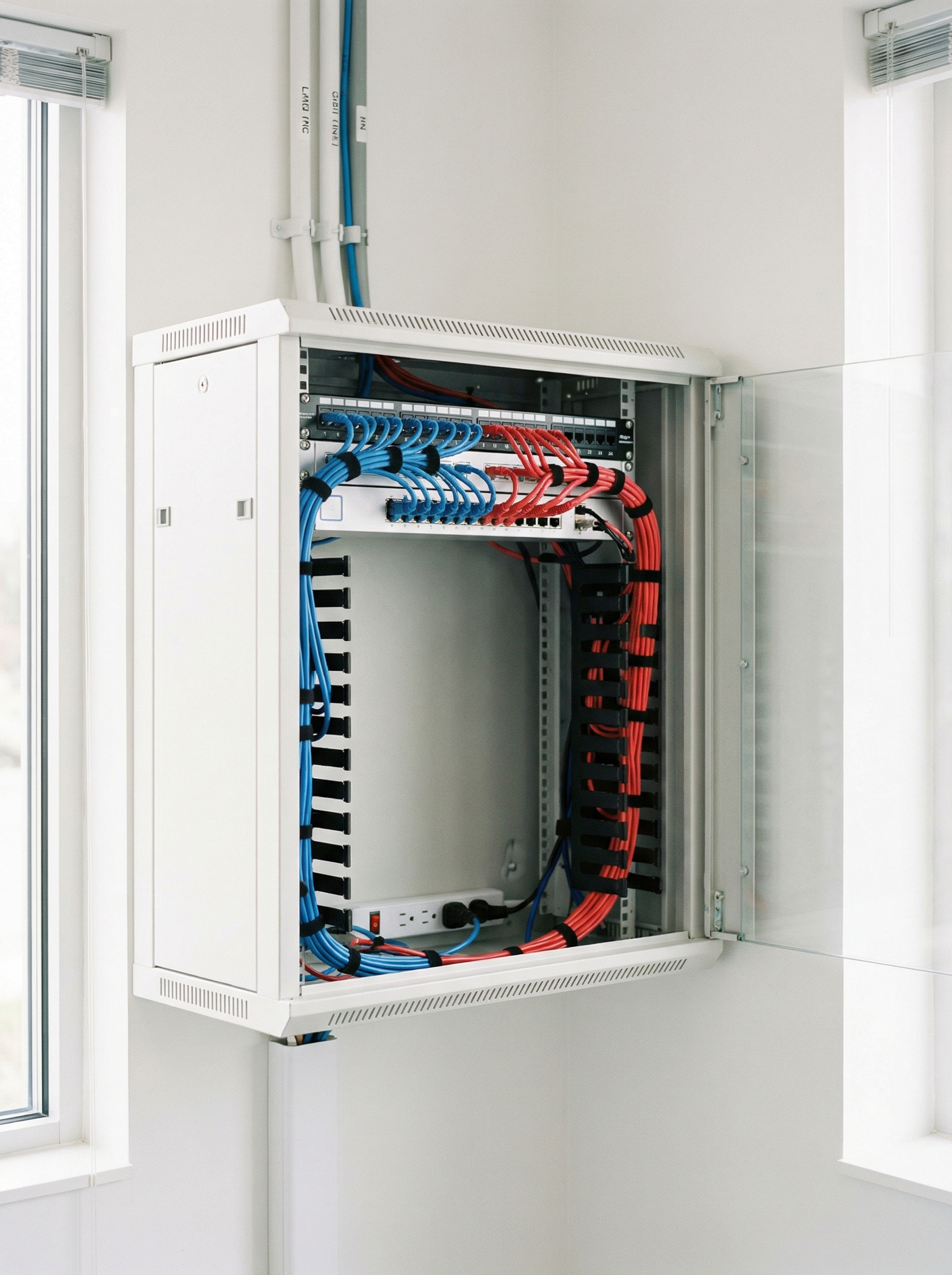
Network Cabinet
Wall-mounted setup
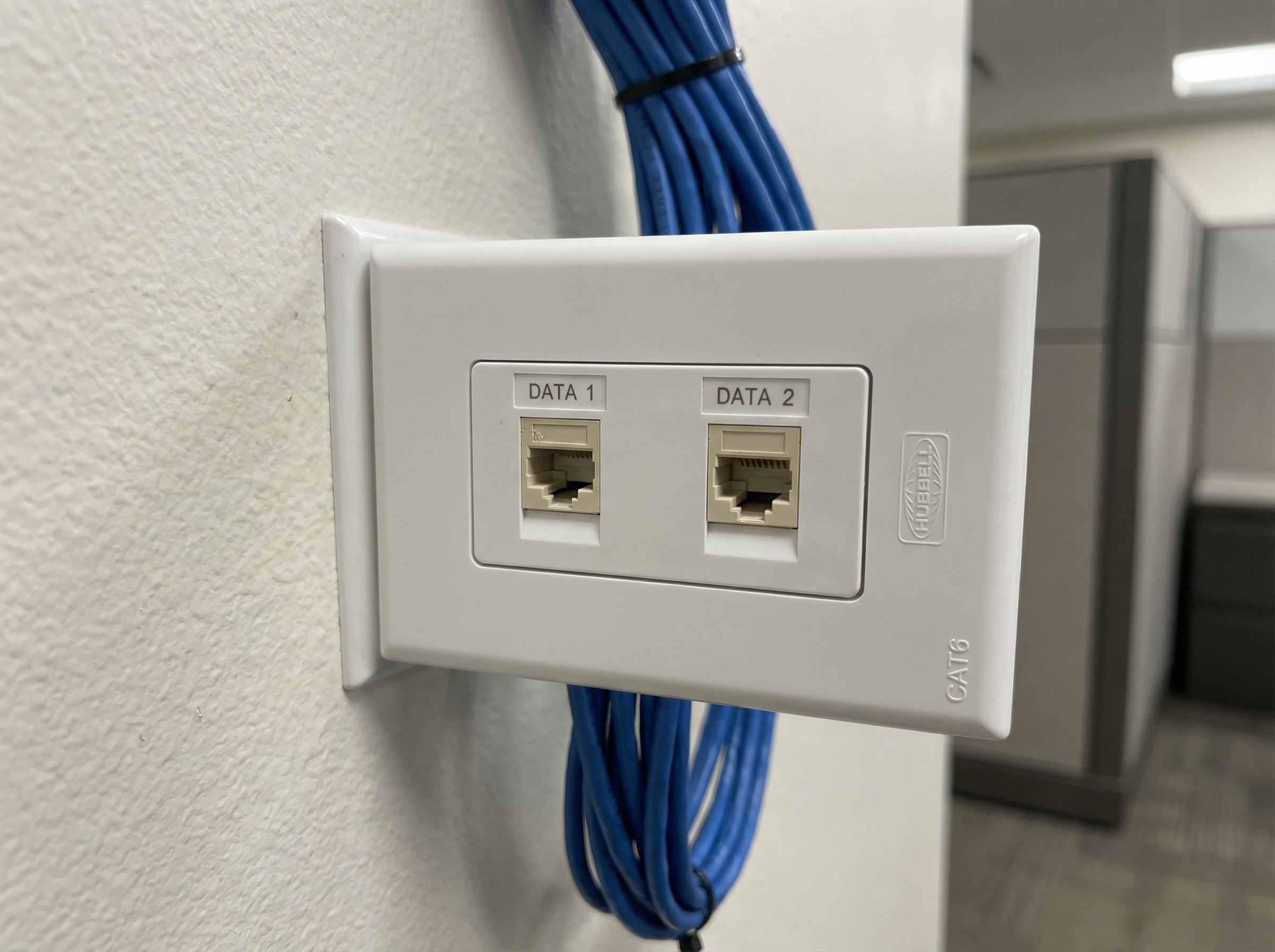
Wall Ports
Professional finish
Looking for specific equipment or installation photos? Contact us to see more examples of our network cabling and WiFi installation projects across Malaysia.
View More ProjectsFAQ
Network Cabling Questions Answered
Common questions about network cabling, WiFi installation, and office network setup in Malaysia
How much does office network cabling cost in Malaysia?
Network cabling cost depends on cable type (Cat5e, Cat6, Cat6A, or fiber), number of LAN points, site complexity, and cable run distance. A typical 10-point Cat6 office installation ranges from RM2,500 to RM5,000 including labor, materials, testing, and documentation. Structured cabling for larger offices with server room setup starts from RM8,000. We provide free site surveys and detailed quotations with no hidden costs. Contact us for an exact quote tailored to your office layout.
What is the difference between network cabling and structured cabling?
Network cabling is a general term for installing data cables to connect devices. Structured cabling follows international standards (TIA/EIA-568, BICSI) with a planned hierarchical design, proper cable management, labeling, and certified testing. Structured cabling creates an organized infrastructure that is easier to maintain, troubleshoot, and expand. It is the recommended approach for offices, data centers, and commercial buildings where long-term reliability matters.
How long does office WiFi installation take?
Most standard office WiFi setups with access point installation take 1–2 days. Small offices (under 1,000 sq ft) with 2–3 access points can often be completed in a single day. Larger offices requiring structured cabling plus WiFi may take 3–5 days depending on the number of cable runs. We work efficiently to minimize disruption—most installations are scheduled outside business hours or during weekends if preferred.
Do you supply network equipment (routers, switches, access points)?
Yes, we supply and install enterprise-grade network equipment from leading brands including Ubiquiti UniFi, TP-Link Omada, Aruba Instant On, Ruijie Reyee, and Cisco. We recommend the right equipment based on your office size, user count, and budget. Alternatively, you can provide your own hardware and we will install and configure it as part of the cabling project.
Can you upgrade or extend my existing office network?
Absolutely. We handle network upgrades including adding new LAN points, upgrading Cat5e to Cat6/Cat6A, extending WiFi coverage with additional access points, replacing outdated switches, and tidying messy server rooms. We can assess your existing infrastructure and recommend the most cost-effective improvements without a complete rip-and-replace.
What areas in Malaysia do you serve for network cabling?
We serve the entire Klang Valley including Kuala Lumpur, Petaling Jaya, Subang Jaya, Shah Alam, Cyberjaya, Putrajaya, and surrounding Selangor areas. For larger projects, we deploy nationwide including Penang, Johor Bahru, Melaka, Ipoh, and East Malaysia (Sabah and Sarawak). Contact us with your location and we will confirm availability.
Do you provide warranty for network cabling work?
Yes, all our network cabling installations come with a minimum 12-month warranty covering workmanship and materials. We also provide as-built documentation showing cable routes, termination points, and test results for future reference. Extended maintenance contracts are available for businesses that want ongoing support and monitoring.
What is included in a free site survey?
Our free site survey includes an assessment of your office layout, identification of optimal cable routes and access point locations, evaluation of existing infrastructure, recommendation of cable types and equipment, and a detailed written quotation. There is no obligation to proceed after the survey—we provide honest advice even if you decide not to use our services.
Can you install fiber optic cabling?
Yes, we install both single-mode and multi-mode fiber optic cabling for high-bandwidth applications, inter-floor backbone links, building-to-building connections, and data center environments. Fiber installation includes fusion splicing, OTDR testing, and certification reports. Fiber is ideal for runs exceeding 100 meters or where electromagnetic interference is a concern.
Do you use subcontractors for cabling work?
No, we do not use subcontractors. All network cabling and WiFi installation work is performed by our in-house trained technicians. This ensures consistent quality, direct accountability, and seamless coordination from design through to handover. You deal with one team, receive one quote, and get one bill.
Which WiFi brand is best for offices in Malaysia: Ubiquiti, TP-Link, or MikroTik?
The best WiFi brand depends on your office size, budget, and technical requirements. Ubiquiti UniFi offers the best user experience and sleek design for SMEs and modern offices. TP-Link Omada provides excellent value with similar features at a lower price point. MikroTik offers powerful customization for technical users but has a steeper learning curve. For most offices in Malaysia, we recommend Ubiquiti UniFi or TP-Link Omada for their balance of performance, price, and ease of management. Contact us for a free consultation to determine the best fit for your specific needs.
Do you install Peplink routers for multi-WAN and failover?
Yes, we supply and install Peplink routers for businesses that require multi-WAN load balancing, automatic failover, and SD-WAN capabilities. Peplink is the industry leader for reliable internet connectivity, combining multiple ISP connections (TM, Time, Maxis, Celcom) into a single, reliable network. We recommend Peplink for offices that cannot afford internet downtime, such as call centers, financial services, and businesses running cloud-based operations. Our team is experienced with Peplink configuration including SpeedFusion bonding and remote management setup.
Is D-Link or Mercusys suitable for small office networks?
D-Link and Mercusys both offer suitable options for small offices with basic networking needs. Mercusys is the budget-friendly choice—perfect for small offices with 5-10 users and simple requirements. D-Link offers more robust business-grade options with better build quality and features. For offices with 5-20 users, we typically recommend D-Link DGS series switches and DIR series routers, or stepping up to TP-Link Omada for better management capabilities. Mercusys works well for very small setups or as a temporary solution, but may lack the reliability needed for business-critical operations.
Can you help migrate from one network brand to another?
Yes, we provide network migration services when upgrading from consumer-grade equipment (like basic D-Link or Tenda routers) to business-grade solutions (like Ubiquiti UniFi, TP-Link Omada, or Cisco). Our migration process includes: pre-configuration of new equipment, scheduled cutover during off-hours, data migration of network settings, staff training on the new management interface, and post-migration support. We ensure minimal downtime during the transition—typically less than 30 minutes for most office networks.
Which router brand do you recommend for 100+ users?
For offices with 100+ users, we recommend enterprise-grade solutions. Our top choices are: (1) Ubiquiti UniFi Dream Machine Pro or UXG-Pro for unified management, (2) TP-Link Omada ER8411 for high-performance routing with built-in controller, (3) Peplink Balance series for multi-WAN environments, or (4) MikroTik CCR series for high-performance routing at competitive pricing. For this user count, we also recommend dedicated PoE switches (Ubiquiti USW-Pro or TP-Link SG3428X) rather than all-in-one router/switch combos. Every deployment includes proper VLAN segmentation and bandwidth management to ensure quality of service.
Do you provide MikroTik installation and configuration?
Yes, we provide full MikroTik installation and configuration services. MikroTik RouterOS offers incredible value and flexibility, but requires technical expertise to configure properly. Our services include: RouterBOARD selection for your specific needs, RouterOS configuration (firewall, QoS, VPN, VLANs), CAPsMAN setup for centralized WiFi management, and training your IT staff on Winbox and WebFig. MikroTik is ideal for businesses with technical staff who want granular control, ISPs, or budget-conscious deployments requiring advanced features typically found in much more expensive equipment.
Explore more
Related services
We also provide event technology and connectivity solutions
Testimonials
What Our Clients Say
Trusted by corporations, SMEs, and government agencies in Malaysia and Singapore.
“Great suggestion of the output format of translation which I never thought of. It helps our people at site understand the translation much easier.”
DHL Malaysia
Ready to Get Your Office Connected?
Get a free site survey and transparent quote — no obligation, no hidden fees
Or contact us directly: