Permanent industrial connectivity
Factory & Warehouse
WiFi Installation Malaysia
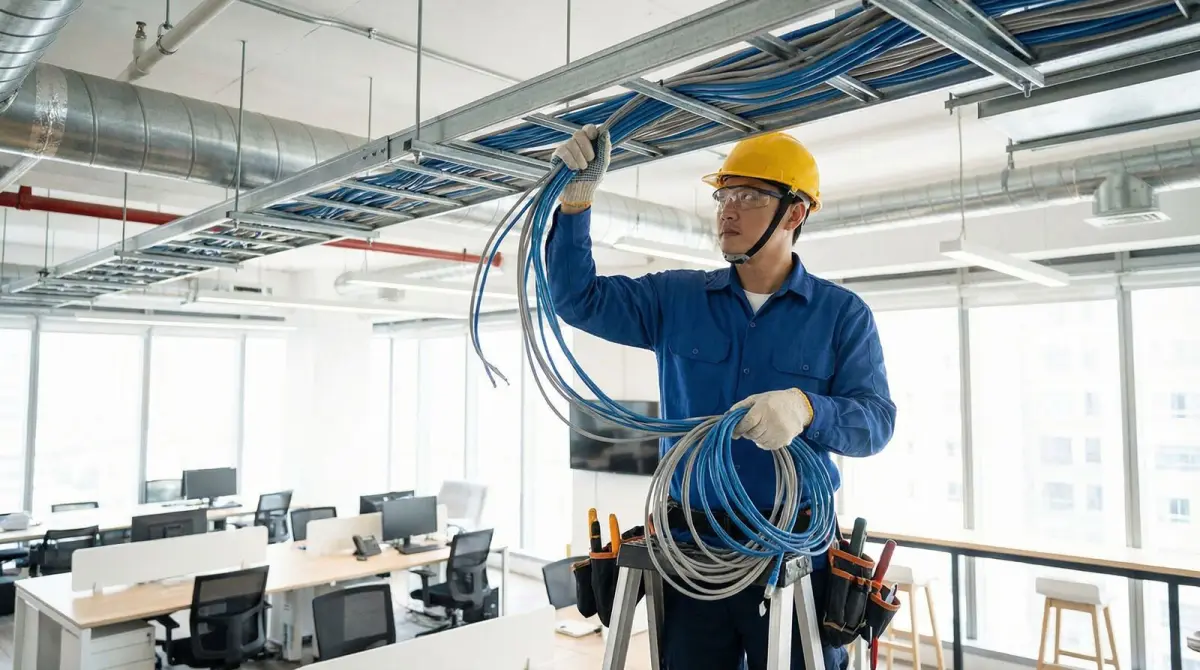
Plan wireless coverage and the wired backbone around real production and logistics workflows—high racks, changing inventory, moving scanners, machinery, loading areas, shifts and controlled installation windows.
Mon–Fri 9–6 GMT+8 · MY: +60384081397 · SG: +6586605216
Direct answer
Industrial WiFi must be designed around the workflow and operating environment, not floor area alone.
A factory or warehouse WLAN should be planned for the actual scanners, terminals, vehicles, machines, cameras, staff and movement routes that depend on it. Metal racking, inventory, high ceilings, production equipment, doors and outdoor loading areas change radio behaviour. The design must also include suitable cabling, fibre or copper distribution, PoE switching, network separation, maintenance access and validation during representative operating conditions.
Technical review
Translife connectivity team
Updated
- Permanent networks for production, storage, fulfilment and logistics premises
- Coverage and mobility requirements mapped by operational zone and device type
- Cabling, fibre distribution, switching, power and cabinet dependencies included
- Phased installation and validation planned around shifts and site controls
100+
Languages
10,000+
Clients Served
21+
Years Experience
PM-led
Project-Managed
Selected clients in Malaysia
Search by symptom
The network problems this service addresses
Start with the operational symptom, then measure the radio, cabling and traffic conditions that can produce it.
Scanner dropouts in aisles
Handheld terminals pause, reconnect or lose the warehouse-management session while staff pick and move stock. The investigation follows the real route and the actual scanner class rather than assuming a phone test represents it.
Changing stock changes coverage
An empty rack, low inventory or open production area can produce a different radio path from a full operating site. Survey timing and design margin should reflect representative storage and activity conditions.
High ceilings and metal obstacles
Long mounting distances, racks, machinery, ducting, insulated panels and moving vehicles can block or reflect signals. Access-point placement and antenna choice must follow the intended zone and selected hardware.
Loading bay and yard gaps
Receiving, dispatch, dock doors, canopies and outdoor yards are often outside an office-style coverage plan even though scanning, security or communications continue there.
Mixed operational traffic
Office users, WMS terminals, OT or IoT devices, CCTV, maintenance teams and guests should not automatically share one flat network or one unrestricted route to business systems.
Fragile distribution backbone
A remote access point may depend on an overlong or undocumented copper path, a small unmanaged switch or insufficient PoE. Industrial coverage work fails when the distribution network is treated as an afterthought.
Diagram 1
Industrial network topology from core to working zone
The access points are the visible edge of a larger system. This conceptual flow shows how provider connectivity, security, distribution and zone infrastructure work together; the final topology depends on the premises and operational risk.
- 1
WAN edge
Primary service and any quotation-specific backup connect through the controlled network edge.
- 2
Gateway & core
Routing, firewall policy, network services and the main switching layer enforce the design.
- 3
Backbone
Fibre or suitable copper connects buildings, floors, zones and intermediate cabinets.
- 4
Zone access
PoE switching and access points serve aisles, production, loading, office and outdoor areas.
- 5
Operations
Scanners, tablets, machines, cameras and users reach only the services their role requires.
Diagram 2
Aisle coverage is one layer of operational continuity
Reliable use along a picking or production route depends on the client, radio cells, zone switching, backbone and application path. The weakest layer determines the observed experience.
Workflow
Receiving, put-away, production, inspection, picking, packing, dispatch and maintenance routes.
Client fleet
Actual scanner, tablet, voice, vehicle, sensor and managed-device radio capabilities.
RF zones
Aisle cells, cross-aisles, mezzanines, docks, outdoor areas and transition points.
Distribution
Access points, PoE switching, cabinets, fibre or copper backbone and resilient power choices.
Services & policy
WMS, ERP, OT, CCTV, identity, DHCP, DNS, firewall rules, WAN and remote applications.
Environment first
Why a warehouse is not simply a large office
Industrial spaces combine height, metal, movement, changing stock and operational consequences that an office access-point layout does not model.
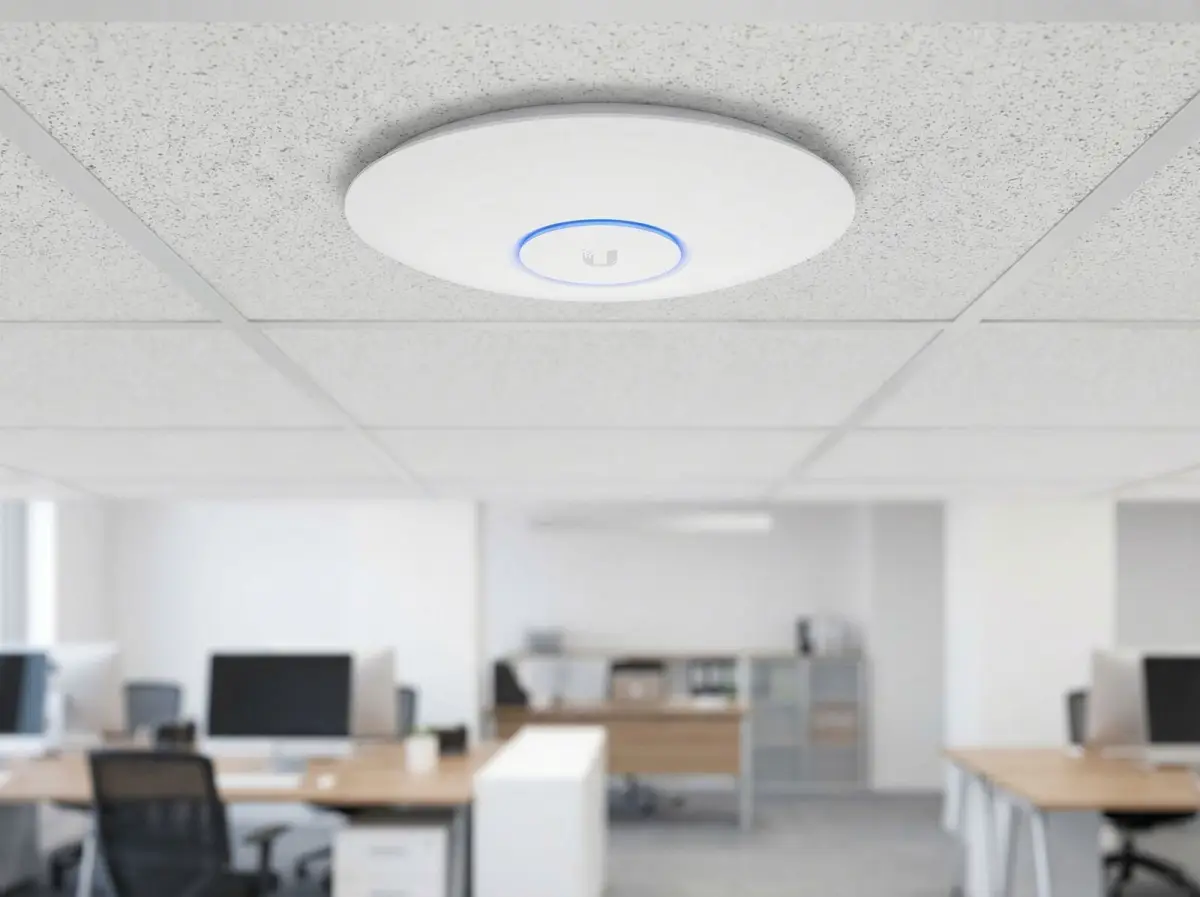
An office usually contains relatively stable rooms, desks and partitions. A warehouse can contain long metal aisles, changing pallet loads, mezzanines, conveyors, dock doors, forklifts and ceilings far above the users. A factory can add machinery, enclosures, heat, dust, moisture, restricted zones and electrical noise. These conditions affect both radio propagation and how equipment can be mounted, powered and serviced. A square-metre rule cannot express the difference between an open packing floor and a densely stocked high-rack aisle.
The consequence of a short interruption also varies. A staff phone that reconnects after a pause is not equivalent to a scanner that loses a transaction, a mobile terminal that delays picking, or a production device that cannot reach its permitted service. Requirements should state which workflows depend on wireless access, which can fall back to a wired connection, how devices move, how long they remain in each zone and what happens when communication is interrupted. That definition guides coverage overlap, capacity, resilience and acceptance testing.
The physical survey must be coordinated with site safety and operations. Some mounting positions need elevated access, shutdown coordination or landlord approval. Some production areas require separately qualified equipment and procedures. Cold, wet, dusty, corrosive or hazardous locations cannot be served merely by calling a consumer access point ‘industrial grade’; the selected model’s environmental rating and the site’s rules must match. Where Translife’s quoted scope does not cover a specialist condition, the dependency or exclusion should be explicit before work starts.
- Classify zones by workflow, occupancy, environment, mounting access and consequence of interruption.
- Use the actual device fleet and application path when defining acceptance criteria.
- Record seasonal or inventory conditions that could make the survey unrepresentative.
- Treat safety, elevated work and specialist environmental requirements as project inputs.
Follow the work
Map receiving, production, picking and dispatch before placing access points
The network plan should follow people, goods, vehicles and information through the premises rather than treating every floor location as equally important.
Receiving may require scanners and tablets outside the main building envelope, under a canopy or between docked vehicles. Put-away and replenishment routes move through cross-aisles and high storage locations. Picking may use handheld terminals, vehicle-mounted computers, voice devices or carts. Packing and dispatch can concentrate many active clients in a smaller area. Production and maintenance add their own terminals, dashboards, printers and approved machine interfaces. A requirements workshop maps these steps and identifies the systems each device must reach.
Movement paths reveal transition points that a static floor plan misses. A scanner can have acceptable service in the centre of two zones yet pause when turning at an aisle end, moving through a fire door, entering a cold area or crossing from indoor to outdoor coverage. The design records these routes and uses representative client devices during validation where practical. Roaming remains partly client-controlled, so the result should describe observed behaviour for the tested fleet rather than promise that every possible device will hand off without interruption.
Operational priorities also influence phasing. A site may need receiving and dispatch stabilised before a lower-use storage wing. A new warehouse may need the fibre and cabinets commissioned before racks are filled, followed by a validation visit when representative inventory is present. An occupied factory may require work zone by zone during maintenance windows. Mapping the workflow creates a delivery sequence that supports operations while keeping assumptions about future stock, layouts and machines visible.
Measure representative conditions
Metal racks, inventory, machinery and activity change the RF environment
A warehouse survey is most useful when its conditions resemble the site state that creates the business complaint.
Metal shelving can create narrow propagation paths along an aisle and strong attenuation across it. Dense or liquid-bearing inventory can change that pattern again. Machinery, insulated panels, lifts, vehicles and large doors add reflection, obstruction and movement. An access point mounted high above everything may appear to cover a broad footprint but provide an unsuitable link to a low-power handheld device between loaded racks. The proposed layout may use aisle-oriented, zone-oriented or mixed placement according to the selected hardware and measured environment.
Inventory state must be recorded with the results. A survey during an empty fit-out is valuable for pathway and initial design work, but it cannot reproduce the final loaded warehouse. Cisco’s published survey guidance for manufacturing and warehouse environments advises accounting for peak inventory and activity where possible. That does not mean a busy site must be disrupted for every project; it means the report should say whether racks were full, which zones were operating, what neighbouring systems were active and whether later validation is required.
Radio observations should be tied to the intended client and height. A measurement taken by a laptop at desk level is not automatically representative of a scanner held near stock, a vehicle terminal or a device mounted on equipment. The test path can include aisle centres, rack ends, pick faces, packing stations, doors, mezzanines, loading positions and outdoor transitions. Where a zone is inaccessible or unsafe during the survey, it is recorded as a limitation rather than estimated and presented as measured fact.
Interference investigation also needs context. Other WiFi networks, personal hotspots, wireless cameras or industrial systems may share spectrum, but the presence of a signal does not prove causation. The assessment looks for repeatable relationships between the symptom and observed conditions. Difficult intermittent or non-WiFi interference may require a separately defined spectrum investigation with appropriate equipment and access, instead of a casual conclusion from a standard walk test.
- Record rack fill, inventory type, doors, machinery activity and survey time.
- Measure at relevant client heights and along real travel routes.
- Plan later validation when the initial survey occurs before the representative operating state.
- Do not label outside wireless activity as the cause without supporting evidence.
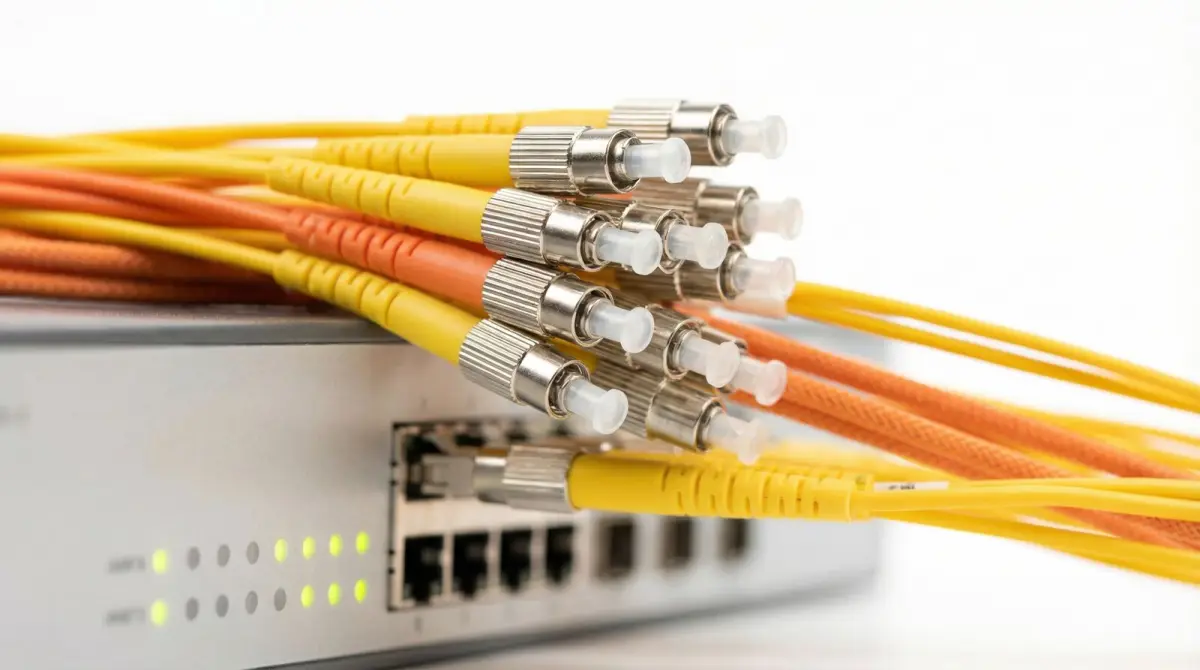
Build the distribution path
Fibre, copper, PoE switching and industrial-zone cabinets
The backbone determines whether each wireless zone has dependable power, bandwidth, management and a practical route back to core services.
The main network room usually feeds one or more distribution points located near operational zones. Separate buildings, distant areas, electrical conditions or capacity requirements may justify fibre. Suitable balanced copper remains useful for endpoints within its designed channel and environment. The route decision also considers risers, trenches, containment, fire stopping, moisture, mechanical protection, spare capacity and whether the cable can be accessed without stopping production. Distance alone does not choose the complete cable system.
Power over Ethernet simplifies access-point deployment by carrying data and power over the structured cable, but the switch must support the required standard and total budget. Port count, uplink capacity, environmental conditions and cabinet access also matter. A small unmanaged switch placed above a ceiling or beside a machine may create a hidden point of failure. Distribution cabinets need appropriate enclosure, patching, labels, power, ventilation and service clearance for the location; electrical or specialist environmental work must be coordinated with qualified parties where required.
Backbone resilience is based on operational consequence. Some sites can tolerate a zone outage while a switch is replaced. Others may require redundant paths, power protection, spare fibre cores, dual uplinks or quotation-specific failover. Redundancy is not achieved by drawing two lines if they share the same conduit, switch or power source. The design identifies common dependencies, explains what a backup actually protects and avoids claiming high availability without a tested architecture and operating process.
Documentation turns the physical network into maintainable infrastructure. Cabinet names, fibre cores, copper ports, access-point locations, switch uplinks, VLAN purpose and cable labels should correspond. Drawings and port schedules should be updated after installation rather than left at proposal state. This supports faster fault isolation, controlled expansion and safer handover to an internal IT team or future support provider.
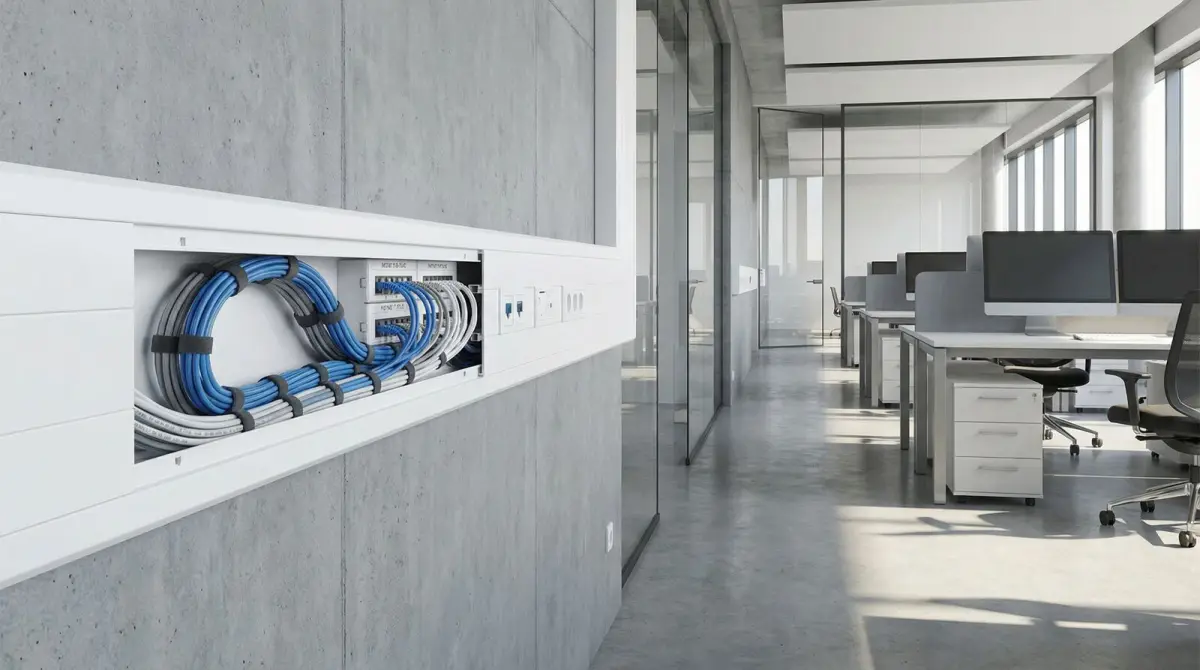
Design each area deliberately
Aisles, production floors, mezzanines, cold areas, docks and yards
One premises can contain several radio and environmental designs, each with its own clients, obstacles and service requirements.
Aisles may favour cells aligned with the storage geometry, while cross-aisles and open staging spaces need different placement. Production floors can change when lines move or equipment is replaced. Mezzanines create vertical separation and shadowing. Offices inside the industrial site usually need a familiar enterprise design for laptops, voice and meetings, but should still integrate with the same managed backbone and policy. The survey names these zones so the drawing and quote do not reduce the whole property to one access-point count.
Cold rooms, wash-down areas, dusty spaces, outdoor yards and exposed loading bays require the exact environmental and mounting requirements to be confirmed. Temperature range, ingress protection, corrosion, enclosure, condensation, cable entry, surge risk and safe access can affect hardware selection. Translife should not claim that a unit is suitable simply because its product family is marketed for industrial use. The quotation can identify models and accessories after the zone requirements and manufacturer specifications are checked.
Outdoor service also needs a boundary. Covering a dock apron or nearby yard from the building is different from connecting another building, a remote gate or a multi-hectare site. Longer or obstructed routes may need fibre, point-to-point or point-to-multipoint wireless backhaul, masts, clear line of sight or another service design. Those needs link to Translife’s remote and multi-building wireless connectivity work rather than being hidden inside an indoor access-point allowance.
Coverage does not mean every radio device can use every service. A visitor at reception, a contractor in maintenance, an operations scanner and a camera may occupy the same physical area while belonging to different controlled networks. Zone design therefore combines physical reach with identity, permitted destinations and capacity. Validation tests both presence of the required service and absence of unintended cross-network access where that control is in scope.
- Name every operational zone and transition path in the scope drawing.
- Confirm environmental ratings against real temperature, moisture, dust and exposure requirements.
- Separate nearby yard coverage from long-distance or multi-building backhaul design.
- Test the required network and policy for each device group, not signal alone.
Design for actual endpoints
Scanner, forklift, tablet and voice mobility
A WLAN can only be validated honestly when the devices and applications used on the floor are represented in the test plan.
Handheld scanners often have different radio capability and roaming behaviour from current phones or laptops. Vehicle-mounted terminals may sit behind glass, metal or a mounting bracket. Voice devices expose brief latency and loss that a batch scanner may tolerate differently. Managed tablets can have power-saving or security settings that affect connection behaviour. The discovery stage records model groups, supported bands and security modes where available, then identifies a representative fleet for testing.
The infrastructure contributes through cell design, channel and power planning, compatible security, network services and controller configuration. The client decides when and how it moves between access points. Features that assist roaming still require endpoint support and correct configuration. For that reason, the acceptance method follows agreed routes and device classes and reports observed transitions. It avoids absolute phrases such as zero-drop roaming unless the specific system, endpoint, traffic and test result genuinely support that limited statement.
Application sessions add another layer. A device can remain associated to WiFi while its WMS session times out because of DNS, routing, firewall, WAN or server behaviour. Active tests and application observations should be correlated where access permits. Responsibility boundaries are then clearer: the WLAN team can address the local radio and network path, the customer or application provider can address server-side behaviour, and evidence can support ISP escalation when the external connection is involved.
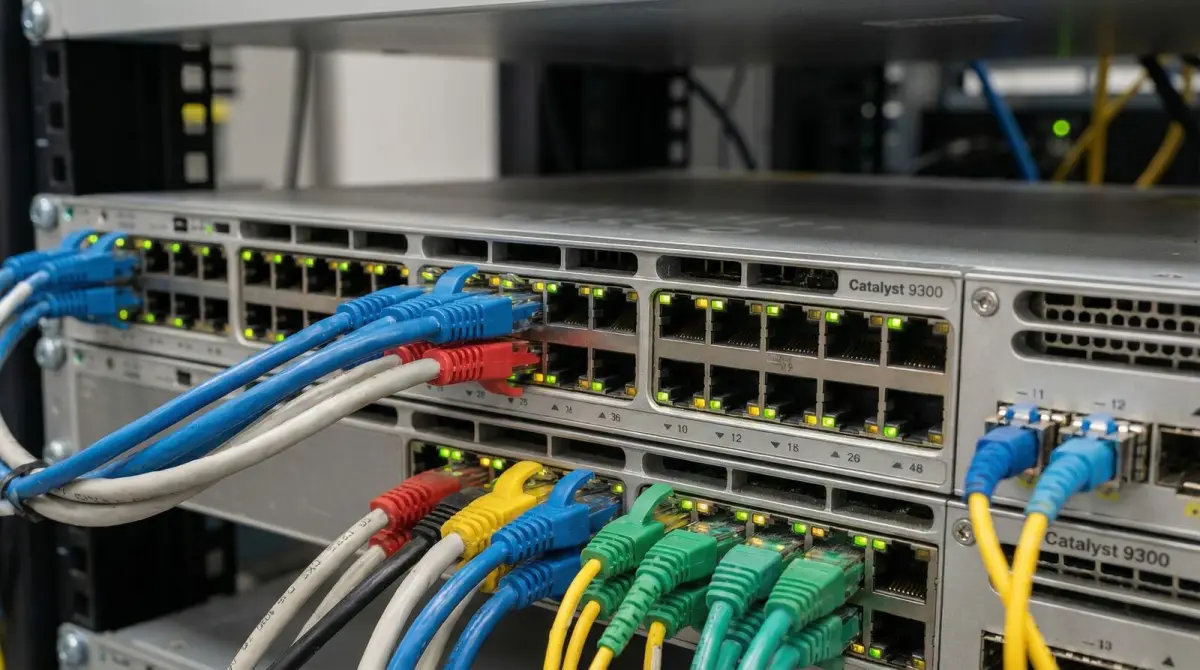
Control access and failure impact
Separate WMS, OT, IoT, CCTV, office and guest traffic
Shared physical infrastructure can carry several operational services, but each service should receive only the connectivity and management access that its role requires.
A factory or warehouse may include corporate laptops, warehouse-management terminals, operational technology, environmental sensors, cameras, access-control devices, printers, maintenance tools and guest users. Placing all of them on one unrestricted network makes policy and fault isolation harder. The design can use VLANs or equivalent segments carried through access points and switches, with routing and firewall rules that control permitted paths. A label on an SSID is not enforcement; the policy must be configured and tested at the gateway and management layers.
IT and OT requirements should be agreed with the system owners. Some production equipment may be legacy, vendor-managed or sensitive to change. A wireless installation should not silently readdress, patch or expose those systems. The scope records required communications, ownership, maintenance windows and any third-party participation. Where specialist industrial security or deterministic control networking is needed, that is a separate discipline rather than a generic benefit of installing WiFi 6, WiFi 7 or a particular brand.
Resilience decisions consider the service impact of a failed internet line, gateway, core switch, zone switch, fibre route, access point or power source. A backup WAN can protect provider failure but not a failed local switch. Redundant uplinks do not protect a cable route if both share one damaged pathway. The project can prioritise sensible spare capacity and recovery documentation even where full redundancy is not justified. Each quoted safeguard should state the failure it is intended to mitigate.
Work around production
Survey, installation and validation around shifts
The delivery plan should protect people and operations, state expected interruptions and provide a controlled return to service after every change window.
Industrial work begins with site induction, access rules and a named site representative. The survey records working-at-height requirements, restricted machinery areas, food or clean zones, loading movements, permit processes and safe times for inspection. Floor plans and inventories can be reviewed before arrival, but the physical route must still be confirmed. Any civil, electrical, fire-stopping or specialist environmental work is assigned to the appropriately qualified party in the final scope.
Installation can be staged by backbone, cabinet, operational zone or shift. Cable and fibre pathways may be prepared before network cutover. New switching and wireless configuration can be built, backed up and reviewed before endpoints move. For a live site, each change window should name the affected service, expected interruption, validation steps and rollback approach. A promise of zero downtime is inappropriate unless the specific architecture and migration have been engineered and proven for that outcome.
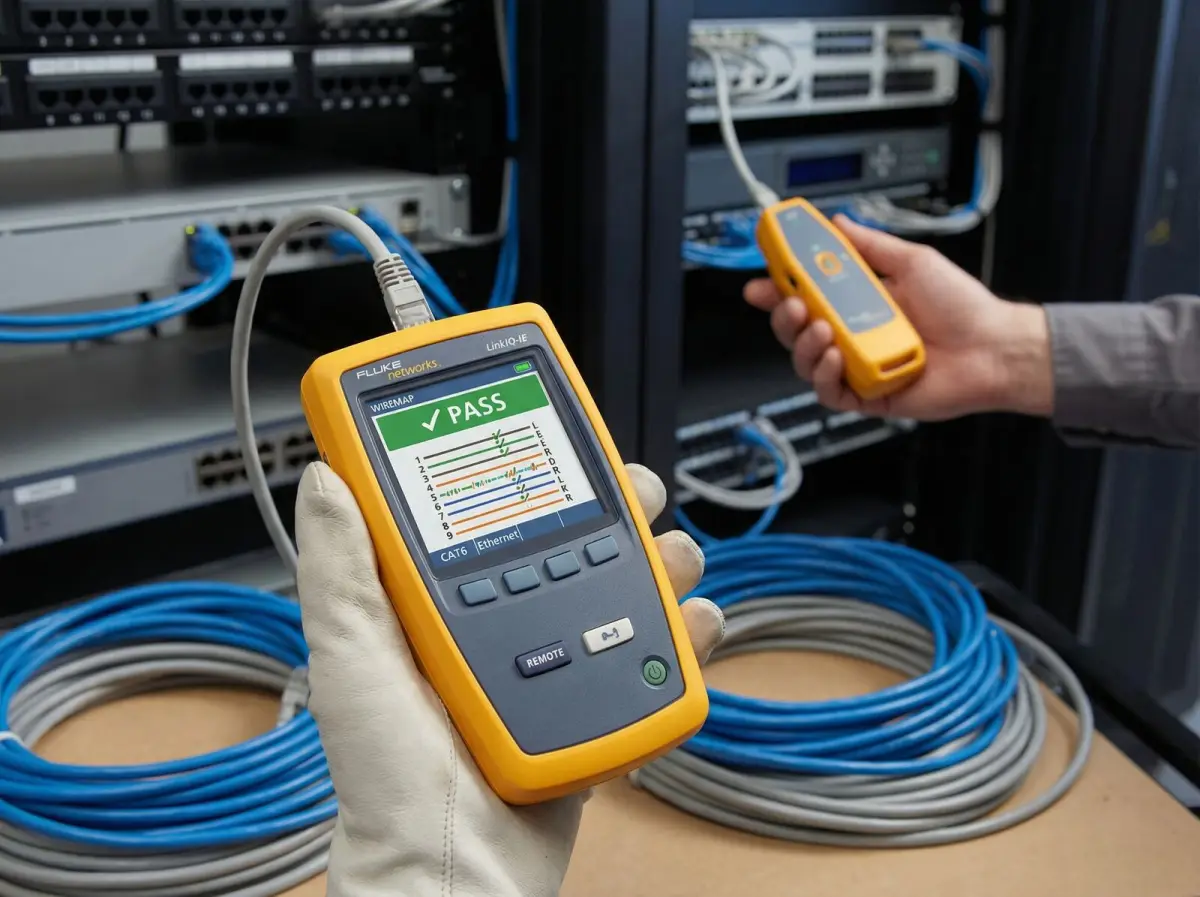
Post-installation validation should occur with representative stock, activity and client devices where practical. The team walks agreed scanner and mobility routes, checks required applications, confirms permitted network access, reviews access-point and switch status, and records exceptions. If the initial fit-out was empty, a later validation may be a planned project stage. Results should state the device, location, time and method so future changes in racks or production layout can be compared to a known baseline.
Handover includes the items agreed in the quote: topology, access-point and cabinet locations, cable and port labels, network purpose, account ownership, configuration backup arrangements, test records, known exceptions and escalation contacts. The customer should understand which changes can be made internally and which should trigger a new survey. An undocumented installation becomes difficult to operate as soon as inventory, lines, tenants or staff change.
Decision guide
Design choices by industrial zone
These examples show why one access-point and cabling rule cannot be copied across the whole site. Final equipment and criteria follow the survey, device fleet and environmental requirements.
| Zone or workflow | Design questions | Likely project considerations |
|---|---|---|
| High-rack picking aisles | How full are the racks, which scanners are used, at what height, and where do staff turn or cross between aisles? | Aisle-oriented cells, representative inventory survey, route testing, suitable mounting access and planned overlap. |
| Production floor | Which terminals or machines communicate, what moves, which changes require shutdown, and what environmental limits apply? | Zone-specific hardware, protected cabling, controlled policy, qualified-trade coordination and maintenance-window delivery. |
| Loading bay and nearby yard | Are devices used inside vehicles, under canopies or outdoors, and how far does the operational route extend? | Indoor-outdoor transition coverage, weather-rated equipment where justified, surge/pathway review and backhaul boundary. |
| Cold, wet or dusty area | What are the real temperature, moisture, cleaning, condensation and enclosure requirements? | Manufacturer-rated equipment and accessories, suitable cable entry, mounting and separately scoped specialist conditions. |
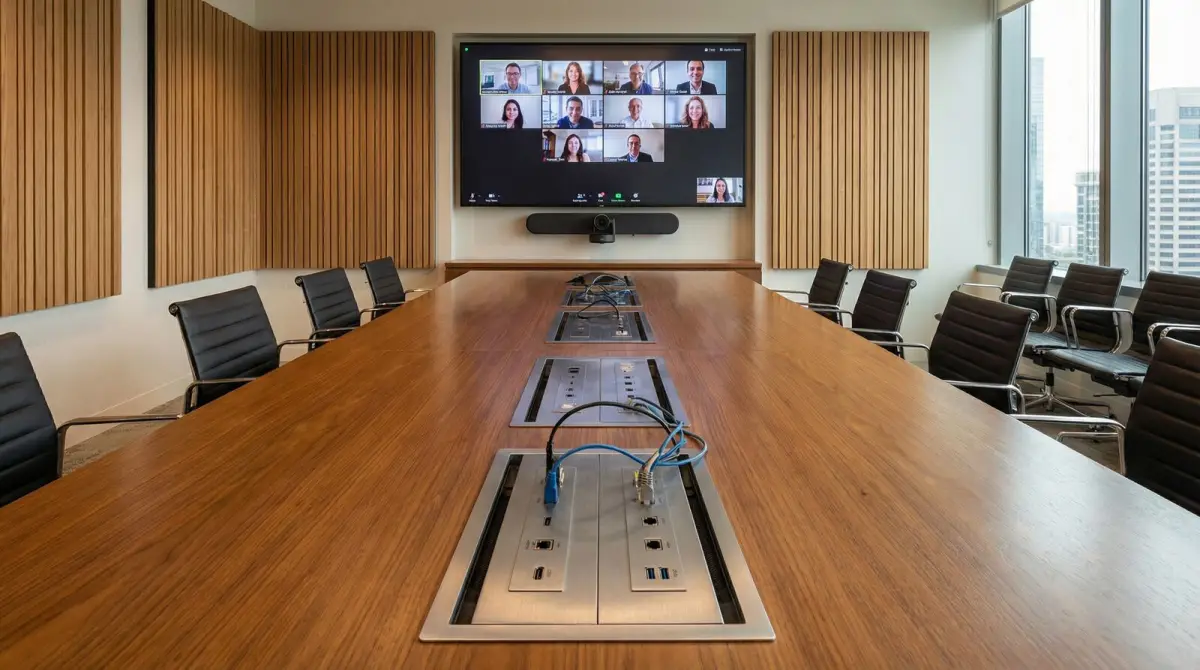
| Office and visitor areas | How many concurrent users, meetings and guests are expected, and which internal systems must remain inaccessible? | Enterprise office capacity, wired meeting endpoints, guest isolation and consistent management through the site backbone. |
Delivery process
A factory and warehouse network delivery sequence
The sequence is adapted to the site’s safety, inventory and shift conditions, but every stage should produce evidence for the next decision.
- 01
Operational discovery
Map receiving, production, storage, picking, packing, dispatch, maintenance, offices and outdoor movement to devices, applications and interruption impact.
- 02
Physical and RF survey
Record racks, inventory state, materials, heights, machinery, doors, pathways, power, cabinets, access restrictions and representative radio conditions.
- 03
Backbone and zone design
Define core, fibre or copper distribution, PoE switching, access-point zones, network separation, mounting, environmental requirements and dependencies.
- 04
Phased installation plan
Coordinate permits, elevated access, qualified trades, cable work, configuration, cutovers, expected interruptions, safety controls and rollback steps.
- 05
Representative validation
Test agreed routes, zones, devices, applications and policy under documented inventory and operating conditions, then resolve or record exceptions.
- 06
Handover and change baseline
Transfer topology, labels, accounts, configuration records, findings and support boundaries so later rack, line or workflow changes can be assessed deliberately.
Visual field guide
What the physical network work looks like
These illustrative installation views show the components and workmanship discussed on this page; final equipment and routes depend on the survey.
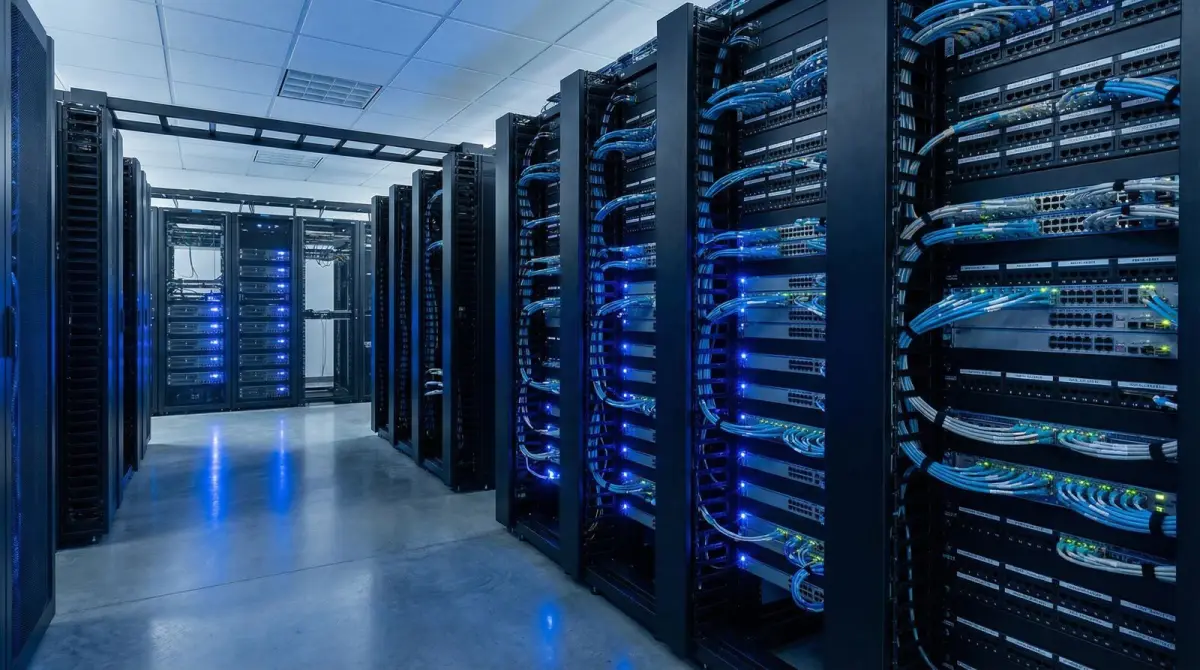
Core and distribution
The core, cabinets and uplinks need documented capacity and service access behind the wireless edge.
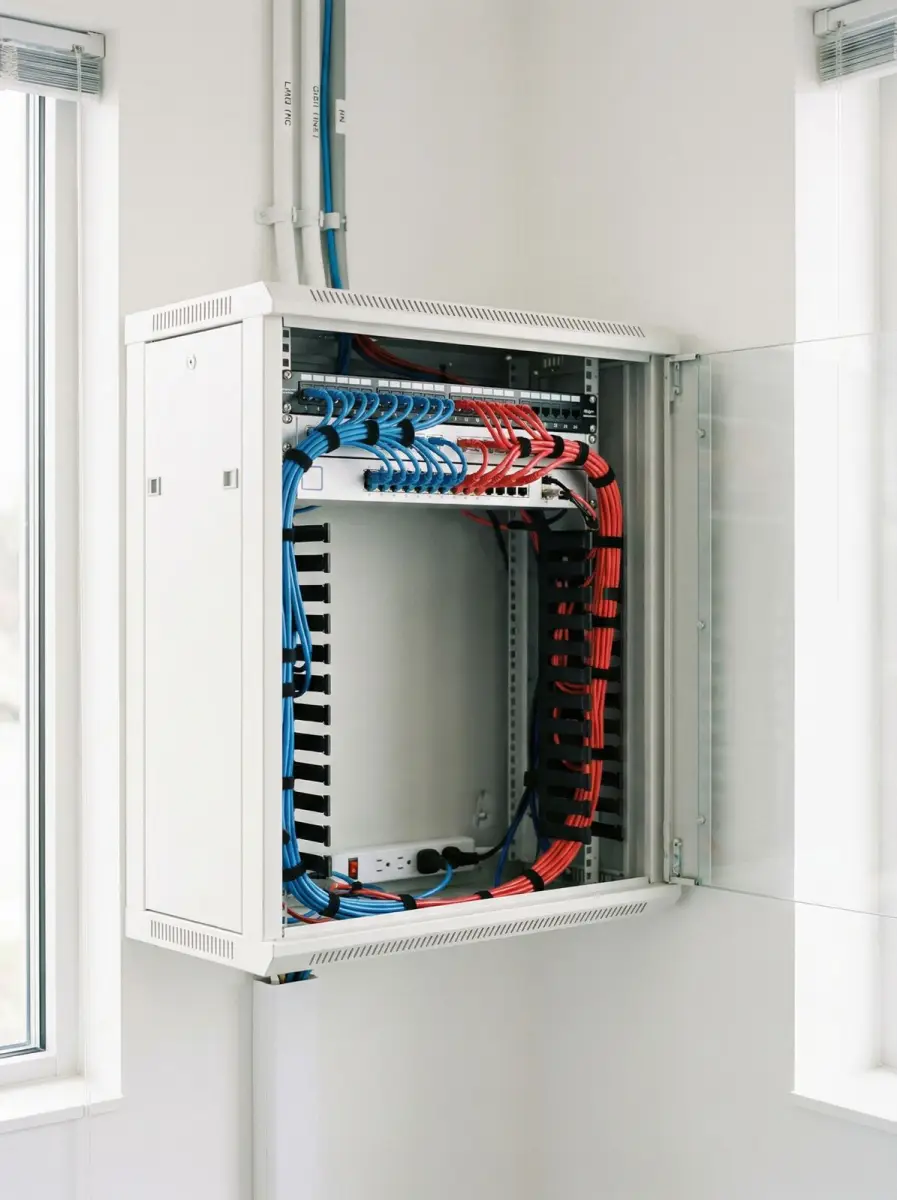
Zone cabinet
Intermediate distribution can shorten access runs while creating a controlled, labelled service point.
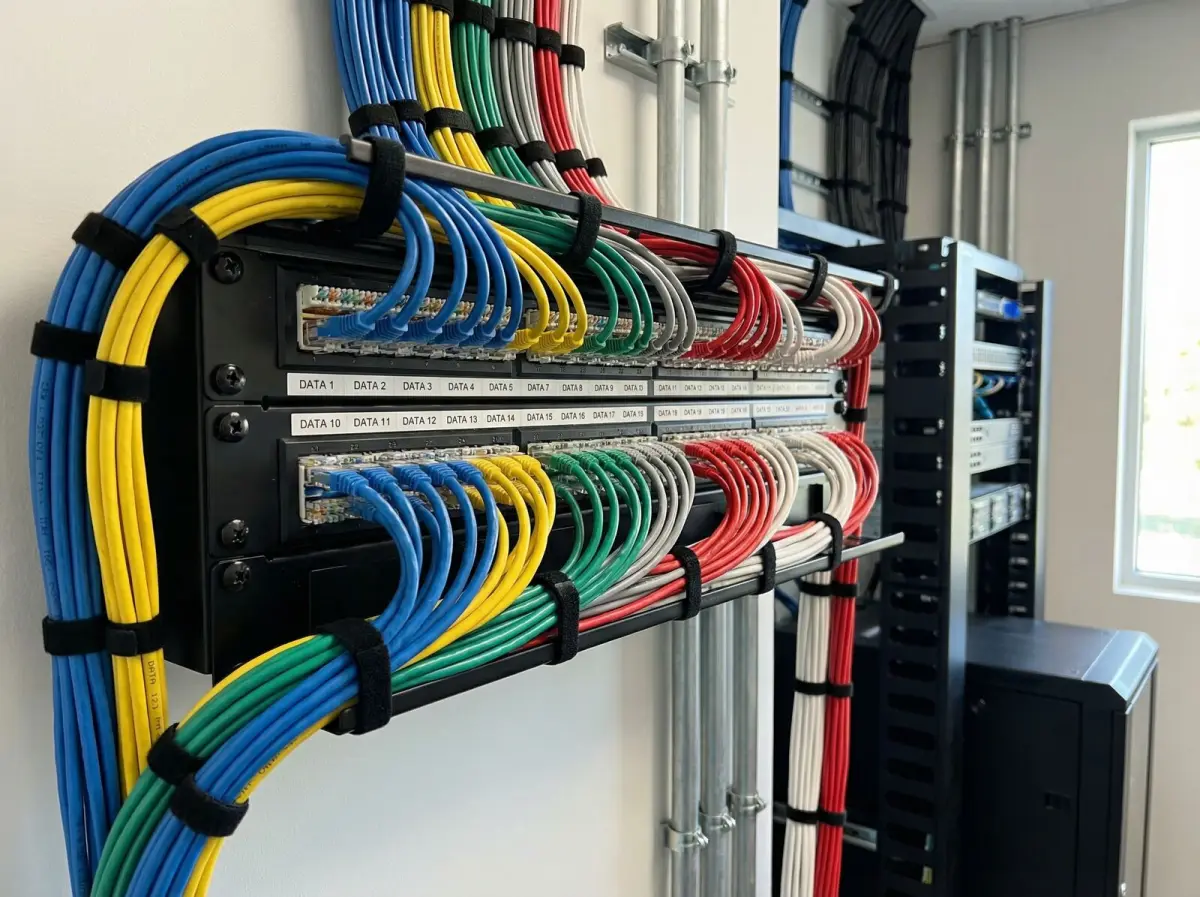
Structured termination
Port schedules and matching physical labels support tracing, changes and fault isolation.
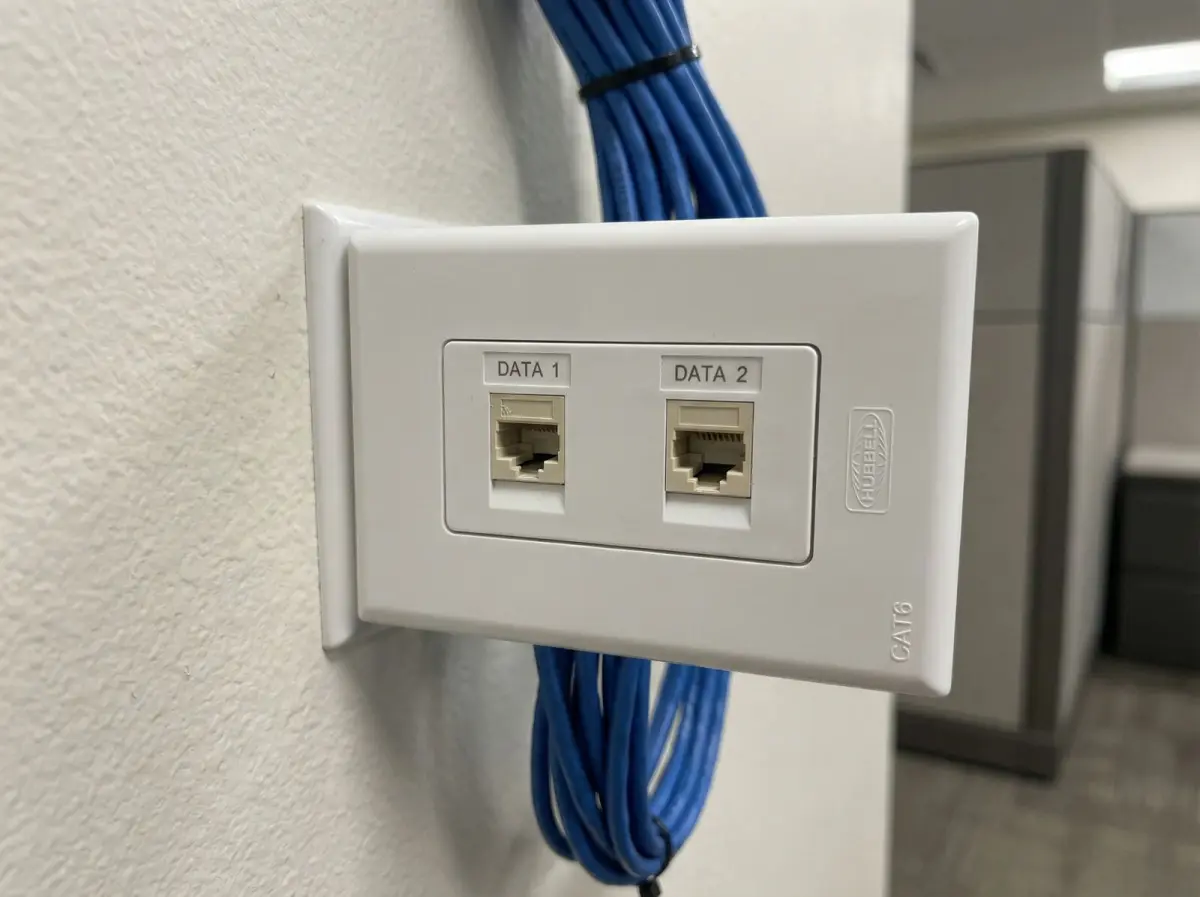
Wired where appropriate
Fixed and critical equipment can use wired endpoints when mobility is not a requirement.
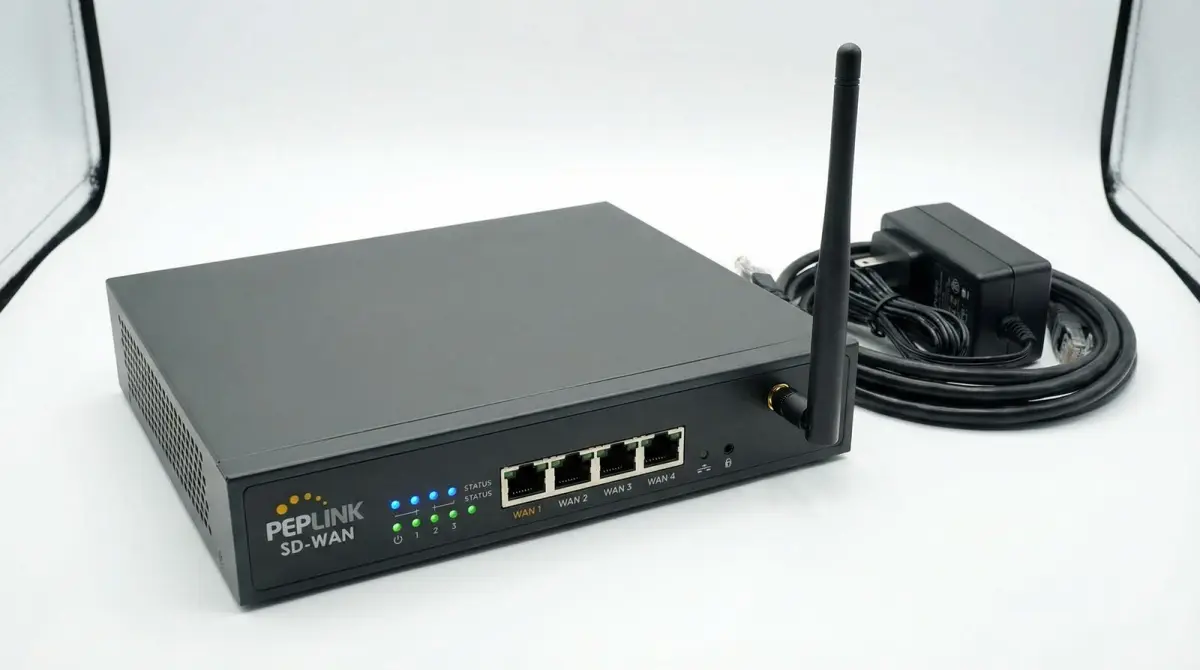
WAN and gateway planning
Any provider backup is designed around the failures it can actually protect and the traffic it must carry.
Managed wireless platform
Platform selection follows client support, scale, lifecycle, administration and the approved operating model.
Evidence base
Technical references used for this guide
- Small and medium factory network solution
Huawei Enterprise Malaysia
Used as a current vendor architecture example for differentiated factory zones, industrial access points, wired distribution, IT and OT separation, central management and warehouse mobility.
- WLAN site survey guidelines
Cisco
Used for survey-method distinctions, RF assessment before deployment and the role of post-installation validation against requirements.
- Converged Plantwide Ethernet physical infrastructure guidance
Cisco
Used to frame industrial pathways, zones, structured physical infrastructure and the need to coordinate network design with environmental and operational conditions.
FAQ
Questions Malaysian organisations ask before improving WiFi
Straight answers about scope, evidence, disruption and long-term operation.
Why does warehouse WiFi need a specialist survey?
Racks, stock, ceiling height, machinery, vehicles, doors and changing activity make an industrial radio environment different from an office. The survey should follow actual scanner and production workflows, document inventory conditions, inspect the distribution network and define later validation where the current site state is not representative.
How many access points does a warehouse need?
There is no dependable floor-area formula. Quantity and placement depend on rack geometry and fill, client types, mounting options, environmental conditions, concurrent use, channel plan, operational zones and acceptance requirements. A site assessment and design should precede the final equipment count.
How do metal racks and changing stock affect WiFi?
Metal can block and reflect radio energy, while dense or liquid-bearing stock can add attenuation. An empty aisle can behave differently after pallets arrive. The survey records inventory state and, when necessary, includes a later validation stage under more representative conditions.
Can scanners or forklifts stay connected while moving between aisles?
The infrastructure can be designed for appropriate cell overlap, channel use and compatible roaming features, but the client device participates in roaming decisions. Validation should use representative scanners or vehicle terminals on agreed routes and document observed behaviour rather than promise zero-drop movement for every endpoint.
Can loading bays and outdoor yards be covered?
Nearby loading and yard zones can be included when the boundary, devices, mounting, weather exposure, power, cable or backhaul and safety requirements are defined. A remote gate, separate building or large outdoor site may need fibre or a dedicated wireless-backhaul design rather than an indoor WLAN extension.
What equipment is suitable for cold rooms or harsh areas?
Suitability depends on the real temperature range, moisture, condensation, dust, cleaning, corrosion, enclosure, cable entry and manufacturer rating. The model and accessories must be checked against those conditions. ‘Industrial grade’ is not a sufficient specification by itself.
Should warehouse access points use fibre or copper backhaul?
Access points commonly connect by suitable copper to a nearby PoE switch, while fibre may connect distant cabinets, floors or buildings. The design considers route length, environment, electrical conditions, equipment, capacity, resilience and service access rather than declaring one medium universally better.
Can separate buildings be connected without trenching cable?
A designed point-to-point or point-to-multipoint wireless bridge may be an option where there is suitable line of sight, mounting, power and regulatory operation. Fibre or another physical pathway may be preferable in other cases. This is assessed as a backhaul link, not assumed to be ordinary WiFi coverage.
Can existing switches, cabling or access points be reused?
Existing infrastructure can be inventoried and tested for suitability, support status, capacity, PoE, environmental placement, manageability and the agreed requirement. Healthy suitable components may remain; undocumented, unsupported, damaged or incapable components become remediation or lifecycle items.
Can installation be phased around shifts?
Yes, where the site and dependencies allow it. Work can be planned by backbone, cabinet or operational zone, with permits, safe access, expected interruptions, approved change windows, validation and rollback steps documented. The proposal should state likely impact rather than promise no disruption.
How should operations, CCTV, IoT, office and guest traffic be separated?
The design can place device groups into controlled segments and enforce permitted communication through switching, routing, firewall and management policy. IT and OT system owners should confirm required paths. VLAN names alone are not security, and segmentation does not automatically prove industry compliance.
What is included in post-installation validation?
The agreed validation can cover representative zones and movement routes, scanner or terminal connection, required application access, active network tests, access-point and switch status, policy checks and documented exceptions. The report should record inventory, operating conditions, devices and method for future comparison.
Explore more
Continue planning your connectivity project
Use the service page that matches the next decision in your network plan.
Testimonials
What Our Clients Say
Trusted by corporations, SMEs, and government agencies in Malaysia and Singapore.
“Great suggestion of the output format of translation which I never thought of. It helps our people at site understand the translation much easier.”
DHL Malaysia
Plan with evidence
Request an industrial WiFi site assessment
Describe the premises, workflow zones, rack and inventory state, scanner or terminal models, shift pattern, outdoor areas, existing cabinets and backbone, critical applications, expected changes and preferred work windows. We will use those details to define an appropriate survey and design scope.
Prefer to provide drawings first? Use the contact page and describe the premises, operating hours, known dead zones and approximate user or device count.