
Permanent education connectivity
School & Campus
WiFi Installation Malaysia
Plan classroom capacity, staff and student access, administration systems, libraries, halls, hostels, outdoor areas and multi-building backbones as one supportable campus network.
Mon–Fri 9–6 GMT+8 · MY: +60384081397 · SG: +6586605216
Direct answer
Education WiFi must support simultaneous learning, identities and campus operations—not just reach every room.
A school or campus design starts with the number and type of active devices in each learning period, the applications they use, staff and student identity requirements, administrative and security systems, wired teaching endpoints, building construction and backbone capacity. Classrooms, laboratories, libraries, halls, offices, hostels and outdoor spaces are assessed as different zones, then the wireless, switching, fibre, internet and access policy are designed and validated together.
Technical review
Translife connectivity team
Updated
- Permanent networks for schools, colleges, universities, training centres and education campuses
- Classroom concurrency and assessment periods planned separately from simple coverage
- Student, staff, guest, administration, CCTV and approved device access controlled by requirement
- New-build, holiday upgrade, occupied-campus phasing and multi-building expansion options
100+
Languages
10,000+
Clients Served
21+
Years Experience
PM-led
Project-Managed
Selected clients in Malaysia
Search by symptom
The network problems this service addresses
Start with the operational symptom, then measure the radio, cabling and traffic conditions that can produce it.
A classroom slows when everyone connects
An empty-room signal test says little about simultaneous lessons, device updates or assessments. Capacity, channel use, client capability, switching and internet demand must be checked together.
Students and administration share access
Different passwords or network names do not establish a security boundary. Identity, wireless policy, switching, routing, firewall rules and management access must enforce the intended separation.
Older blocks and new buildings behave differently
Concrete, walls, ceilings, renovation materials, room layouts and cable pathways vary across a campus. One placement formula copied to every building creates predictable gaps and interference.
Hostel and outdoor areas are unreliable
Residential demand, evening peaks, detached blocks, weather exposure and long backhaul paths differ from classroom use. These zones need explicit service boundaries and infrastructure decisions.
Exams depend on an untested network
Online assessments concentrate active clients and create high operational impact, but the application, identity platform, internet and power remain external dependencies. Rehearsal evidence is more useful than a guarantee.
The campus network is undocumented
Mixed equipment, inherited accounts, unlabelled fibre and ad-hoc switches slow fault isolation. A current topology and ownership record are part of the upgrade, not optional paperwork.
Diagram 1
Campus connectivity from external services to learning zones
This conceptual topology shows the dependent layers behind a classroom connection. Final redundancy, identity, equipment and policy depend on the institution’s systems, buildings and risk decisions.
- 1
Internet & cloud
Provider services, learning platforms, identity systems and approved external applications enter at the campus edge.
- 2
Core & policy
Routing, firewall, identity, DNS, controller functions and central switching apply campus-wide access decisions.
- 3
Building backbone
Fibre or suitable links connect blocks, floors, hostels and distributed telecommunications rooms.
- 4
Access layer
PoE switching, access points and wired outlets serve classrooms, offices, halls and operational systems.
- 5
Known user groups
Students, educators, staff, guests and approved devices receive the services assigned to their role.
Diagram 2
A digital lesson depends on five connected layers
Similar symptoms can originate at the device, radio, local network, internet or application. Troubleshooting follows the lesson path so the institution invests in the actual limiting layer.
Student or educator device
Radio capability, drivers, security support, battery policy and the mix of managed and personal endpoints.
Classroom radio
Access-point position, walls, channel use, concurrent activity, client behaviour and movement between learning spaces.
Building distribution
Cables, PoE switches, uplinks, cabinets, fibre backbone, addressing and local network services.
Campus edge
Identity, DNS, firewall, content policy, internet capacity, resilience and shared security controls.
Learning application
Cloud platform availability, authentication, licensing, regional delivery and application-side capacity.
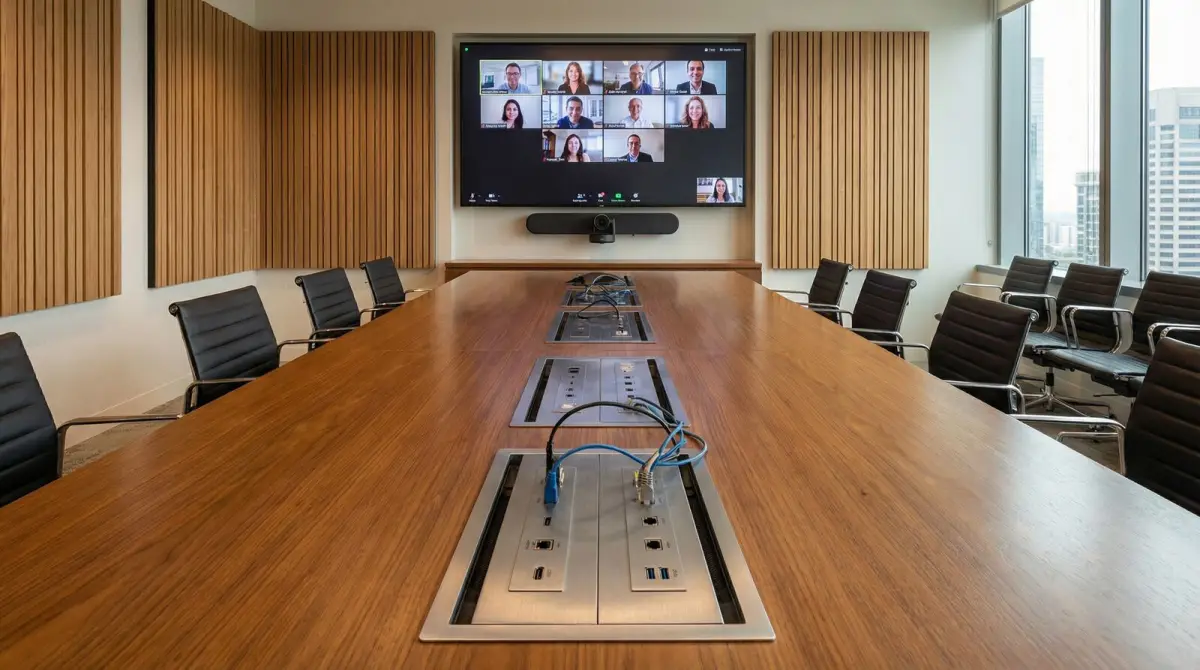
Map learning and operations
Classrooms, laboratories, libraries, halls, offices and hostels
A campus is a collection of usage patterns. The design names each zone, user group and critical service before selecting equipment.
Classrooms can have many devices becoming active within minutes as a lesson starts. Laboratories may use fixed workstations, specialist instruments or high-volume local resources. Libraries combine quiet individual study, managed computers and long device dwell time. Auditoriums and halls concentrate users for assemblies, examinations or events. Administration offices handle staff systems and fixed endpoints. Guard houses, CCTV, access control, printing, digital signage and building devices add operational traffic with different security and uptime expectations. Each group is mapped to the locations and services it genuinely requires.
Hostels and residences behave more like dense living environments than classrooms. Demand rises in the evening, users may have several personal devices, and rooms create repeated wall and door losses. Common areas, dining halls and study rooms add separate peaks. Outdoor courtyards, sports areas, walkways or pick-up zones require a defined service boundary and equipment suited to the environment. The institution decides where managed service is required, where best-effort access is acceptable and which areas remain out of scope.
The user and device model is equally important. Staff, students, visitors, contractors, managed laptops, personal phones, shared tablets, printers, cameras and building devices may need different authentication and destinations. Age group, device ownership, identity platform, safeguarding policy and help-desk capacity influence the practical access method. Translife implements the institution’s approved technical requirements; it does not define education policy, replace safeguarding professionals or promise that network controls alone prevent every inappropriate use.
- Record rooms, timetables, occupancy, device mix and learning applications by zone.
- Separate teaching, administration, residential, guest and operational requirements.
- Identify identity, device-management and content-policy owners before design.
- Define managed, best-effort and out-of-scope campus areas explicitly.
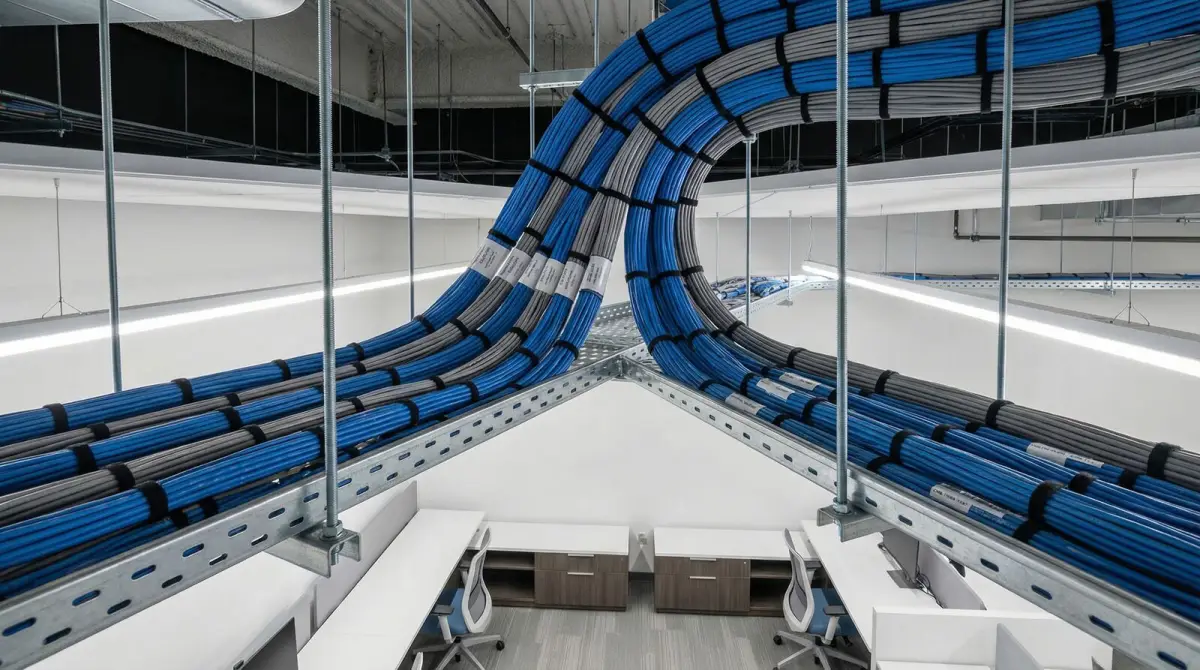
Choose a delivery path
New campus, holiday upgrade, inherited-network audit or block expansion
The project method changes with the construction programme, academic calendar, existing estate and evidence already available.
A new building can coordinate telecommunications rooms, fibre routes, containment, classroom outlets, display and lectern connections, access-point positions, electrical supply and ceiling access before finishes close. Predictive design supports budgeting, but installed materials, furniture, laboratory equipment and final device use still require validation. Architect, mechanical and electrical, fire-stopping, security, audiovisual and teaching-system responsibilities are recorded so the network scope does not hide work belonging to other qualified parties.
An occupied-campus upgrade begins with a current inventory and complaint map. Reports such as weak WiFi, failed logins or slow learning applications are converted into building, room, time, device, identity and application evidence. The investigation checks the endpoint, RF, access point, cable, switch, addressing, authentication, DNS, gateway, internet and application path. Supported equipment and sound cabling can remain where suitable. A phased correction may reduce disruption and waste compared with replacing every device because the platform is mixed.
An added block, hostel or remote facility requires a backbone decision before access points are counted. Fibre is commonly suitable between campus buildings where a protected pathway and appropriate terminations exist. A designed wireless bridge may be considered where line of sight, mounting, power, capacity and authorised operation fit. Cellular or satellite service can support a temporary, remote or backup scenario. The scope must state whether the new zone shares central identity and services or operates independently during a backbone fault.
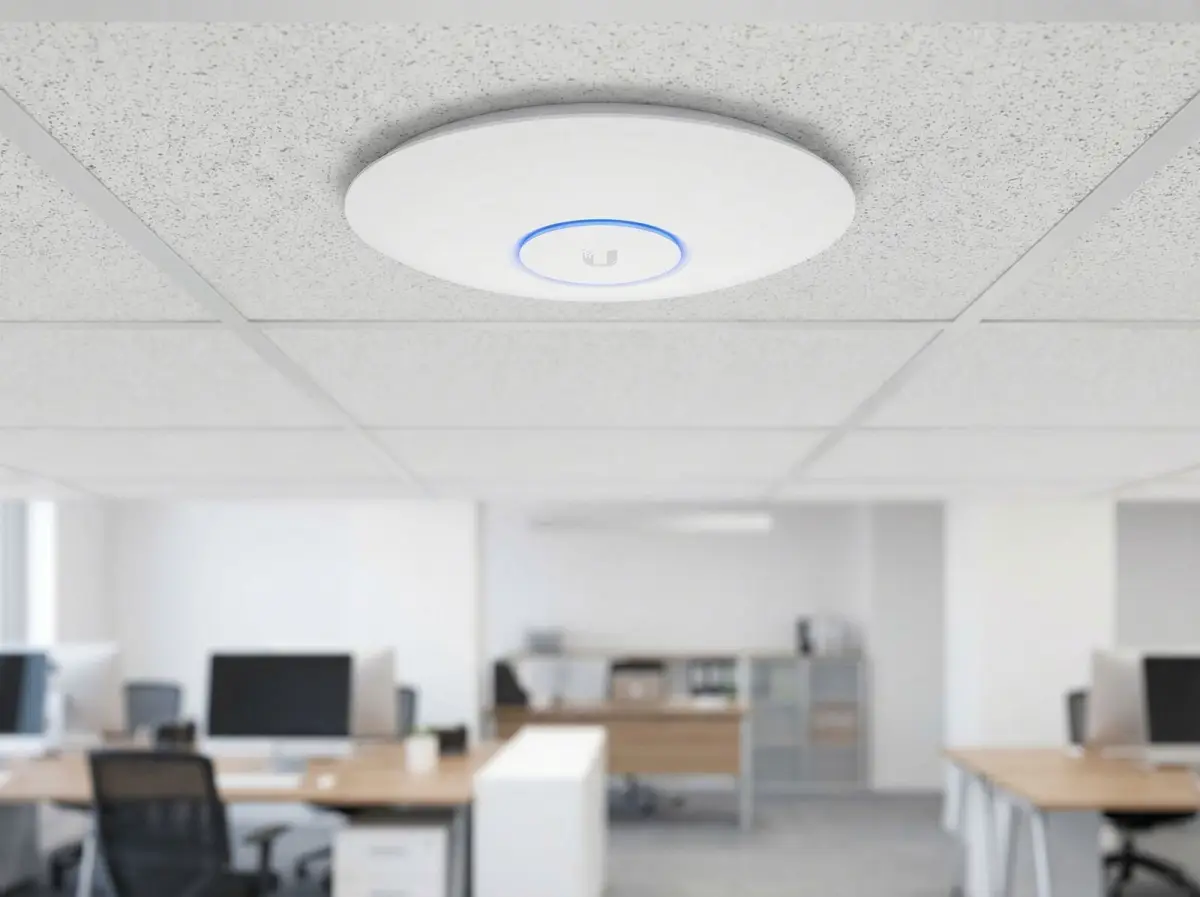
Design for simultaneous use
Classroom capacity is different from campus coverage
A signal icon can be full while a lesson fails because too many active clients, an unsuitable channel plan or an upstream constraint shares the same service path.
Coverage planning considers room construction, access-point mounting, antenna pattern, furniture, doors, laboratories, stairways and the devices that must connect. Capacity planning adds simultaneous active clients, application demand, airtime, bands, channel width, co-channel reuse and movement between spaces. A design for ordinary web access may differ from a class where every student streams, uploads media or starts an assessment at the same time. The institution provides the expected lesson scenarios so the network can be designed and tested against something more meaningful than floor area.
More access points are not automatically better. Devices and neighbouring cells share finite radio time, and excessive overlap or wide channels can reduce reuse. Placement and settings follow the selected platform, regulatory domain, measured environment and client capabilities. Fixed teaching stations, displays, phones, printers and specialist equipment are wired where suitable, preserving wireless capacity for mobile learning. PoE budgets, switch ports and building uplinks must support the chosen access layer rather than becoming hidden bottlenecks.
Validation uses representative managed and personal devices where the institution permits them. It can test authentication, ordinary learning traffic, movement between rooms, DNS, local resources and internet paths, with recorded time, position and method. A high-concurrency rehearsal can be arranged for important assessment or rollout scenarios, but synthetic tests do not reproduce every student behaviour or cloud-platform condition. Acceptance criteria therefore state what was tested and avoid a universal promise for every future device and application.
- Estimate active devices and application behaviour for each lesson or event scenario.
- Plan channels and cell size with client capability and neighbouring radios in mind.
- Check PoE, port, uplink, internet and identity capacity behind the wireless layer.
- Record representative devices, locations and methods during validation.
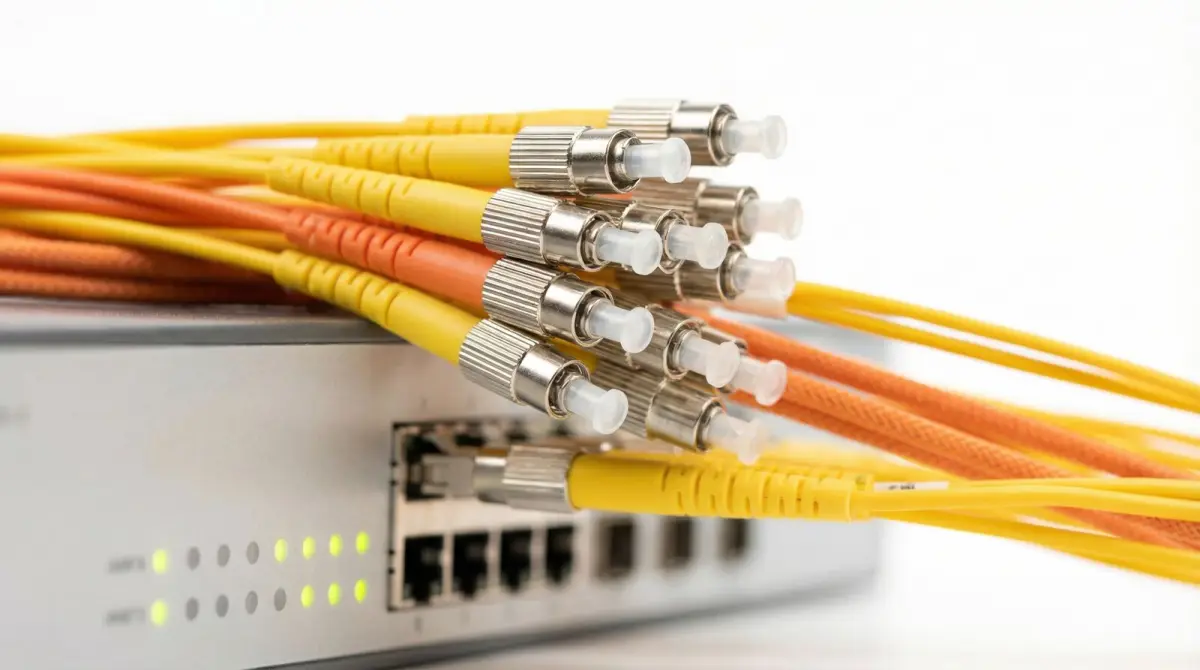
Connect every building
Fibre backbone, floor switching, PoE and classroom outlets
A campus WLAN depends on labelled pathways, supportable cabinets and adequate building uplinks long after the access points are installed.
The campus topology normally identifies a main equipment room and distributed building or floor rooms. Fibre may connect blocks and vertical distribution, while suitable copper serves nearby access points and fixed endpoints within design limits. Route planning considers underground ducts, risers, containment, fire compartments, lightning or surge exposure, spare capacity and future buildings. Civil, structural, electrical and fire work remains with the qualified parties stated in the scope. Cable and fibre type are selected from the actual distance, environment, equipment interface and lifecycle requirement.
Each telecommunications room needs suitable racks or cabinets, access, power, ventilation, patching, labels and physical protection. Switch port and PoE budgets include the planned endpoints and reasonable growth, while uplinks match aggregate building demand and resilience decisions. A campus may use redundant cores or paths where risk justifies them, but the physical routes must be examined; two logical links in the same damaged duct are not true route diversity. A UPS protects selected equipment for its designed runtime, not every building service or extended outage.
As-built documentation connects rooms and devices to the backbone: building and cabinet names, fibre cores, patch panels, switch ports, access-point identifiers, outlet labels and network purposes. Test results and known exceptions are attached to the relevant link. This evidence supports later classroom changes, renovation and fault isolation. It also reduces dependency on one contractor’s memory or controller account. Administrator, licence, domain and cloud ownership are transferred to the institution or agreed service owner at handover.
Apply institution policy
Student, staff, guest, administration and device access
Reliable radio access must be paired with an identity and policy model the institution can operate throughout enrolment, staffing and device changes.
Users can be assigned access according to institutional identity, managed-device status, guest process or another approved method supported by the selected platform. Students, teaching staff, administration, visitors and contractors may need different resources and internet policies. Printers, displays, cameras, access control and building devices often require device-specific arrangements. The design records authentication dependencies, onboarding, password or certificate lifecycle, account suspension, visitor sponsorship and the recovery path when the identity system is unavailable.
Network separation is implemented across wireless assignments, switch ports, routing, firewall rules and administrator access. A VLAN or separate network name is not enough if gateway policy permits unintended communication. The institution confirms required paths to learning resources, printing, administration systems and approved cloud services. Handover tests representative allowed and blocked connections. Sensitive systems remain under the responsible application and security owners; the network project does not claim to make every administrative or student-data system compliant automatically.
BYOD and content filtering are policy-led capabilities rather than complete safeguarding solutions. The institution decides permitted devices, age-appropriate access, inspection boundaries, privacy, logging, retention, incident response and parent or student communication with relevant professional guidance. Technical controls can enforce the approved network policy within their documented limits, but encrypted applications, cellular access, unmanaged endpoints and changing online services create boundaries. Claims are kept specific so staff understand what the network does and what requires education, device management or another control.
- Map identity lifecycle, guest sponsorship, managed devices and recovery processes.
- Define required resources for each user and device group before firewall implementation.
- Test representative permitted and prohibited paths across wired and wireless access.
- Keep safeguarding, privacy and compliance decisions with the institution’s responsible owners.
Prepare critical periods
Online assessments, auditoriums and high-concurrency learning
Important assessment and event periods deserve a documented scenario, rehearsal and response plan rather than an absolute uptime promise.
An online assessment can bring a large number of managed or personal devices online together, require identity services and depend on a cloud platform beyond the campus. The readiness plan defines rooms, seats, device types, application endpoints, login timing, invigilation workflow, internet demand and fallback owned by the institution. Network changes are frozen or controlled before the event, relevant configurations are backed up, and the responsible application and provider contacts are known. This does not remove all external risk, but it turns assumptions into checks.
A rehearsal can validate representative device onboarding, access-point distribution, switching, DNS, identity, internet and application reachability at the planned scale where practical. Monitoring focuses on meaningful indicators without collecting unnecessary student content. Results record date, room, client count, method and external-service conditions. If the real exam population cannot be reproduced safely, the limitation remains visible and capacity modelling is paired with a smaller live test rather than presented as certainty.
Auditoriums, assemblies, open days and campus events create similar density but may have different guest, presentation or production needs. The permanent WLAN supports an agreed baseline. A large public event, broadcast or exhibitor requirement may justify temporary Event WiFi, dedicated internet or onsite network operations. Separating the permanent campus service from temporary event scope protects daily learning and makes responsibilities clear when an event organiser introduces additional equipment.
Operate beyond classrooms
Hostels, outdoor zones, phased holidays and campus handover
Residential and outdoor service plus an occupied academic calendar require clear boundaries, installation windows and long-term ownership.
Hostel design considers rooms, common areas, study zones, staff offices, evening peaks and the number of personal devices per resident. Corridor access points may not provide suitable in-room performance where doors, bathrooms and walls attenuate the signal; in-room or mixed approaches may be assessed. The institution defines fair-use and support policy and whether resident devices can communicate locally. A hostel network is not simply a classroom network extended after hours, and acceptance samples representative room categories under stated conditions.
Outdoor learning spaces, courtyards, sports facilities and walkways require defined boundaries, outdoor-rated equipment, safe mounting, power, cable or wireless backhaul, surge and weather considerations and maintenance access. Trees, terrain and neighbouring buildings affect propagation. Mesh can fit some scenarios, but wired or designed backbone is preferred where capacity and serviceability demand it. Remote schools may also assess fixed, cellular or satellite internet resilience, with each option tied to coverage, capacity, power and a named failure case.
Delivery is coordinated around terms, examinations, open days, boarding occupancy and restricted areas. Holiday work can reduce disruption but still needs authorised access and representatives to validate administration, identity, teaching and security services. Before cutover, relevant configurations and account ownership are recorded, rollback is defined and changes are communicated. Handover transfers topology, labels, test evidence, accounts, licences, provider and vendor contacts, policy assumptions, known exceptions and support boundaries so the institution can operate the result.
- Treat hostel rooms and evening demand as a distinct residential design scenario.
- Specify outdoor service boundaries, equipment rating, backhaul and maintenance access.
- Coordinate work around terms, assessments, restricted spaces and stakeholder availability.
- Transfer topology, accounts, licences, evidence, exceptions and escalation paths.
Decision guide
Choose the design by education zone
The examples below show why one access-point formula cannot serve every campus. Final choices follow the institution’s scenarios, site survey, platform and acceptance criteria.
| Campus zone | Questions to answer | Likely design focus |
|---|---|---|
| Classrooms and laboratories | How many active devices start together, which applications run, what equipment and construction affect the room, and which endpoints can be wired? | Concurrency-led radio plan, wired fixed devices, adequate PoE and uplinks, representative lesson validation and maintainable placement. |
| Administration and staff | Which identity, printing, local systems and sensitive applications are required, and who owns their security and support? | Controlled staff access, wired business endpoints, documented required paths and separation from student and guest services. |
| Libraries, halls and assessments | What are the ordinary and peak populations, dwell times, online-exam scenarios, guest events and external application dependencies? | High-concurrency capacity, identity readiness, rehearsal, monitoring and a clear trigger for temporary event infrastructure. |
| Hostels and residences | What room construction, evening demand, personal-device count, local communication and support policy apply? | Representative in-room assessment, residential capacity, controlled resident access and documented service boundaries. |
| Outdoor and remote buildings | What coverage boundary, weather exposure, route, distance, power, terrain and resilience scenario must be served? | Rated equipment, fibre or designed wireless backhaul, safe mounting and failure-specific fixed, cellular or satellite options. |
Delivery process
A school and campus network delivery sequence
The sequence connects education scenarios to physical infrastructure, security ownership and an academic-calendar-aware rollout.
- 01
Education requirements
Map buildings, rooms, timetables, user and device groups, learning applications, assessments, hostels, outdoor areas and institutional policies.
- 02
Campus assessment
Review construction, RF, client mix, cabling, fibre, switching, PoE, cabinets, internet, identity, accounts and current complaint evidence.
- 03
Capacity and access design
Define placement, channels, wired endpoints, backbone, segmentation, identity, resilience, zone boundaries and acceptance scenarios.
- 04
Academic-calendar phasing
Coordinate terms, examinations, holidays, restricted areas, qualified trades, configuration backups, communications, cutovers and rollback.
- 05
Learning-path validation
Test representative classrooms, devices, identities, local and cloud resources, movement, high-concurrency scenarios and blocked paths.
- 06
Institution handover
Transfer topology, labels, fibre and port schedules, accounts, licences, evidence, known exceptions, policies and support ownership.
Visual field guide
What the physical network work looks like
These illustrative installation views show the components and workmanship discussed on this page; final equipment and routes depend on the survey.
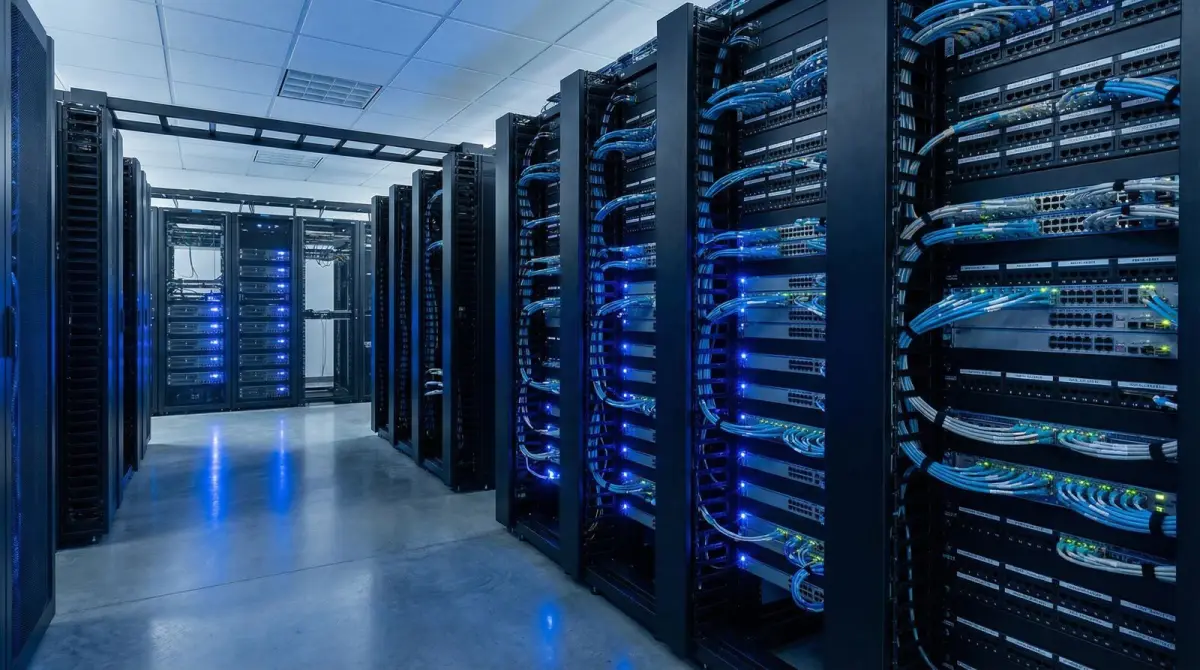
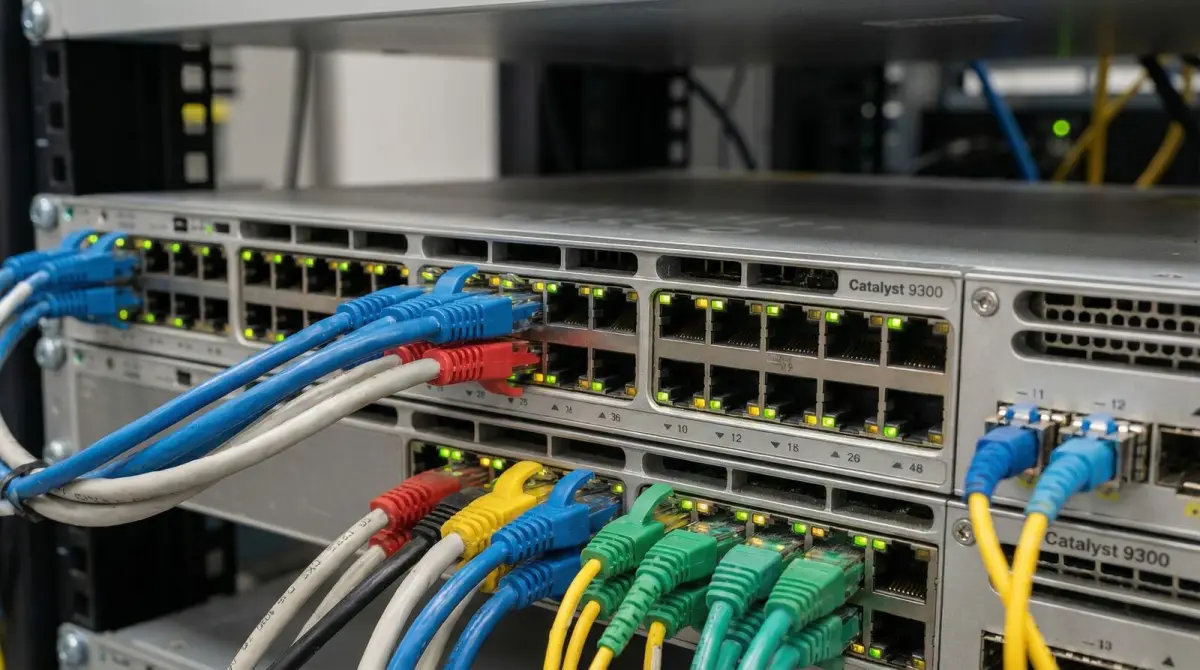
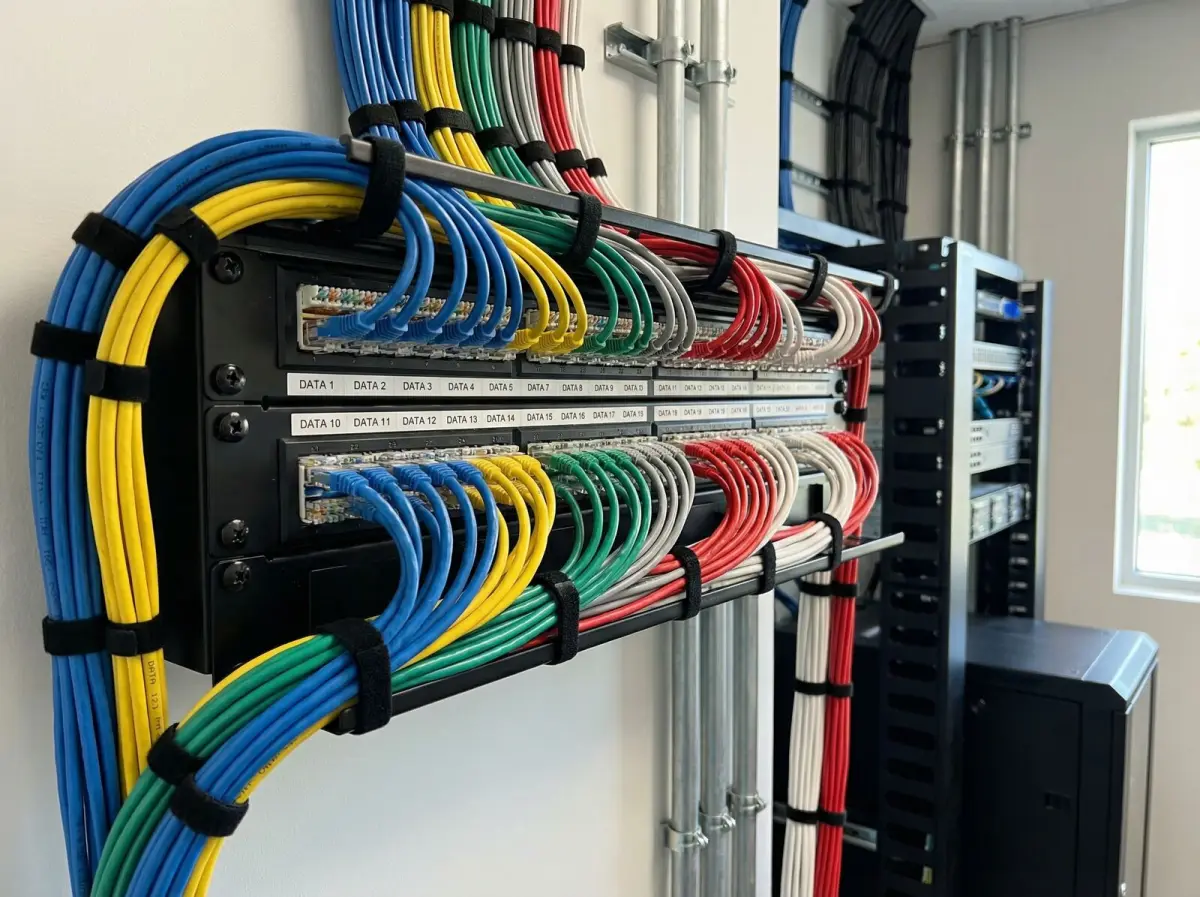
Campus core infrastructure
Core switching, routing, identity dependencies and fibre distribution support every connected building.
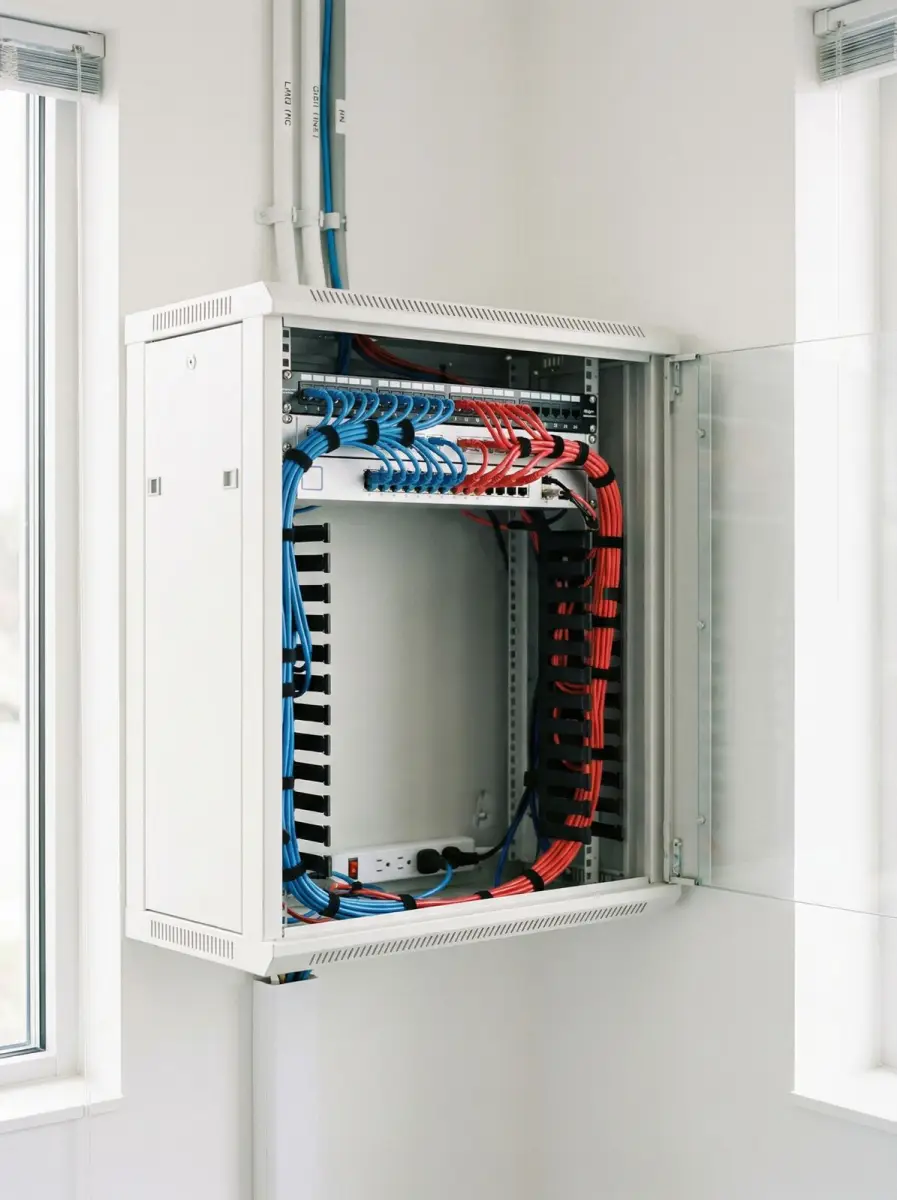
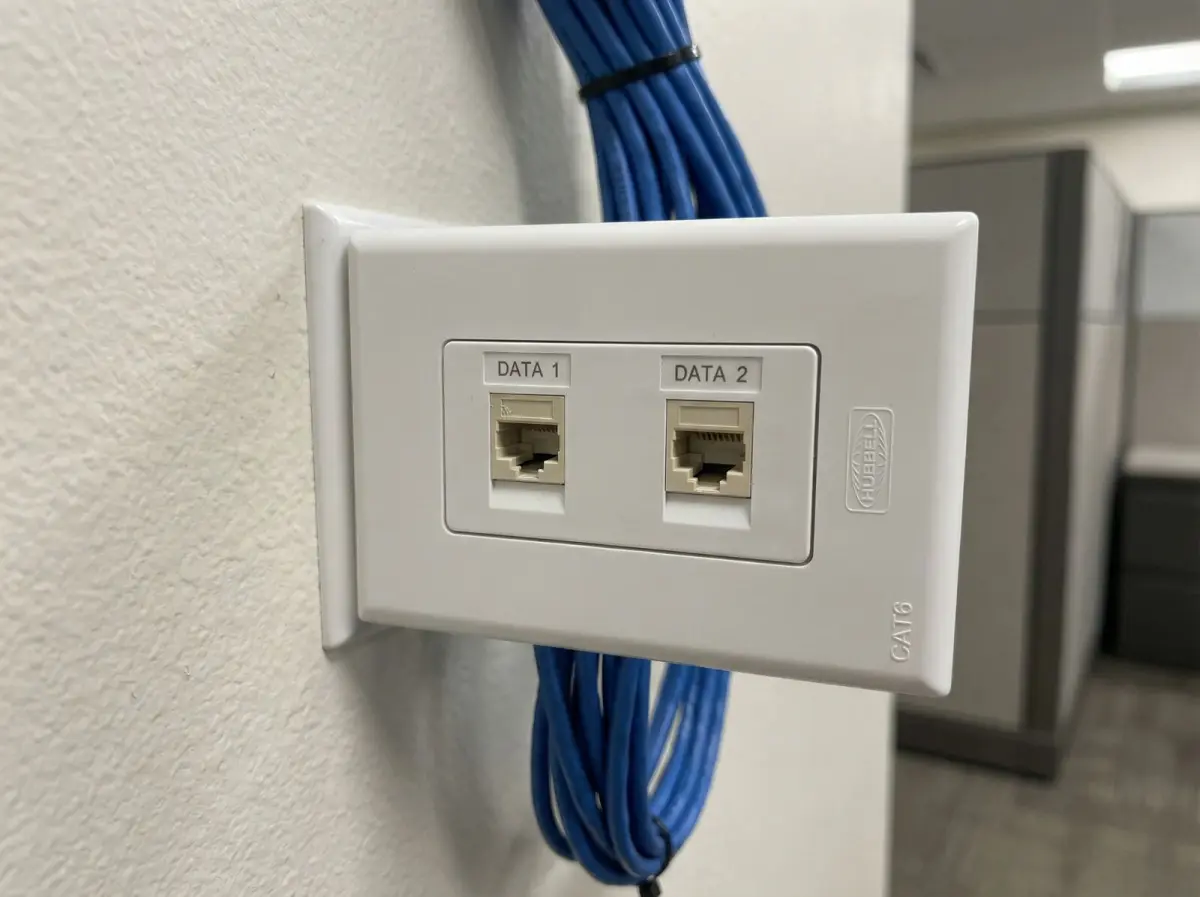
Documented building cabling
Port and room labels reduce uncertainty when classrooms change or faults are isolated.
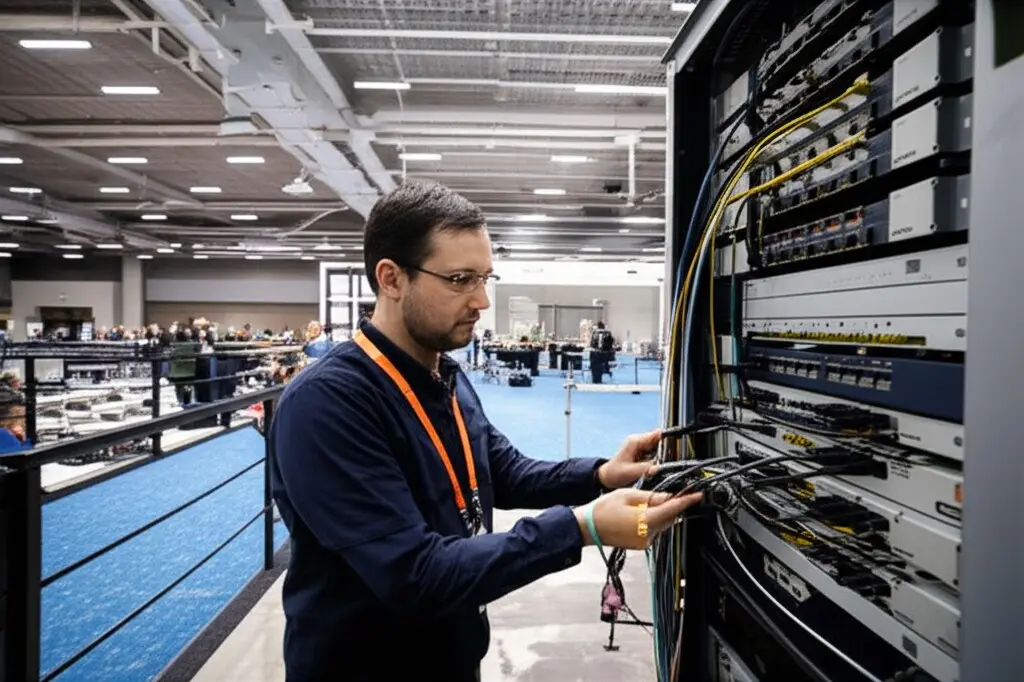
Wired teaching endpoints
Suitable fixed displays, lecterns, workstations and printers can use planned wired connections.
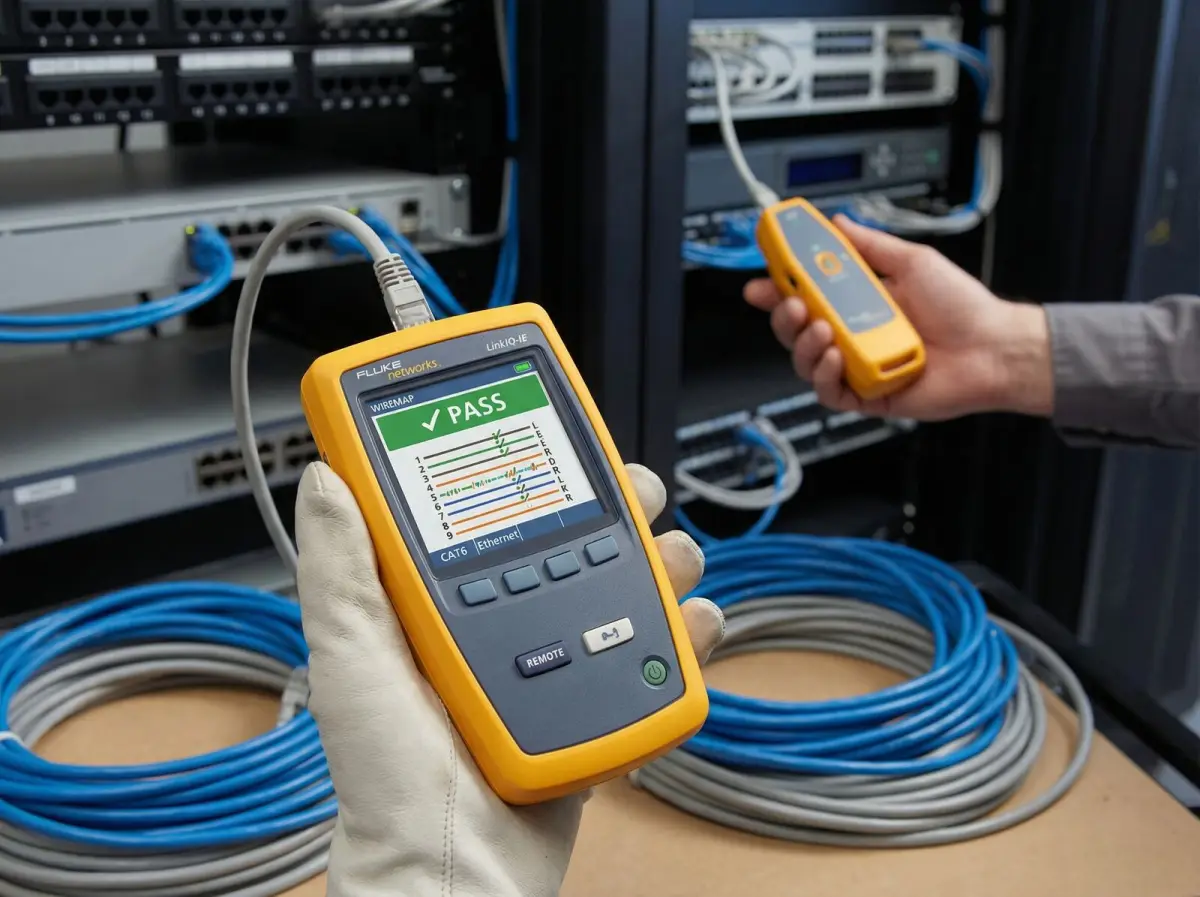
Physical-link evidence
Test records distinguish cable and fibre condition from WiFi, identity and application symptoms.
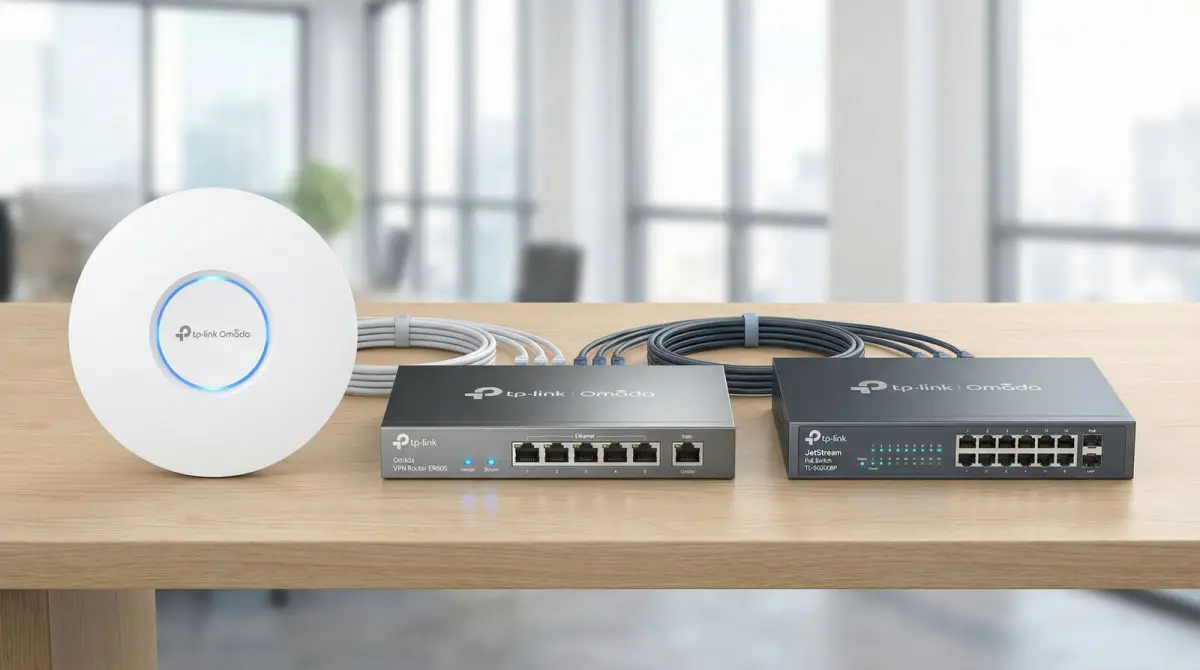
Managed campus access
Platform choice follows scale, identity, lifecycle, visibility, licence and support requirements.

Remote-site connectivity
Fixed, cellular, satellite and designed wireless links are assessed by location and failure scenario.
Evidence base
Technical references used for this guide
- Education network solution
TP-Link Omada Malaysia
Used as a current vendor architecture reference for classroom and dormitory density, identity-based access, network separation and central campus management.
- PutraHotSpot campus WiFi service
Universiti Putra Malaysia
Used as a current Malaysian institutional example of centrally provided campus wireless access using identity authentication, dual-band WiFi and defined campus facilities.
- Wireless high client density design guide
Cisco
Used for the distinction between coverage and capacity, client-density planning, channel reuse and representative high-concurrency scenarios.
FAQ
Questions Malaysian organisations ask before improving WiFi
Straight answers about scope, evidence, disruption and long-term operation.
How many access points does a school need?
There is no reliable access-point-per-classroom or floor-area formula. Quantity and placement depend on room construction, simultaneous active devices, applications, bands and client capability, channel reuse, wired endpoints, halls, hostels, outdoor zones and the selected equipment. A survey and design establish the count.
Why can WiFi show full signal but become slow during a lesson?
Signal strength is only one factor. Many active clients can compete for airtime, while channel design, device capability, access-point load, switch uplinks, internet, identity or the learning application can also limit service. The assessment follows the complete lesson path.
How should student and staff WiFi be separated?
Users can receive role-appropriate access through an approved identity and policy model implemented across wireless, switch ports, routing, firewall and management. Separate names or VLANs alone do not prove isolation; required and representative blocked paths should be tested.
Can a campus support bring-your-own-device access?
Yes where the institution approves the identity, onboarding, device, privacy, logging, content and support policy and the platform supports it. BYOD controls have limits and do not replace safeguarding, device management, education or incident-response responsibilities.
Can WiFi be guaranteed for online examinations?
No responsible design can guarantee every device, application, internet provider, identity service and power condition. Readiness can be improved through a defined scenario, capacity design, representative rehearsal, configuration control, monitoring, supplier contacts and an institution-owned fallback plan.
Are wired classroom connections still needed?
Often yes. Suitable fixed displays, lecterns, laboratory devices, printers, phones and workstations can use Ethernet, preserving wireless capacity for mobile learning and providing a path that is easier to trace. Device support and safe cable routes determine the final choice.
How are different campus buildings connected?
Fibre is commonly considered where protected pathways and suitable terminations exist. Designed wireless links can fit some line-of-sight situations, while cellular or satellite may serve remote, temporary or backup needs. Distance, route, capacity, power, environment and failure scenario decide the design.
Does hostel WiFi use the same design as classroom WiFi?
Not automatically. Hostels have rooms, repeated walls, evening peaks, multiple personal devices and residential support expectations. Representative room categories, common areas, user isolation, fair-use policy and in-room versus corridor placement need a distinct assessment.
Can outdoor campus areas receive WiFi?
Yes where a defined coverage boundary, suitable rated equipment, safe mounting, power, cable or wireless backhaul, surge and weather considerations and maintenance access are included. Trees, terrain, buildings and client devices affect the measured result.
Can an occupied school be upgraded during holidays?
Yes where access and stakeholder availability permit. The plan should account for term dates, examinations, boarding occupancy, restricted rooms, third-party systems, configuration backups, cutover, rollback and validation before teaching resumes.
Does content filtering make the network fully safe for students?
No. Technical filtering can enforce an approved policy within documented limits, but encrypted services, cellular access, unmanaged devices and changing content remain factors. Safeguarding also requires institutional policy, education, device controls, privacy decisions and incident response.
What is needed for a school or campus WiFi quotation?
Useful inputs include plans, building and room lists, timetables, user and device counts, learning and assessment scenarios, identity systems, current internet and equipment, fibre and cable records, hostels and outdoor zones, complaints, term dates and work restrictions.
Explore more
Continue planning your connectivity project
Use the service page that matches the next decision in your network plan.
Testimonials
What Our Clients Say
Trusted by corporations, SMEs, and government agencies in Malaysia and Singapore.
“Great suggestion of the output format of translation which I never thought of. It helps our people at site understand the translation much easier.”
DHL Malaysia
Plan with evidence
Request a school or campus WiFi assessment
Share the building plans, classrooms and specialist rooms, timetables, user and device counts, learning and assessment scenarios, identity services, current infrastructure, hostels and outdoor zones, term dates and preferred work windows. We will use those inputs to define a suitable assessment and deployment scope.
Prefer to provide drawings first? Use the contact page and describe the premises, operating hours, known dead zones and approximate user or device count.