A well-designed hotel WiFi system is no longer a luxury amenity — it is the single most-used facility in the building, the backbone that carries your property-management system, point-of-sale, CCTV, electronic door locks and IPTV, and one of the loudest voices in your online reviews. This guide walks Malaysian hoteliers, resort operators, serviced-apartment managers and homestay owners through exactly how to plan a hotel network from the ground up: how to size guest and operations WiFi, where to put access points, how to build a wired backbone that will not choke in three years, how to segment the network so a guest's laptop can never touch your CCTV recorder, and — the part everyone actually searches for — which equipment brands (Ruckus, Aruba, Cambium, Ubiquiti UniFi, Cisco Meraki) fit which kind of property. If you run a hotel in Kuala Lumpur, a resort in Langkawi or the Perhentians, or a block of serviced apartments in Johor Bahru, this is the technical foundation you need before you spend a single ringgit on hardware.
Why Hotel WiFi Is Now a Revenue Line, Not a Cost Line
For most of the last two decades, hotel management treated internet access the way it treated the ice machine: a facility that had to exist, that nobody wanted to spend money on, and that only became visible when it broke. That framing is now actively dangerous. The modern guest checks in with a phone, a laptop, a tablet, a smartwatch and sometimes a games console or streaming stick, and every one of those devices expects to connect within seconds and stream 4K video without buffering. When the network cannot deliver, the guest does not quietly tolerate it — they photograph the speed-test result, they mention it at the front desk, and they write it into their review.
At the same time, the hotel's own operations have migrated onto that same wireless and wired infrastructure. Housekeeping tablets, mobile check-in, restaurant point-of-sale terminals, IP CCTV cameras, smart door locks, energy-management sensors and increasingly the in-room entertainment system all ride on the network. A hotel network outage in 2026 is not an inconvenience; it can stop you from checking guests in, taking payment, or seeing your own security cameras. Planning the network properly is therefore both a guest-experience decision and a business-continuity decision, and it deserves the same rigour you would apply to fire safety or the electrical distribution board.
How Guest WiFi Reviews Directly Affect Your Bookings
On booking platforms such as Booking.com, Agoda, Expedia and Google's hotel listings, WiFi is a named, filterable amenity and, on several platforms, a scored sub-category. Guests can filter search results to show only properties with free WiFi, and they can sort by it. More importantly, WiFi quality bleeds into the headline review score. A guest who could not join a work call, whose child could not watch a cartoon at bedtime, or who had to tether to their mobile data all weekend does not leave a review that says "WiFi 3/10" — they leave a review that says "disappointing stay" and drops your overall rating.
The economics are unforgiving. On most platforms, a fractional drop in overall score moves a property down the ranking, which reduces impressions, which reduces bookings, which forces price discounting to compensate. A single point of review score is worth real revenue across a year. Set against that, the cost of a properly engineered network — spread across the life of the property — is small. This is the core reason we tell every hotelier we work with: do not scope your network around the cheapest hardware that technically covers the rooms. Scope it around the guest experience you want reflected in your reviews, then build the network that reliably delivers it.
What Makes Hotel Networks Different From Any Other Building
It is tempting to think of a hotel as just a big office with more rooms, and to reach for the same access points and switches an IT reseller would quote for a corporate floor. That is a mistake, because hotels have a combination of constraints that almost no other building shares: extremely high device density concentrated into small rooms with thick walls, guests with zero tolerance for setup friction, a network that must serve both the paying public and a full business operation on the same physical cabling, and a coverage problem shaped by long corridors, concrete party walls and reinforced lift cores that block radio signals.
Guest Expectations Have Moved Faster Than Most Hotel Networks
A decade ago, a guest was happy to check email and load a web page. Today the baseline expectation is that hotel WiFi behaves like good home broadband: instant connection, no re-login every time the phone sleeps, and enough bandwidth to stream Netflix in 4K on the TV while someone else video-calls on a laptop. Business travellers expect to run a full working day — large file uploads, cloud applications, VPN into the corporate network, and video conferencing that does not stutter. The gap between that expectation and what a legacy two-antenna router in the corridor can deliver is enormous, and it is the single most common reason hotels call us in for a redesign.
Everything in a Modern Hotel Runs on the Network
When you plan a hotel network you are not planning "guest WiFi"; you are planning the nervous system of the whole building. The systems that will depend on your cabling and switching typically include:
- •Property Management System (PMS) — the platform that runs reservations, check-in/check-out, folios and billing, often integrated with the WiFi so that access is tied to a guest's stay.
- •Point-of-Sale (POS) at the restaurant, bar, spa and gift shop, which cannot afford to drop mid-transaction.
- •IP CCTV cameras streaming and recording continuously to a network video recorder, with strict data-protection obligations.
- •Electronic door locks and building-access controls, increasingly network-connected for mobile keys and audit trails.
- •IPTV / in-room entertainment and streaming casting, which is bandwidth-hungry and sensitive to multicast configuration.
- •Back-of-house operations — housekeeping tablets, kitchen display systems, staff VoIP handsets, and energy-management sensors.
- •IoT and building systems — smart thermostats, lighting, minibar sensors and increasingly voice assistants in premium rooms.
Each of these has different reliability, latency and security requirements, and putting them all on one flat, undivided network — as far too many small hotels still do — is how you end up with a guest's malware-infected laptop probing your CCTV recorder, or an IPTV multicast storm knocking your POS offline. Segmentation, which we cover in detail below, is not optional in a hotel.
Requirements Gathering: What to Decide Before You Buy Anything
The most expensive hotel networks we are asked to rescue are almost always the ones where hardware was bought before requirements were understood. Before anyone quotes you access points, you and your integrator should be able to answer a specific set of questions. Getting these right up front is what separates a network that ages gracefully from one you rip out in three years.
- •How many rooms, and how are they distributed across floors and wings? Concrete party walls between rooms change the AP strategy completely.
- •What is your realistic peak occupancy, and what is the device-per-guest ratio you should plan for (three to four devices per adult guest is a safe modern baseline)?
- •Which PMS do you run, and does it support WiFi integration for stay-based access and any paid-tier upsell?
- •Will guest WiFi be free, tiered (free basic + paid premium), or fully paid? This drives the captive-portal and billing design.
- •What operational systems (POS, CCTV, door locks, IPTV, BMS) must share the infrastructure, and who owns each of them?
- •What is your internet situation — is fibre available and reliable, or are you on an island or in a rural area where you need Starlink or a wireless backhaul?
- •Who will manage the network day to day, and do you want cloud management so a specialist can support you remotely?
Property Profiles: City Hotel, Resort, Serviced Apartment, Homestay
Not all "hotels" are the same network problem. A 300-room city business hotel in KL Sentral, a 60-villa beach resort in Langkawi, a block of 120 serviced apartments in Mont Kiara and a 12-room boutique homestay in George Town each demand a different design. The city hotel is a density and roaming problem with a rich operational stack. The resort is a coverage-over-distance and outdoor-weatherproofing problem, often with a difficult internet backhaul. The serviced apartment block behaves like a hybrid between a hotel and residential MDU (multi-dwelling unit), where each unit wants something close to a private home network. The homestay is a small but reputation-critical deployment where the owner cannot afford an on-site IT team, so cloud management and reliability matter more than raw scale. We match the brand and topology to the profile, not the other way round.
Capacity Planning: Device Counts and Bandwidth per Room
Capacity is where planning either succeeds or fails. Work in terms of concurrent devices, not rooms. A double room at high occupancy commonly carries six to eight active devices: two phones, two laptops, a tablet, the smart TV, a smartwatch and perhaps a games console. A 100-room hotel at peak can therefore present 600 to 800 concurrent clients to the network, with a demand curve that spikes in the evening as guests return and stream. Access points must be chosen and placed for that concurrent client load, not for a marketing "coverage" figure.
For per-guest bandwidth, a comfortable modern target is 15–25 Mbps of usable throughput available to any single guest who wants it, with the aggregate internet pipe sized so that realistic simultaneous demand does not saturate it. You do not multiply 25 Mbps by every device — that would over-provision massively — but you do apply a contention-aware model that accounts for evening streaming peaks. Getting this arithmetic right is why we always start with a site survey and an occupancy-based capacity model rather than a hardware catalogue.
Coverage Strategy: Per-Room Wall-Plate APs vs Corridor APs
This is the defining architectural decision in any hotel guest-room network, and it is where the most money is saved or wasted. There are two broad approaches: put an access point inside every room (typically an in-wall, wall-plate unit), or cover several rooms from an access point in the corridor ceiling. Each has a legitimate use, and choosing wrongly is the root cause of the majority of "the WiFi is terrible" complaints we are called in to solve.
In-Wall (Wall-Plate) Access Points: The Hotel Standard
The gold standard for full-service hotels, and increasingly for mid-market properties, is a wall-plate access point per room — a compact unit that mounts into a standard electrical back-box, usually where the old telephone or data socket sat. It is powered over the same Ethernet cable that carries its data (Power over Ethernet), and many models include one or two wired passthrough ports so the in-room TV, IP phone or IPTV box can plug directly into the same unit. Ruckus, Aruba, Cambium and Ubiquiti all make excellent in-wall APs specifically for this market.
The reasons this approach wins in hotels are physical. Hotel walls are typically concrete or brick with steel reinforcement, plus bathroom plumbing and mirrors that reflect and absorb 5 GHz and 6 GHz radio. A single corridor AP trying to punch through two or three such walls delivers a weak, high-latency signal by the time it reaches the far side of the room — exactly where the guest sits with their laptop on the bed. An in-room AP puts the radio a few metres from the guest with no wall in between, which means a strong signal, high throughput, and low airtime contention because each AP serves only one room's worth of devices. The trade-off is more cabling and more access points, which is why the corridor approach still has its place.
Corridor, Lobby, and Outdoor Coverage
Corridor-ceiling APs make sense in budget hotels and older buildings with thin partition walls, where one well-placed AP can genuinely cover two or three adjacent rooms without the signal being destroyed. They also cover the corridors, stairwells and lift lobbies themselves, so guests stay connected as they move. But in a modern concrete building, relying on corridor APs alone for in-room coverage is a false economy: you save on hardware and cabling, then spend the savings many times over on complaints, refunds and lost reviews.
Public and outdoor areas — the lobby, restaurant, pool deck, function rooms, gardens and beachfront — need their own dedicated APs, and outdoor units must be genuinely weatherproof (IP-rated) and rated for Malaysian heat, humidity and monsoon rain. Cambium and Ruckus both have strong outdoor hospitality ranges, which is one reason they feature heavily in resort designs. For temporary high-density needs such as weddings, conferences or ballroom events, a hotel often supplements its permanent network with a dedicated event build; our event WiFi service exists precisely for those peaks, and we cover the topic in depth in our event WiFi setup guide.
Seamless Roaming Across Floors and Zones
A guest should be able to walk from their room to the lobby to the pool to a meeting room without ever noticing the WiFi hand off between access points. Achieving this requires a coordinated wireless system — a controller or cloud platform that manages all the APs as one network, supporting fast-roaming standards (802.11r/k/v) so a device re-associates to the next AP in milliseconds rather than dropping the connection and re-authenticating. This is a major reason hotels should not build guest WiFi from a pile of unmanaged consumer routers with different SSIDs on each floor: roaming falls apart, video calls drop at every doorway, and the guest blames the hotel. A single, well-tuned SSID with proper roaming, backed by a controller-based or cloud-managed platform, is the baseline for a credible hotel network.
The Wired Backbone: Cabling, PoE, and Switching
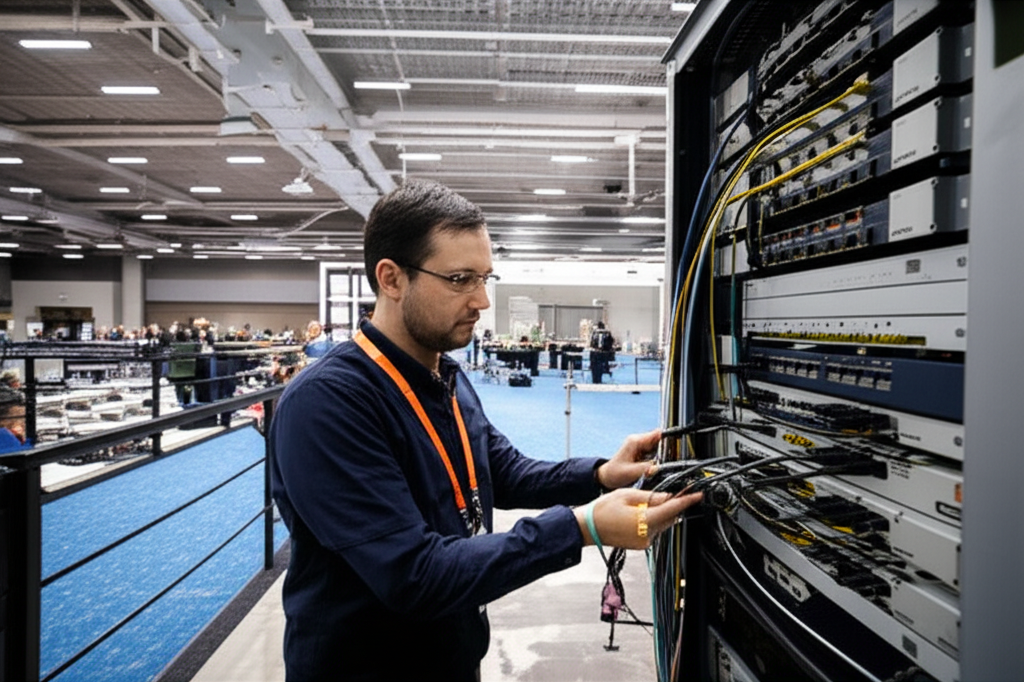
Every wireless access point is only as good as the wire behind it. The most common hidden cause of a poor hotel network is an under-built wired backbone: too little cabling, cheap cable, undersized switches, or no power budget headroom. Because re-cabling an occupied hotel is enormously disruptive, the wired layer is the part you must over-provision at build time. Our network cabling and WiFi installation practice treats the backbone as the foundation of the whole project, and the guide below reflects how we scope it.
Structured Cabling and the Distribution Design
A hotel should be cabled as a proper structured-cabling system: a main equipment room (the core), floor or wing distribution frames (intermediate distribution frames, or IDFs), and horizontal cabling from each IDF out to every access point, camera and room outlet. For new builds and major refurbishments we specify at least Category 6A copper to each AP and device, which comfortably supports multi-gigabit access points and gives years of headroom; fibre links the IDFs back to the core so the backbone never becomes the bottleneck. Cable runs are kept within the 90-metre structured-cabling limit, and we always pull spare cable and leave spare capacity in containment, because the cheapest time to add a cable is before the ceilings and walls are closed.
PoE Budgeting and Switch Selection
Access points, IP cameras, IP phones and some door controllers draw their power over the network cable via Power over Ethernet, which means your switches must supply that power reliably. This is where cheap switching quietly sabotages a project. A switch has a total PoE power budget; if you connect more high-draw devices than the budget allows, devices reboot at random or refuse to power up — a nightmare to diagnose after handover. We size switches so that the PoE budget comfortably exceeds the real draw of every connected device, choose PoE+ (802.3at) or PoE++ (802.3bt) where modern APs demand it, and place a managed switch in each IDF so VLANs and quality-of-service can be enforced right at the edge. For continuity, core and distribution switches sit on uninterruptible power supplies so a brief power blip does not knock the whole hotel offline.
VLAN Segmentation: Guest, Staff, PMS/POS, CCTV, IoT
If you take one technical decision away from this guide, make it this one: a hotel network must be segmented into separate virtual LANs (VLANs). Sharing one flat network between paying guests and your business systems is a security failure, a compliance failure and a reliability failure all at once.
Why You Must Segment a Hotel Network
Guests are, from a security standpoint, untrusted strangers on your network. Their devices may be infected, misconfigured or actively malicious. If a guest device sits on the same network segment as your POS terminals, CCTV recorder or PMS server, then a compromise of that guest device puts payment data, camera footage and guest personal information within reach. Malaysia's Personal Data Protection Act (PDPA) makes you responsible for guest personal data, and payment-card rules (PCI DSS) require cardholder systems to be isolated from untrusted networks. Beyond security, segmentation also protects reliability: broadcast traffic and multicast storms from IPTV or a misbehaving guest device stay contained within their own VLAN and cannot flood the POS or door-lock traffic that a hotel cannot afford to lose.
A Practical VLAN Plan for a Mid-Size Hotel
A clean, defensible segmentation for a typical hotel separates traffic by trust level and function, with firewall rules controlling exactly what may talk to what:
- •Guest VLAN — internet-only, with client isolation so guests cannot see each other's devices; no route to any internal system.
- •Staff / corporate VLAN — back-office PCs, housekeeping tablets and staff devices, with controlled access to internal resources.
- •PMS / POS VLAN — reservation, billing and payment systems, tightly firewalled and PCI-conscious.
- •CCTV / security VLAN — cameras and the network video recorder, isolated so footage cannot be reached from guest or general staff networks.
- •IoT / building VLAN — door locks, thermostats, lighting, sensors and IPTV, kept apart from everything else because IoT devices are notoriously insecure.
- •Management VLAN — the network gear itself (switches, APs, controllers), reachable only by administrators.
The point is not the exact number of VLANs but the principle: least privilege between segments, enforced at the switch and firewall, so that a breach or a fault in one part of the hotel cannot cascade into the rest.
Captive Portal, Guest Authentication, and PMS Integration
The captive portal is the branded splash page a guest sees when they first join the WiFi — the point at which they log in, accept terms and, if you choose, are offered a paid upgrade. Done well, it is a brand-reinforcing, frictionless welcome and a legitimate data-capture opportunity. Done badly, it is the first thing a guest hates about their stay. The best hotel portals integrate with the PMS so that a guest can log in with their room number and surname (validated against their live reservation), which means no shared password to leak, automatic expiry at check-out, and per-guest accountability.
Portal Branding and Data Capture
Your portal should carry your hotel's branding — logo, colours, a welcome message, perhaps a promotion for the restaurant or spa. Many hotels use it as a soft marketing touchpoint, offering faster access in exchange for an email address or loyalty sign-up. This is legitimate, but it is regulated: under the PDPA you must be transparent about what you collect and why, obtain proper consent, and honour any opt-out. We build portals that capture the data you are entitled to without dark patterns, because a guest who feels tricked at login is not a guest who leaves a good review. The portal should also fail gracefully — if the PMS integration is briefly unavailable, guests should still be able to get online through a fallback, never locked out at the door.
Tiered and Paid Bandwidth Plans
A common and sensible commercial model is tiered bandwidth: free basic WiFi for everyone (fast enough to be genuinely usable — free WiFi that is deliberately crippled generates the worst reviews of all), with a paid or loyalty-unlocked premium tier for guests who want higher speeds for 4K streaming, large uploads or multiple heavy devices. The captive portal and the wireless platform together enforce these tiers, applying per-device or per-room rate limits. Resorts and conference hotels often add day-pass or event-based plans. The key is that even the free tier must leave guests genuinely satisfied; the premium tier is an upsell to power-users, not a way to make the base experience bad on purpose.
Bandwidth Management and Fair-Use at Scale
Without active bandwidth management, a handful of heavy users — someone torrenting, running a huge cloud backup, or a room streaming three simultaneous 4K feeds — can degrade the experience for everyone else. A well-run hotel network applies fair-use controls: per-client and per-room rate limits so no single guest can monopolise the pipe, application-aware prioritisation so that latency-sensitive traffic (video calls, the PMS, the POS) is protected ahead of bulk downloads, and sensible caps on the free tier. Quality-of-Service (QoS) policies ensure that when the network is busy, the traffic that matters most keeps flowing. On a large property this management is done centrally from the controller or cloud dashboard, which is another reason the choice of wireless platform matters so much: the brands that do hospitality well give you granular, easy control over exactly these behaviours.
Internet, Redundancy, and Failover (Fibre + Starlink)
The best internal network in the world is worthless if the pipe to the internet is down, and a hotel that cannot get its guests online — or cannot process a card payment — is a hotel in crisis. Redundancy is therefore essential for any serious property. The standard design uses a primary fibre line from a reputable carrier, sized to your capacity model, with a second, independent internet connection for automatic failover: a second fibre from a different provider, a fixed-wireless link, or a 4G/5G backup. A gateway or firewall with dual-WAN capability switches to the backup within seconds when the primary drops, keeping the POS, PMS and at least essential guest access alive. For a busy hotel, that automatic failover has paid for itself the first time a backhoe cuts the street fibre.
Starlink for Island and Remote Resorts
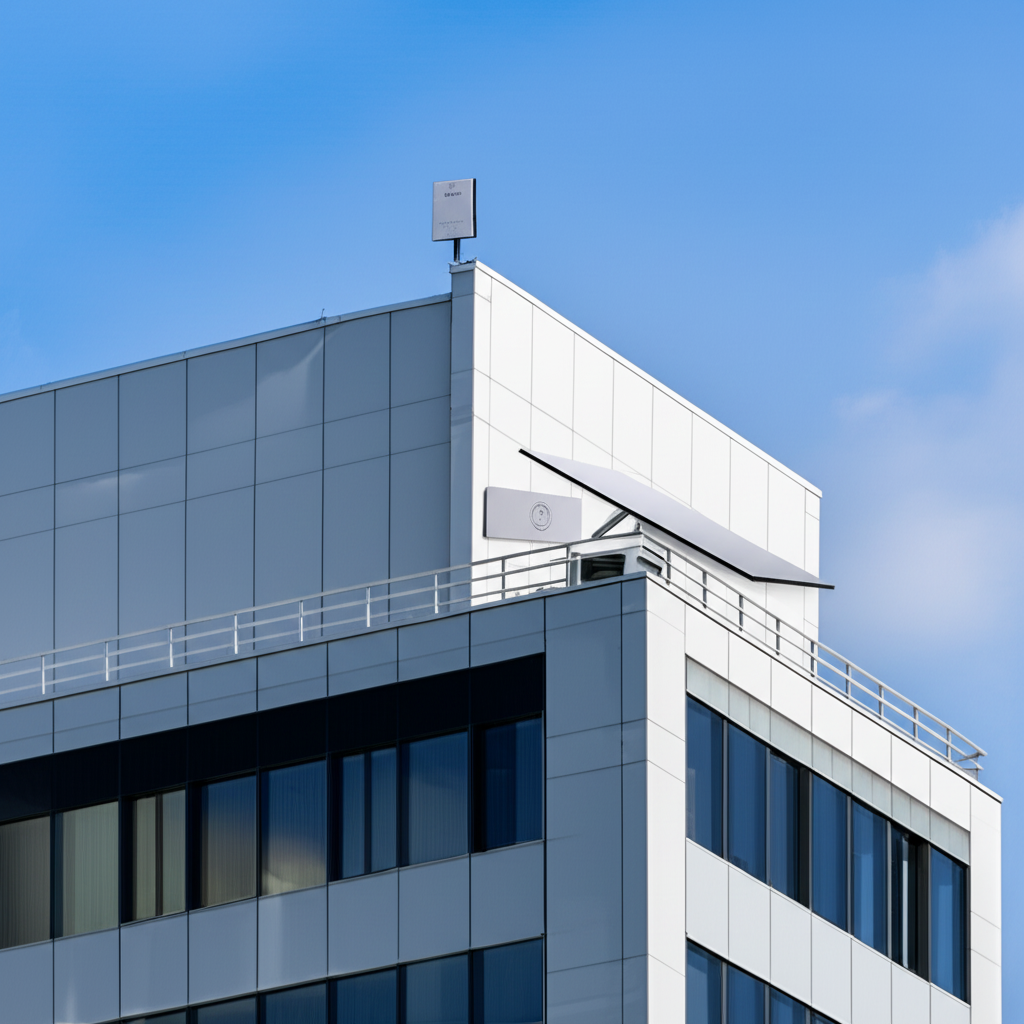
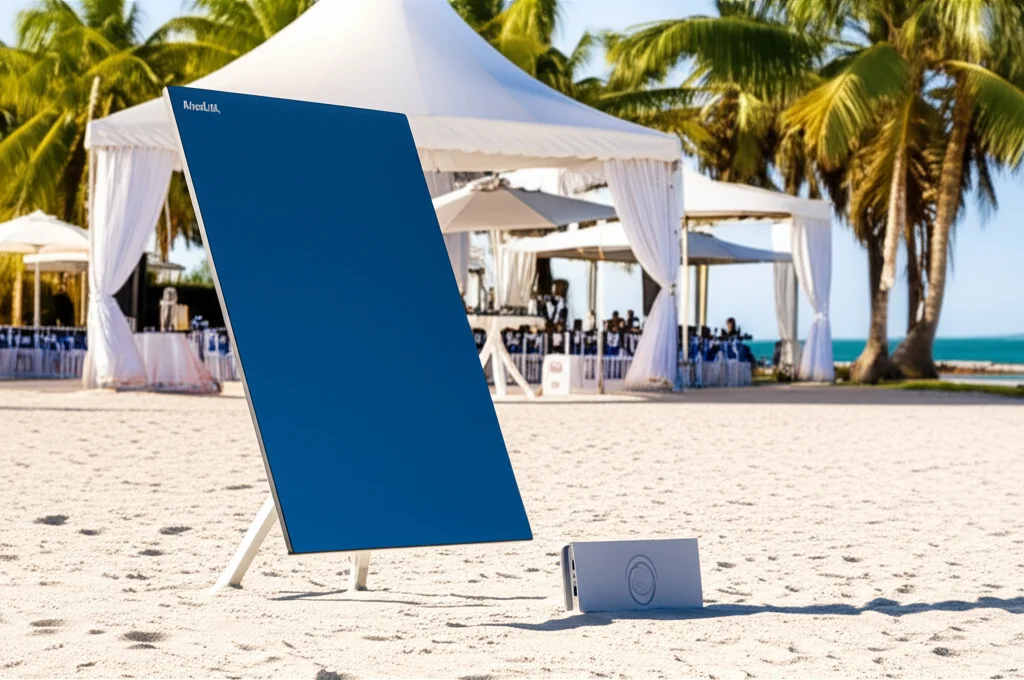
Malaysia's most beautiful resorts are often in exactly the places terrestrial fibre never reached: the Perhentian and Redang islands, remote stretches of Sabah and Sarawak, jungle eco-lodges and offshore dive resorts. For years these properties limped along on expensive, slow satellite or congested cellular, and guest reviews suffered for it. Starlink has changed the economics completely: low-latency, high-throughput satellite internet that can be installed almost anywhere with a clear view of the sky, delivering broadband speeds to islands and remote coasts that previously had none. We increasingly design resort networks with Starlink as either the primary internet or as the automatic failover behind a microwave or fibre link, so a monsoon-severed cable does not take the whole resort offline. If your property sits beyond the reach of fibre, our Starlink rental and wireless connectivity services are built for exactly this situation, and our remote-site internet guide goes deeper into resilient connectivity for hard-to-reach locations.
Resort reality check
On an island resort, connectivity is not a back-office concern — it is the difference between a five-star review and a one-star one. Plan internet redundancy first, then design the internal network around a pipe you can actually rely on. A Starlink primary link with a cellular backup, feeding a properly segmented Cambium or Ruckus outdoor mesh, is a pattern we deploy regularly for Malaysian beach and jungle resorts.
Equipment Brand Guide: Which System for Which Hotel
This is the section most hoteliers came here for. There is no single "best" hotel WiFi brand — there is the right brand for your property type, budget, scale and management model. Below we compare the five systems we most often specify for hospitality in Malaysia, described neutrally and by fit. For a broader, non-hotel-specific comparison of these same vendors, see our enterprise WiFi equipment brand comparison.
Ruckus (CommScope): The Hospitality Interference Specialist
Ruckus has a deservedly strong reputation in hospitality, and it earns it in the hardest conditions: dense, high-interference environments where dozens of APs and hundreds of devices are packed close together. Its signature is adaptive antenna technology (BeamFlex) that steers the radio signal toward each client and around interference, which pays off dramatically in a concrete hotel full of overlapping walls and reflective surfaces. Ruckus offers excellent in-wall APs designed for the per-room model, robust outdoor units for resorts, and mature hospitality features including tight PMS integration and captive-portal tooling. If you run a full-service or upscale hotel where guest WiFi quality is a competitive differentiator, or a high-density property where cheaper gear buckles under load, Ruckus is very often the right answer. It is a premium choice, priced accordingly, and worth it where reputation is on the line.
Aruba (HPE): Large Hotels and International Chains
Aruba, part of Hewlett Packard Enterprise, is a heavyweight enterprise networking brand that scales beautifully to large hotels, resorts and international chains. Its strengths are depth and integration: a full stack of APs, switches and gateways that work as one system, powerful centralised management (Aruba Central in the cloud), and sophisticated security and policy enforcement (ClearPass) that large-group IT departments and brand standards often require. Aruba is the natural choice when a property is part of a chain that mandates enterprise-grade infrastructure, when you need granular role-based network access, or when the deployment is simply large and complex enough to justify a top-tier platform. For a boutique homestay it is overkill; for a 400-room flagship or a branded chain property, it is exactly the right calibre.
Cambium Networks: Value Hospitality and Outdoor Resorts
Cambium occupies a valuable middle ground: enterprise-grade capability at a more accessible price, with a particular strength outdoors. Its cnPilot APs (indoor and rugged outdoor models), cnMaestro cloud management and, crucially, its point-to-point and point-to-multipoint wireless backhaul products make it a favourite for resorts and sprawling properties. When you need to link scattered villas, a beachfront restaurant and a hilltop spa back to the core without trenching fibre everywhere, Cambium's wireless bridges are excellent, and its weatherproof outdoor APs handle Malaysian sun and rain well. For a resort, a large serviced-apartment estate, or any hotel that wants strong performance and good outdoor coverage without top-tier pricing, Cambium is a compelling, well-supported choice.
Ubiquiti UniFi: Boutique, Budget, and Serviced Apartments
Ubiquiti's UniFi line has become enormously popular for boutique hotels, budget properties, serviced apartments and homestays across Malaysia, and for good reason. It offers genuinely capable hardware — including neat in-wall APs (the UniFi In-Wall range) purpose-built for the per-room hotel model, with wired passthrough ports — at a fraction of the price of the enterprise brands, all managed from a single, approachable interface (the UniFi Network controller). For a small or mid-size property without a dedicated IT team, the combination of affordability, tidy management and solid performance is hard to beat. The trade-offs to understand honestly: UniFi is less battle-hardened than Ruckus or Aruba in extreme high-density environments, and its support model is community-and-integrator rather than enterprise SLA. For the right property — a 30-room boutique hotel, a serviced-apartment block, a well-run homestay — it is often the smartest value in the market. We deploy a great deal of UniFi where it genuinely fits.
Cisco Meraki: Cloud-Managed Chains and Multi-Property Groups
Cisco Meraki's defining feature is 100% cloud management: every AP, switch and security appliance is configured and monitored from a single web dashboard, with no on-site controller. For a hotel group running several properties, or a chain that wants head-office IT to see and manage every site from one screen, this is powerful — a network engineer in KL can troubleshoot a resort in Sabah without leaving their desk. Meraki also bundles strong analytics, security and simple templated deployment, which makes rolling out a consistent standard across many hotels straightforward. The trade-offs are a subscription-licensing model (the hardware stops managing itself if licences lapse) and premium pricing. For a single independent hotel it can be more than you need; for a multi-property group that values centralised, hands-off management, Meraki is an excellent fit.
Which Brand for Which Hotel Type: Recommendation Table
The table below summarises how we typically match brands to property profiles. Treat it as a starting point for a conversation, not an absolute rule — the right answer always depends on your specific building, budget and operations.
| Property type | Recommended brand(s) | Why it fits |
|---|---|---|
| Upscale / full-service city hotel (high density) | Ruckus, Aruba | Best-in-class performance in dense, interference-heavy buildings; deep PMS integration; reputation-critical. |
| Large hotel or international chain property | Aruba, Cisco Meraki | Enterprise scale, brand-standard security, centralised multi-site management. |
| Resort / island / spread-out property (outdoor) | Cambium, Ruckus | Rugged outdoor APs and wireless backhaul to link scattered buildings without trenching fibre. |
| Boutique hotel / budget property | Ubiquiti UniFi, Cambium | Strong performance and tidy management at accessible cost; in-wall APs for per-room coverage. |
| Serviced apartments / MDU | Ubiquiti UniFi, Cambium | Per-unit in-wall APs, easy management, per-tenant isolation at good value. |
| Homestay / small guesthouse | Ubiquiti UniFi, TP-Link Omada | Affordable, cloud-manageable, reliable for a handful of rooms with no on-site IT. |
| Hotel group / multi-property operator | Cisco Meraki, Aruba | Single-dashboard, remote management of every site from head office. |
Two brand long-tails worth naming directly, because hoteliers search for them: a "Ruckus hotel WiFi" deployment and an "Aruba hotel" build are both premium, reputation-first choices for larger or upscale properties; a "UniFi hotel Malaysia" project is the value-and-simplicity route for boutique and budget stays; and a "Cambium hotel" design shines when outdoor coverage and wireless backhaul across a resort are the hard part. We are vendor-neutral: we specify whichever of these genuinely serves your property best.
Back-of-House: POS, CCTV, Door Locks, and IPTV
Guest WiFi gets the attention, but the operational systems riding on the same infrastructure are what keep the hotel running — and each has its own demands. Point-of-sale terminals need rock-solid, low-latency connectivity on their own protected VLAN, because a dropped connection mid-payment is lost revenue and an unhappy guest. IP CCTV generates continuous, heavy, sustained traffic that must be sized into the switch and backbone capacity and kept isolated for privacy and PDPA compliance; cameras and their recorder should never share a segment with anything a guest can reach. Electronic door locks, whether they use their own low-power wireless or the IP network for mobile keys and audit logs, sit on the IoT VLAN and must fail safe. IPTV and in-room casting are bandwidth-hungry and multicast-sensitive: without correct multicast configuration (IGMP snooping and querier settings) an IPTV stream can flood a network and take down unrelated systems, which is why IPTV planning belongs in the network design from day one, not bolted on afterwards. A competent hotel network integrator plans all of these together, so the guest experience and the operation reinforce each other rather than fighting over the same wires.
Managing a Large Deployment After Go-Live
A hotel network is not a project you finish and forget; it is a living system that serves thousands of different guests a month, each with their own devices and expectations. Managing a large deployment well means centralised visibility — a controller or cloud dashboard that shows the health of every AP, switch and link at a glance — and proactive monitoring that alerts you to a failing access point or a saturated uplink before guests start complaining. It means firmware discipline (keeping gear patched against security vulnerabilities without introducing instability), periodic RF re-tuning as the building and the wireless neighbourhood change, capacity reviews as occupancy and device counts grow, and a clear support path so that when something breaks at 11 pm on a full-house Saturday, someone competent can respond fast. This is precisely why cloud-managed platforms (Meraki, Aruba Central, cnMaestro, UniFi) are so popular in hospitality: they let a specialist support your property remotely, and they let a small hotel punch far above its in-house IT weight.
How Translife Designs and Deploys Hotel Networks
Translife Group has been building connectivity and network infrastructure across Malaysia and Singapore since 2005, and we run hotel network projects as turnkey engagements — survey, design, deploy and support — so you deal with one accountable partner from first walkthrough to ongoing maintenance. We begin with a proper on-site survey and a capacity model built from your real room count, occupancy and operational systems, not a hardware catalogue. From that we produce a design: the coverage strategy (in-wall per-room APs versus corridor APs, floor by floor), the structured cabling and PoE switching, the VLAN segmentation plan, the captive portal and PMS integration, the bandwidth and fair-use policy, and the internet and failover architecture — including Starlink for island and remote resorts where fibre cannot reach.
Because we are genuinely vendor-neutral, we specify whichever of Ruckus, Aruba, Cambium, Ubiquiti UniFi or Cisco Meraki actually fits your property, budget and management model, rather than pushing a single line. Our network cabling and WiFi installation team handles the physical build to structured-cabling standards, our wireless connectivity specialists tune coverage and roaming across every floor and outdoor area, and for ballrooms and conferences we can layer in dedicated event WiFi for high-density peaks. After go-live we provide monitoring and support so your network stays fast and reliable long after handover. Pricing is project-based and quoted from the survey, because an honest hotel network cost depends entirely on the building, the room count and the systems it must carry.
Common Hotel Network Mistakes We Are Called In to Fix
Almost every rescue project we take on shares a handful of avoidable mistakes. Learn from them before you build:
- •Consumer routers instead of a managed system — a different unmanaged router per floor, no roaming, no central control, and constant guest complaints.
- •Corridor-only coverage in a concrete building — saving on cabling and APs, then paying for it in one-star reviews about dead spots in the rooms.
- •One flat network for guests and operations — no VLANs, so guest devices share a segment with POS, CCTV and the PMS, a security and compliance failure.
- •An undersized wired backbone or PoE budget — cheap switches and too little cable, causing random reboots and no room to grow.
- •No internet redundancy — a single fibre with no failover, so one cut cable stops check-ins and payments.
- •A deliberately crippled free tier — making the base WiFi bad to force paid upgrades, which simply generates furious reviews.
Frequently Asked Questions
Do I really need an access point in every hotel room?
In a modern concrete or brick building with reinforced walls, yes — per-room in-wall APs are the reliable standard, because corridor APs cannot punch through the walls to deliver the strong, consistent signal guests now expect. In older buildings with thin partitions, corridor APs covering two or three rooms each can be adequate. A site survey settles it definitively.
Which brand is best for a small boutique hotel or homestay?
For small properties without an in-house IT team, Ubiquiti UniFi (or TP-Link Omada) usually gives the best balance of price, tidy cloud-style management and reliable performance, including neat in-wall APs for the per-room model. Larger or upscale hotels lean toward Ruckus, Aruba, Cambium or Meraki.
How do I get reliable internet at an island or jungle resort?
Where fibre is unavailable, Starlink now delivers genuine broadband speeds almost anywhere with a clear view of the sky, and we design resort networks with Starlink as the primary link or as automatic failover behind a microwave or fibre link. See our wireless connectivity and Starlink rental services.
Can you integrate the WiFi with our property-management system?
Yes. We build captive portals that authenticate guests against the live PMS reservation (room number and surname), so access is tied to the stay, expires at check-out, and can drive tiered or paid-bandwidth upsells — no shared password to leak.
Planning a different kind of building? We have companion guides for schools and offices: see how to plan a school network and WiFi in Malaysia and how to plan an office network and WiFi in Malaysia.
Planning Your Hotel Network the Right Way
A great hotel network is invisible to guests — they connect once, roam everywhere, stream everything, and never think about it — while quietly and securely carrying the whole operation of the building behind the scenes. Getting there is not about buying the most expensive access points; it is about planning in the right order: understand your property profile and capacity, choose a coverage strategy that suits your walls, build a wired backbone with headroom, segment ruthlessly into VLANs, integrate a thoughtful captive portal with your PMS, manage bandwidth fairly, and make your internet redundant — with Starlink standing by for the remote resorts. Match the equipment brand to the property, not to a sales pitch, and you will build a network that lifts your reviews instead of dragging them down.
Ready to plan a hotel network that guests actually praise?
Translife designs and deploys turnkey hotel, resort and serviced-apartment networks across Malaysia and Singapore — survey, design, cabling, WiFi, segmentation, captive portal and Starlink failover for remote resorts. Tell us about your property and we will scope it properly.
Request a Hotel Network Quote →